This is a transcript of my keynote presentation for the Regional Scrum Gathering Tokyo conference on January 8th, 2025. Watch the video here.
- Introduction
- People
- Internal Quality
- Lovability
- Visibility
- Agility
- Profitability
AI Disclaimer: Decorative illustrations were created with ChatGPT / Dall-E 2024. All substantive content was authored by me.
“How are you measuring productivity?”
It was September 2023 and my CEO was asking me a question.
“How are you measuring productivity?”
It was September 2023, my CEO was asking me a question, and my position as Vice President of Engineering was less than three months old.
“How are you measuring productivity?”
It was September 2023, my CEO was asking me a question, my position was less than three months old, and I didn’t have an answer.
So I told the truth.
“How am I measuring productivity? I’m not. Software engineering productivity can’t be measured.”
It’s true! The question of measuring productivity is a famous one, and the best minds in the industry have concluded it can’t be done. Martin Fowler wrote an article in 2003 titled “Cannot Measure Productivity.” Kent Beck and Gergely Orosz revisited the question 20 years later. Kent Beck concluded, “Measure developer productivity? Not possible.”
My favorite discussion of the topic is Robert Austin’s, who wrote Measuring and Managing Performance in Organizations. He says a measurement based approach “generates relatively weak improvements“ and “significant distortion of incentives.”
How do I measure productivity? It can’t be done. At least, not without creating a lot of dysfunctional incentives.
But this isn’t a talk about measuring productivity. This is a talk about what you do, as VP of Engineering, when somebody asks for the impossible.
[turn right] “How are you measuring productivity?” [turn left] “I’m not. It can’t be done.” [turn right] “You’re wrong. I don’t believe you.”
I don’t... respond well to that sort of flat dismissal. I said some things that you’re not supposed to say to your CEO.
It was September 2023, my position was less than three months old, and it didn’t look like I was going to make it to the end of month four.
[beat]
Luckily, my CEO’s actually a pretty reasonable person. Our company is fully remote, so he invited me to come to his house next time I was in his city so we could discuss it face-to-face.
That gave me a month to cool off and think about what I wanted to say. I had an impossible—or at least, dangerous—request: measure productivity. Given that I couldn’t give my CEO what he wanted without creating dysfunction in engineering, what could I give him?
That’s what this talk is really about.
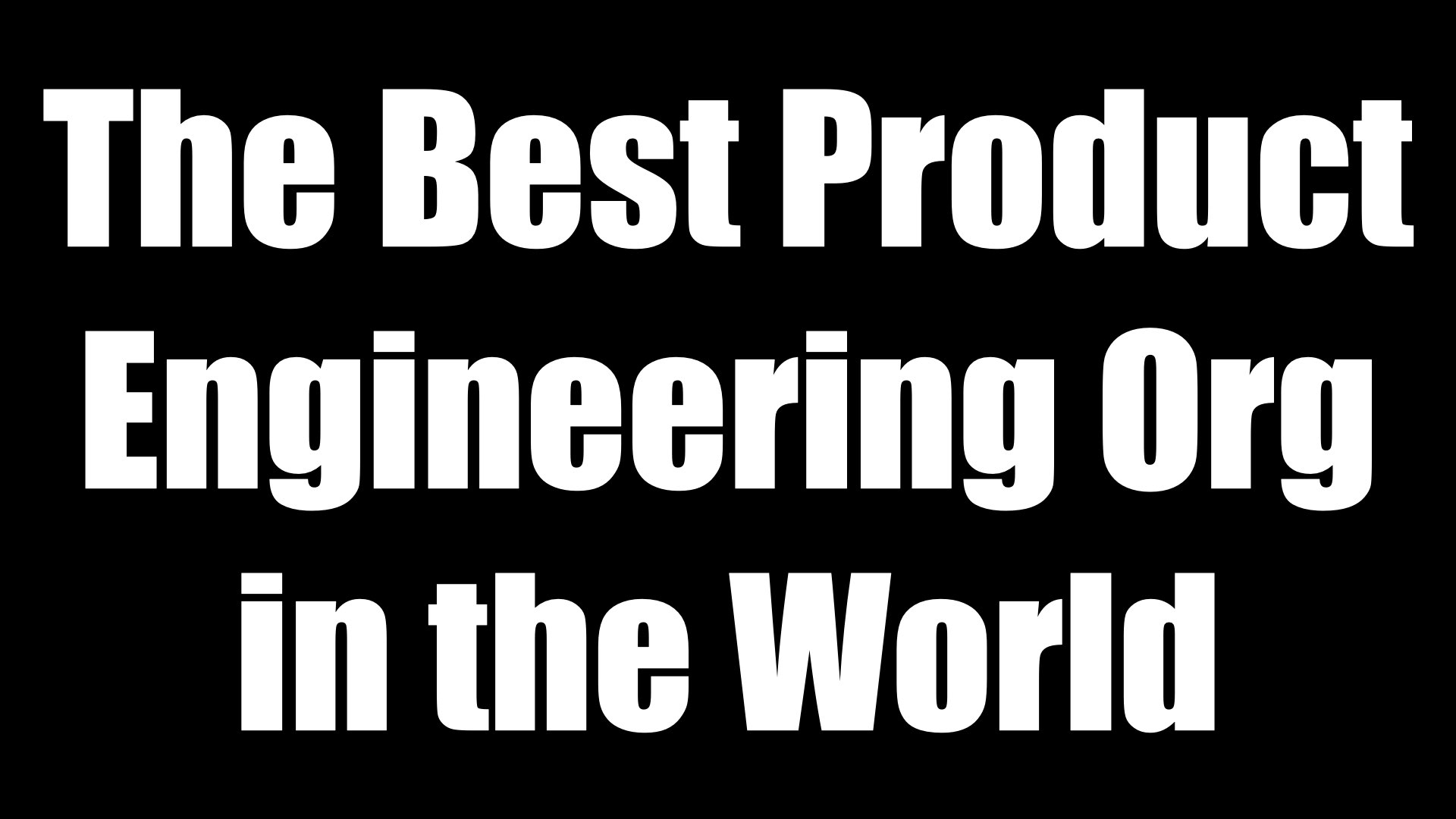
The CEO, chief product officer, chief technical officer, and I met a month later. I said, “If we had the best product engineering organization in the world, what would it look like?” I walked them through an exercise right there on the CEO’s dining room table. It had a lot of index cards and sticky notes... of course!
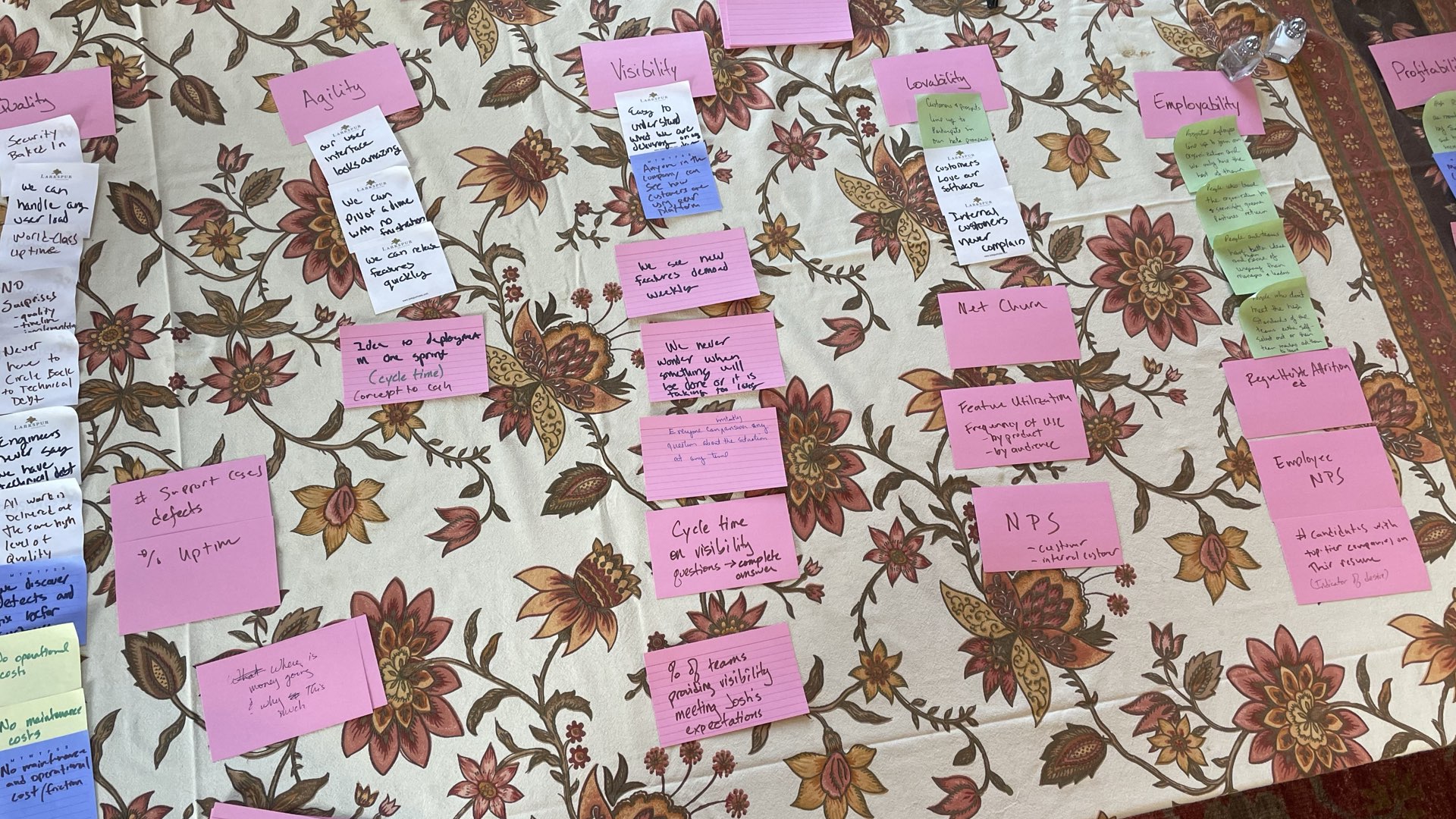
In the end, we came up with six categories. Imagine we’re the best product engineering org in the world. What does that look like?
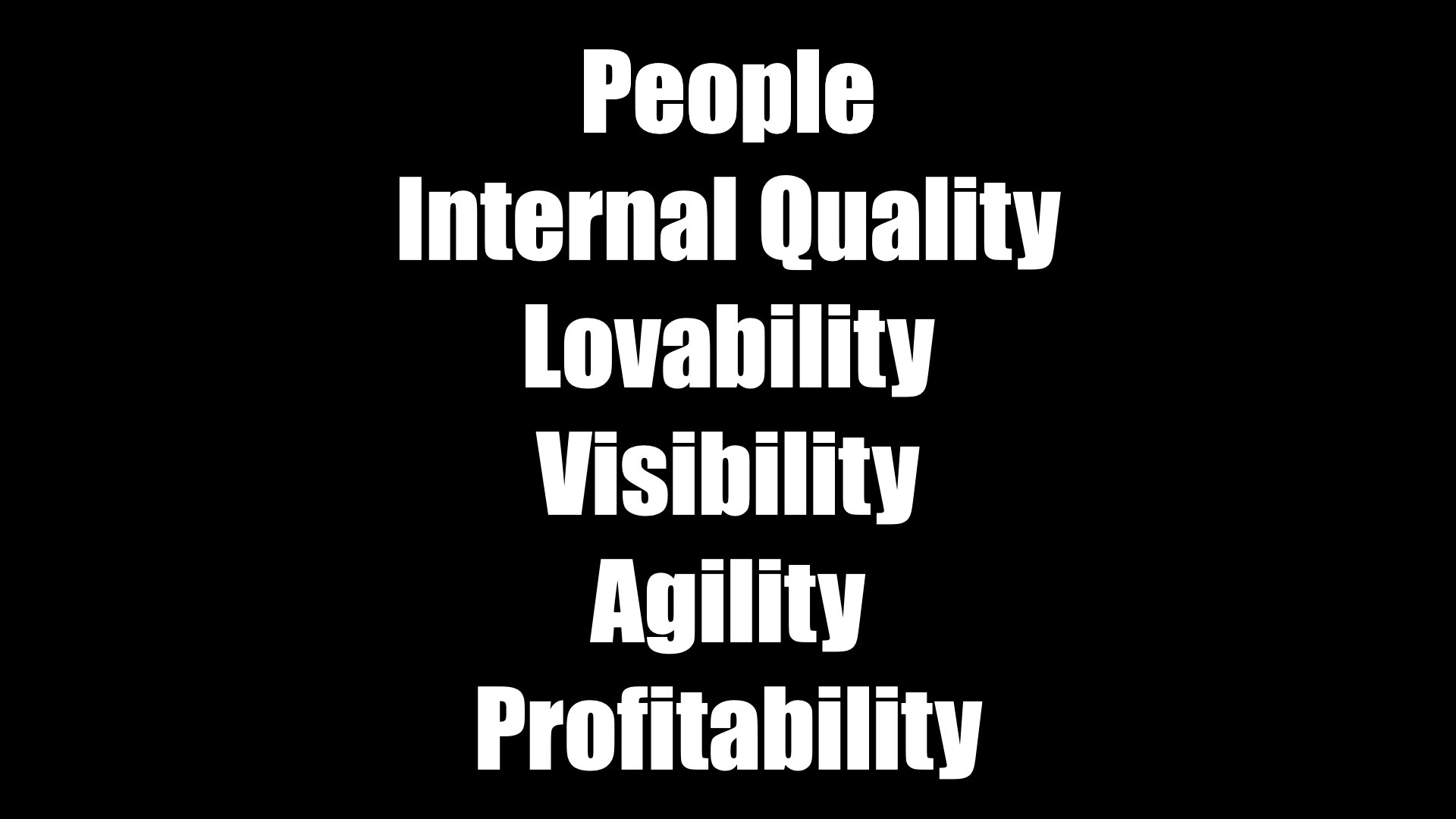
For us, it means these six things.
People. We’d have the best people in the business, and we’d be the best place for them to work. They’d beg to work for us, and people who left would try to replicate their experience everywhere they went.
Internal Quality. Our software would be easy to modify and maintain. We’d have no bugs and no downtime.
Lovability. Our customers, users, and internal consumers would love our products. We’d excel at understanding what stakeholders truly need and put our effort where it mattered the most.
Visibility. Our internal stakeholders would trust our decisions. Not because we’d be perfect, but because we’d go out of our way to keep them involved and informed.
Agility. We’d be entrepreneurial, scrappy, and hungry. We’d actively search out new opportunities and change direction to take advantage of them.
Profitability. We’d be the engine of a profitable and growing business. We’d work with our internal stakeholders to ensure our products were ready for the real world of sales, marketing, content, support, partners, accounting, and every other aspect of our business.
Are we the best product engineering org in the world today? No. Will we ever be? Probably not.
But we don’t need to be. It’s not about literally being the best product engineering org in the world. It’s about constantly striving to improve. These six categories are the ways we want to improve.
What does this mean for you? If you did this exercise with your leadership team, you’d probably get different answers. I’m not saying that our categories is right for everyone.
But it’s still an interesting thought exercise. We’re an organization that’s steeped in Agile thinking. These six categories may not be exactly what your org would use, but these six—People. Internal Quality. Lovability. Visibility. Agility. Profitability—these are worth investing in. I’m going to talk about what we’re doing in each of these six categories. If you’re a senior manager, some of these techniques might be worth using.
If you’re not a senior manager, these are techniques you could potentially take to your managers. Agile only succeeds if the organization really gets behind it. You can share these ideas as an examples of what to do to support your Agile teams.
Let’s dig in.
People

Everybody wants the best people in the business. But our company is relatively small. We can’t compete with the likes of Google, Amazon, Apple... the FAANG companies. They’re looking for the best people, too, and they have way more money than we do.
But we can still get the best people in the business. That’s because we define “best” differently than they do. They’re looking for people who went to prestigious schools, who have worked for other FAANG companies, who can solve Leetcode problems in their sleep.
We don’t want those people.

We’re an inverted organization. That means that tactical decisions are made by the people who are doing the work, not managers. (In theory, anyway, we’re not perfect.) So we’re looking for people who have peer leadership skills, who are great at
teamwork, who will take ownership and make decisions on their own.
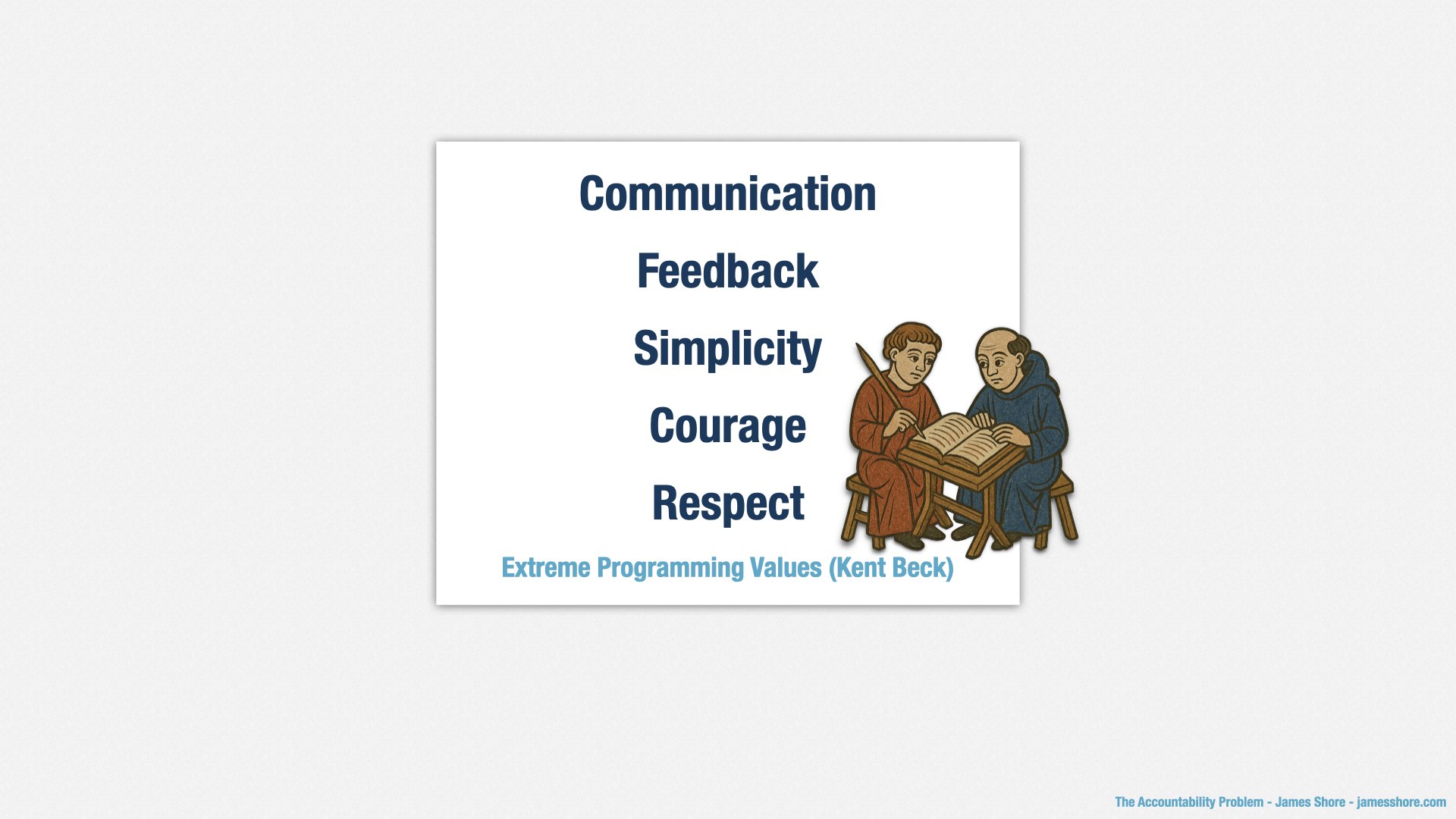
And we’re an XP shop. We use Extreme Programming as our model of how to develop software. As it turns out, XPers love teamwork, peer leadership, and ownership. They also love test-driven development, pairing, continuous integration, and evolutionary design. They tend to be passionate, senior developers. And they’re dying to be part of an XP team again.
You see, Extreme Programming is too... extreme... for most companies. Just like real Agile and real Scrum is too extreme for most companies. How many times have you seen Scrum used as an excuse for micromanagement, or a senior leader tell you that you have to be Agile and give them a detailed plan for what your team is going to do over the next year?
In other words, there aren’t many companies using XP. There are a lot of great people who wish they could use XP. We have our pick of top-quality candidates. And, as a fully remote company, we have a lot of flexibility in where we hire.

I said we’re an XP shop, but that’s not exactly true. The founders were immersed in XP, and XP is where we want to return, but there was a period of time where the company grew quickly and lost that XP culture. We have a bunch of engineers who don’t have the XP mindset. We need to bring them on board, too.
This is a matter of changing organizational culture, and organizational culture isn’t easy to change. Our engineering managers are at the forefront of that effort.
To help them along, we’ve revised our career ladder. This is the document that describes what you need to do in order to be promoted. The old career ladder emphasized understanding advanced technologies and building complex systems. The new one emphasizes teamwork, peer leadership, ownership, and XP engineering skills such as test-driven development, refactoring, and simple design.
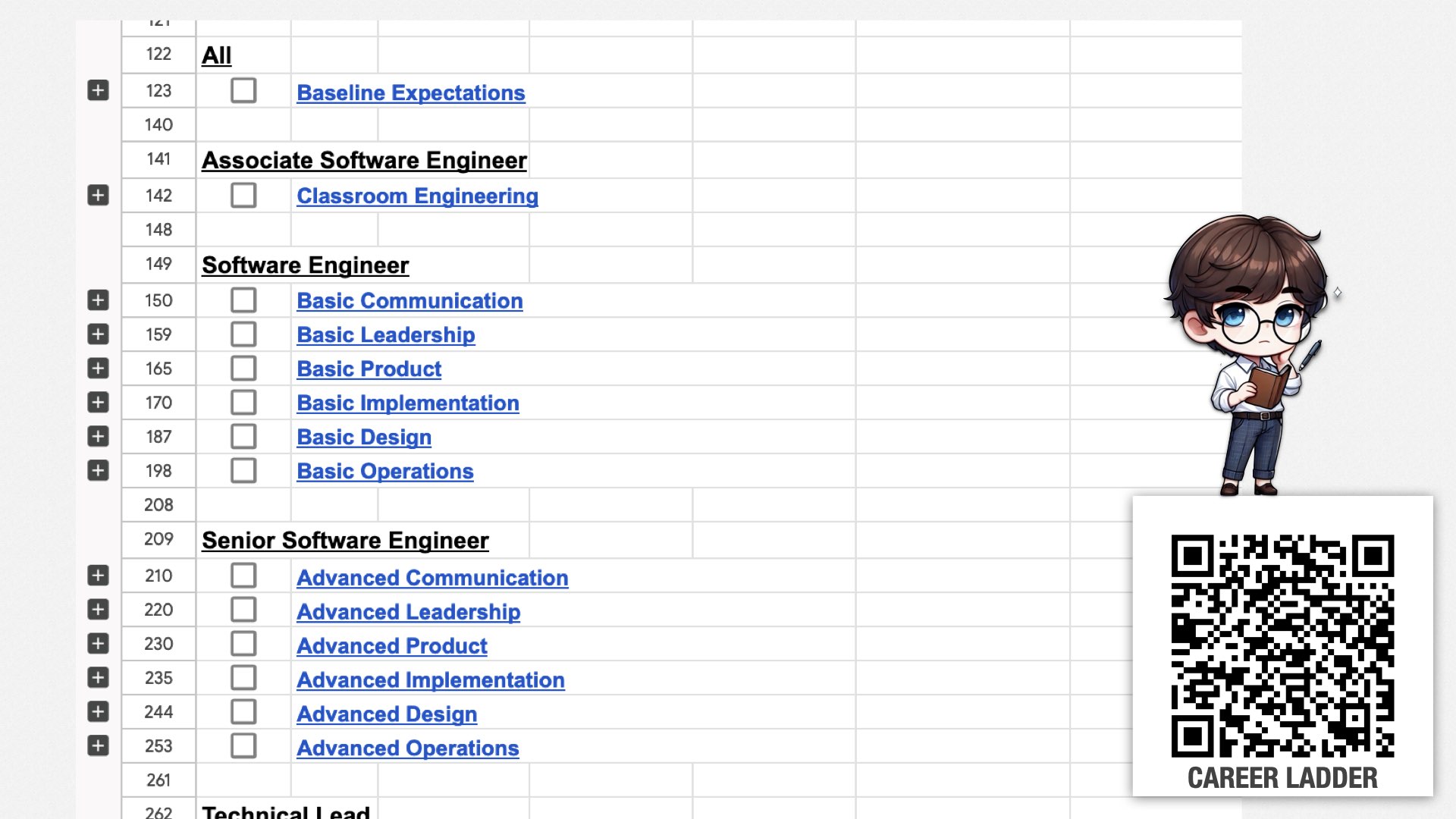
This is what it looks like. It’s a big spreadsheet which describes each title in our engineering organization, along with the skills required to reach each title.
For example, Associate Software Engineers are hired fresh out of university. They’re only expected to have classroom engineering skills. They contribute to the team with the help of other team members.
Mid-level software engineers are expected to be able to contribute to the team without explicit guidance. We expect them to have basic communication, leadership, product, implementation, design, and operations skills.
Senior software engineers are expected to have the advanced version of those skills; technical leads are expected to mentor and exercise peer leadership; and so forth.
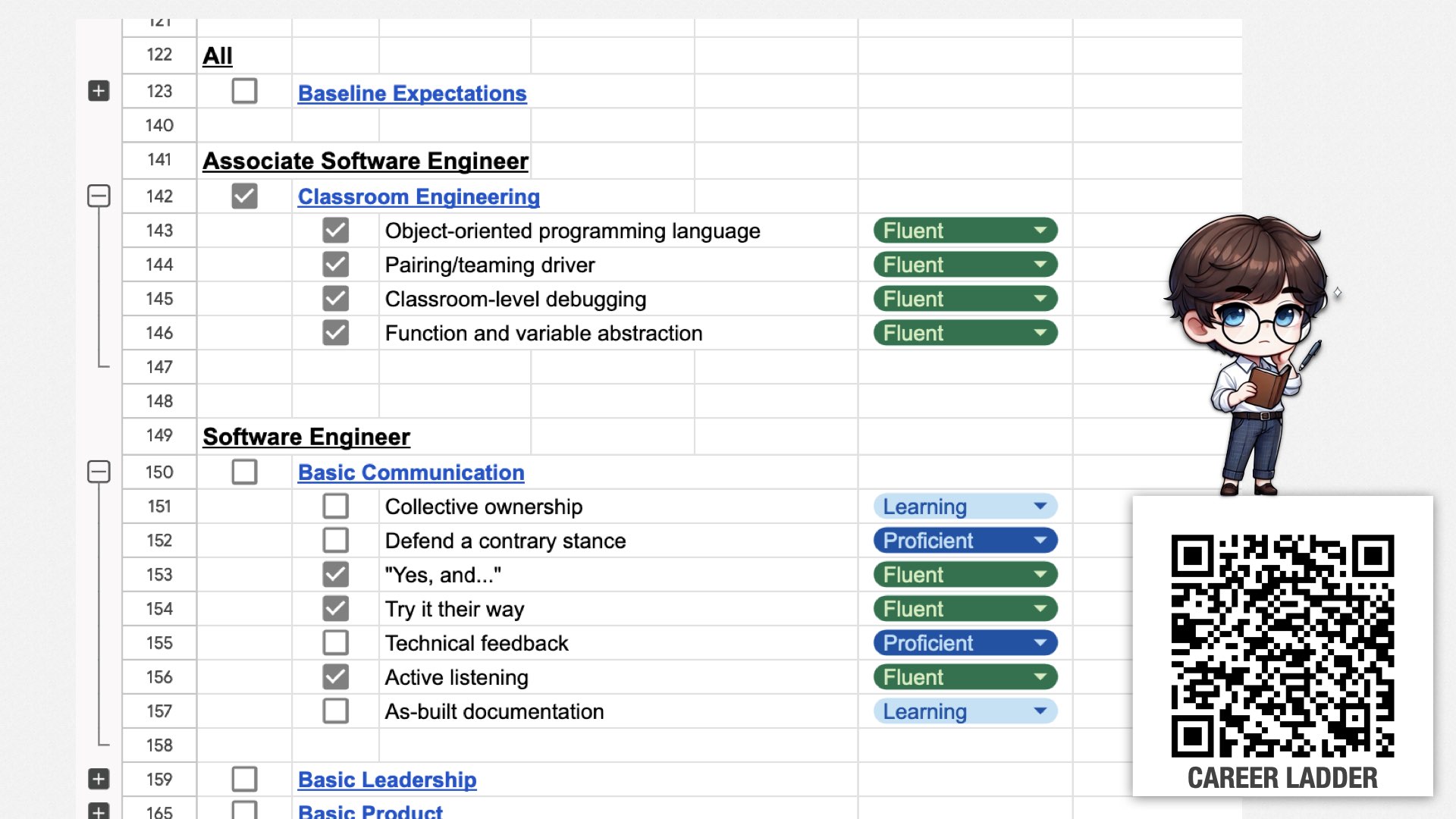
As I said, each level defines sets of skills. For example, associate software engineers are expected to be fluent at the skills in classroom engineering, which includes object-oriented programming, following direction as part of a pair, basic debugging skills, and basic function and variable abstraction.
Mid-level software engineers are expected to be fluent at basic communication, which includes skills such as working collaboratively with other team members, disagreeing constructively, building on other people’s ideas, and so forth.
There’s more details here than I can explain today, but you can use the QR code to find a detailed article, including the documentation we use for the skills.
Today, I’d like to highlight a few skills that I think are particularly important.
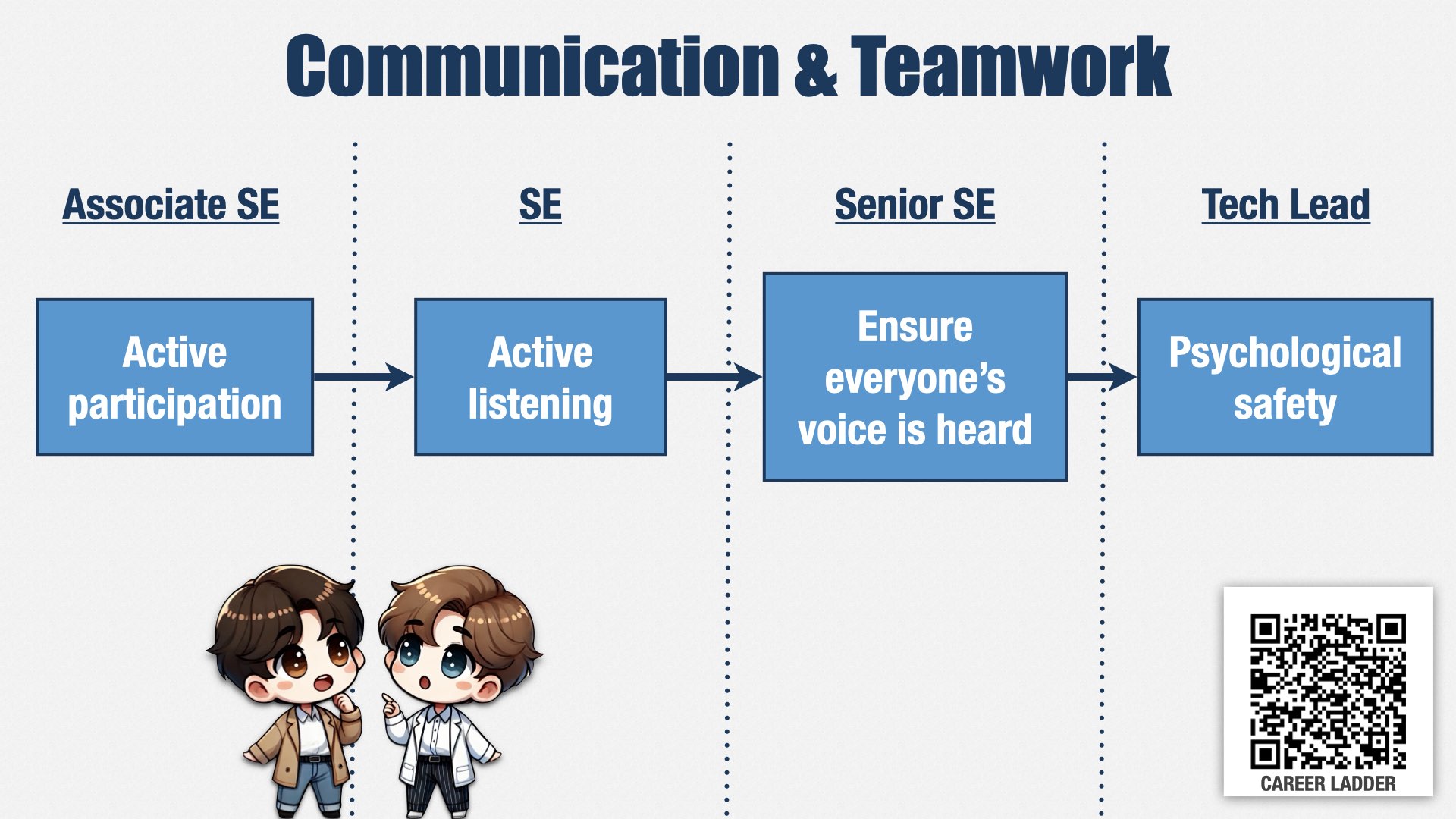
First: communication and teamwork. Before I joined, work was assigned to individual engineers. They would go off and work for a week or two, then come back with a finished result.
Now, rather than assigning work to individual engineers, we assign it to teams. (I’ll talk more about how teams are defined later.) We expect those teams to take a valuable increment, go off and work on it together, including collaborating with product management and stakeholders to understand what needs to be done, and to take responsibility for figuring out how to work together as a team.
This is a big cultural shift! It’s uncomfortable for some folks. To help change the engineering culture, we’ve defined a lot of skills around communication and teamwork. This is just one example.
A new engineer is expected to participate actively in team conversations. Then, as they grow, they’re expected not only to share their perspective, but to actively work to understand other people’s perspectives as well.
As engineers grow further, into a senior role on the team, they’re expected to pay attention to who is participating and who isn’t, and make sure there’s room for everybody to speak and be heard.
And ultimately, as the team’s most senior engineer, they’re expected to actively work with management to create an environment where people feel safe speaking their mind and expressing disagreement.
As a reminder, what I’m trying to do here is to change the engineering culture at my company. One of the ways I think the culture needs to change is to have more team work and less individual work. This ladder of growing expectations and responsibility is one of the ways I’m encouraging those changes.
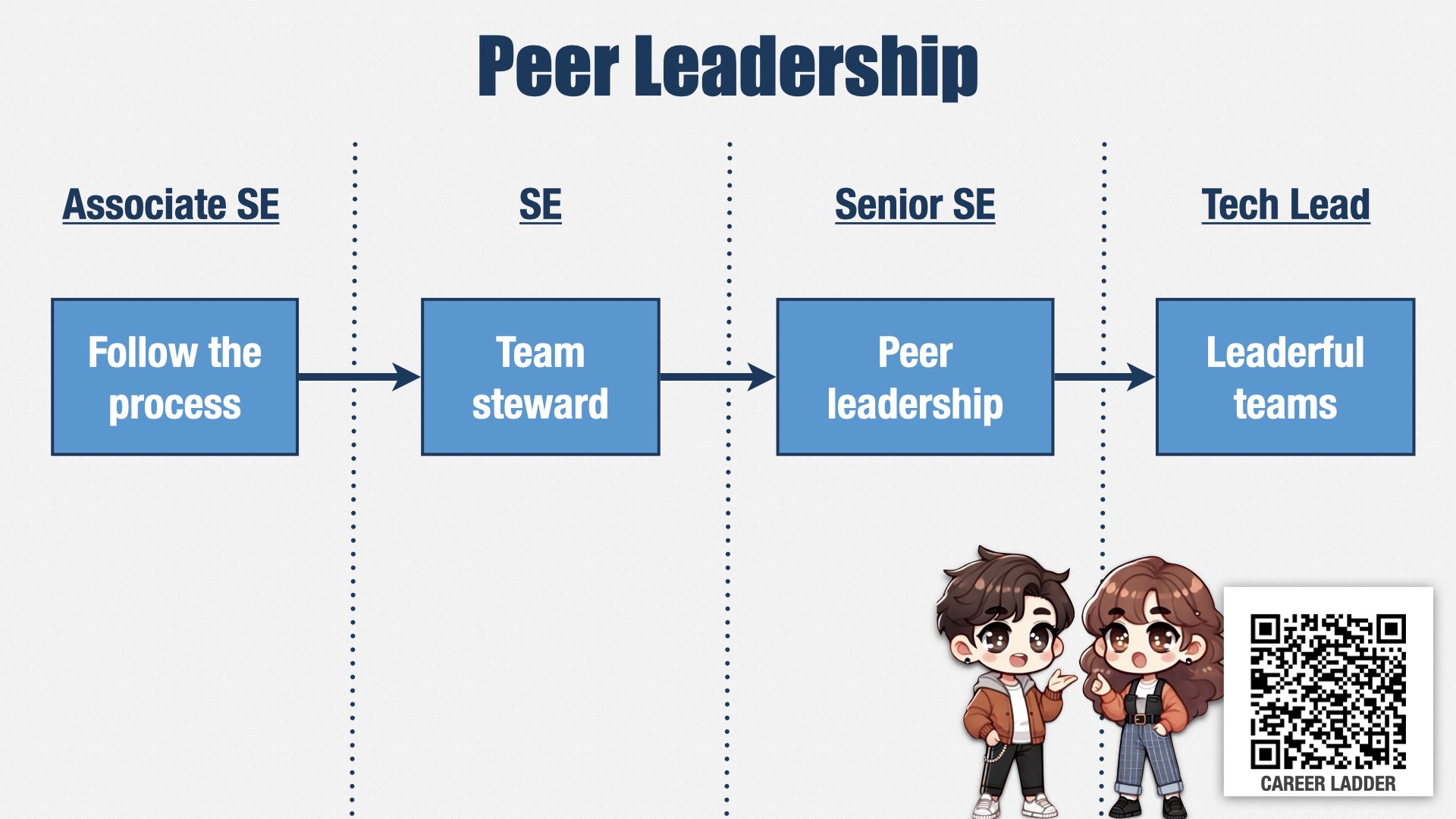
Let me show you another example.
If we want to delegate decisions to the people doing the work, and we do, then peer leadership skills are essential. Peer leadership is the ability for everyone on the team to take a leadership role, at appropriate times, according to their skills and the needs of the team, regardless of titles.
We have many leadership skills, but one path starts with our most junior engineers, with a skill called “Follow the process.” But this skill isn’t just about following our existing process; it’s also about working with the rest of the team to adjust the process, or make exceptions, when the process isn’t a good fit for the situation.
As engineers grow, they start to take on explicit leadership roles. One of those roles is “team steward.” Each team has a “team steward” who’s responsible for defining how the team works together and keeping everyone aligned. This is a role we expect our engineers to take on early in their careers, to start building their leadership muscles.
Senior engineers are expected to have a more nuanced and fluid understanding of leadership. They’re supposed to understand that leadership isn’t about who’s “in charge”—who’s been formally identified as a leader—but instead about reacting to what the situation demands and following the lead of the people who know the most about the situation. They’re expected to identify and follow the people who are best suited to lead in any given situation, and build their own ability to do so, regardless of formal leadership roles.
Our most senior engineers take this one step further. They work with managers to understand the leadership skills of everyone on the team, the leadership skills that are missing or that need to be developed further, and to help team members grow their peer leadership skills where they’re most needed.
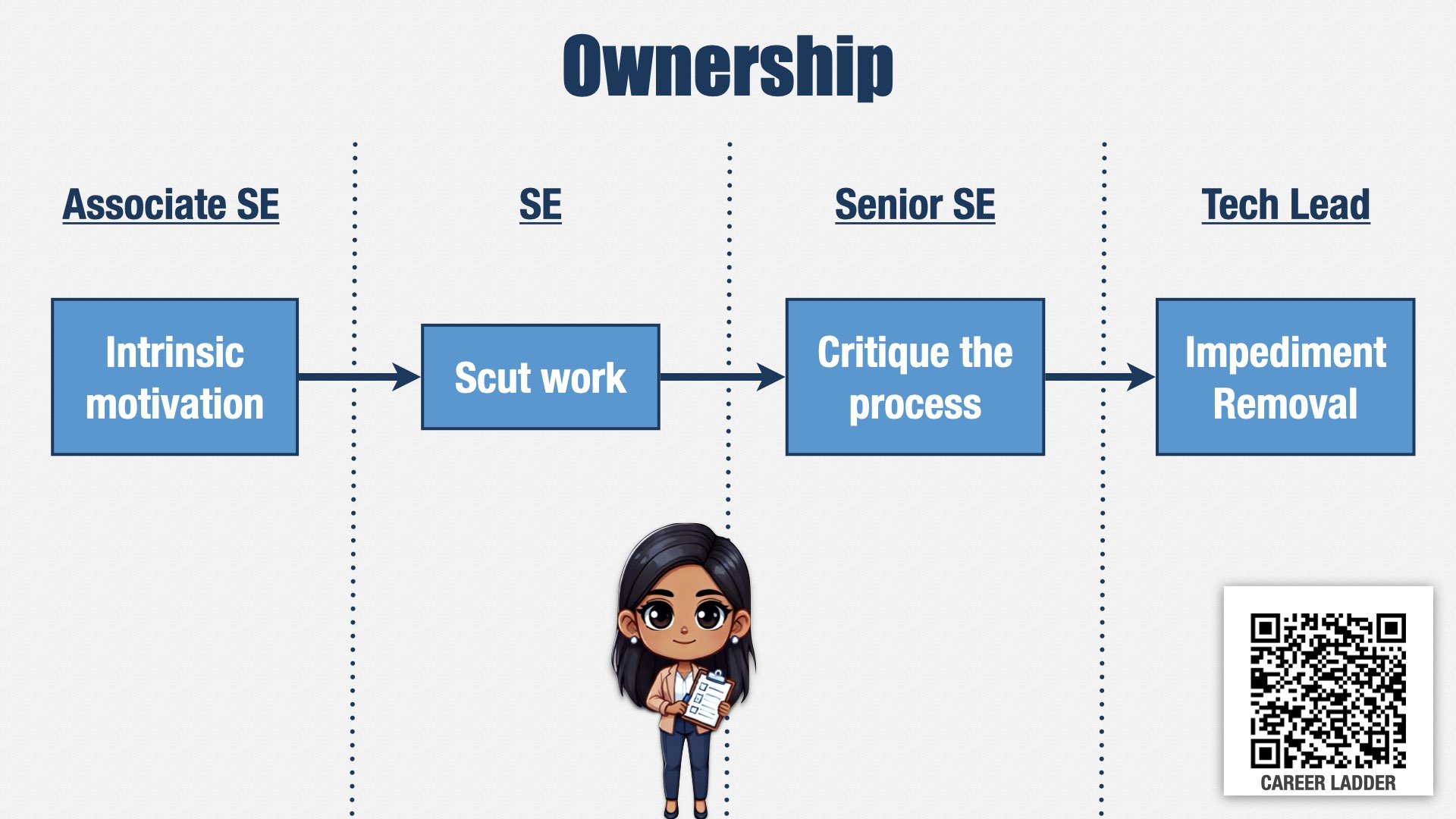
Similarly to leadership, if we’re going to delegate decisions to team contributors, then we need them to take ownership of creating great results.
One of these paths starts with intrinsic motivation: the idea that our engineers are motivated by the joy of engineering and working with a great team. We don’t want people who have to be constantly monitored by a manager, but who put in their best effort because that’s the kind of person they are.
Before they can advance out of a junior role, they have to have the maturity to take on the unpleasant tasks that exist on every team. In English, this is called “scut work”—the tedious, disagreeable chores that have to be done.
Scut work isn’t something that only juniors do. It’s something everyone has to do. What we’re looking for is the ability to take it on
without being asked. We’re looking for the ability to recognize and take responsibility for things that need to be done, even if they aren’t the most fun.
Every engineer participates in the teams’ retrospectives, but to be a senior engineer, they have to do more than participate. They have to take ownership of making improvements. Our senior engineers are constantly identifying and proposing tweaks to improve how teams work together and how they interact with people outside the team.
And our most senior engineers take it one step further, identifying impediments to the team’s success that are outside of the team’s control and working with management and other leads to remove them.
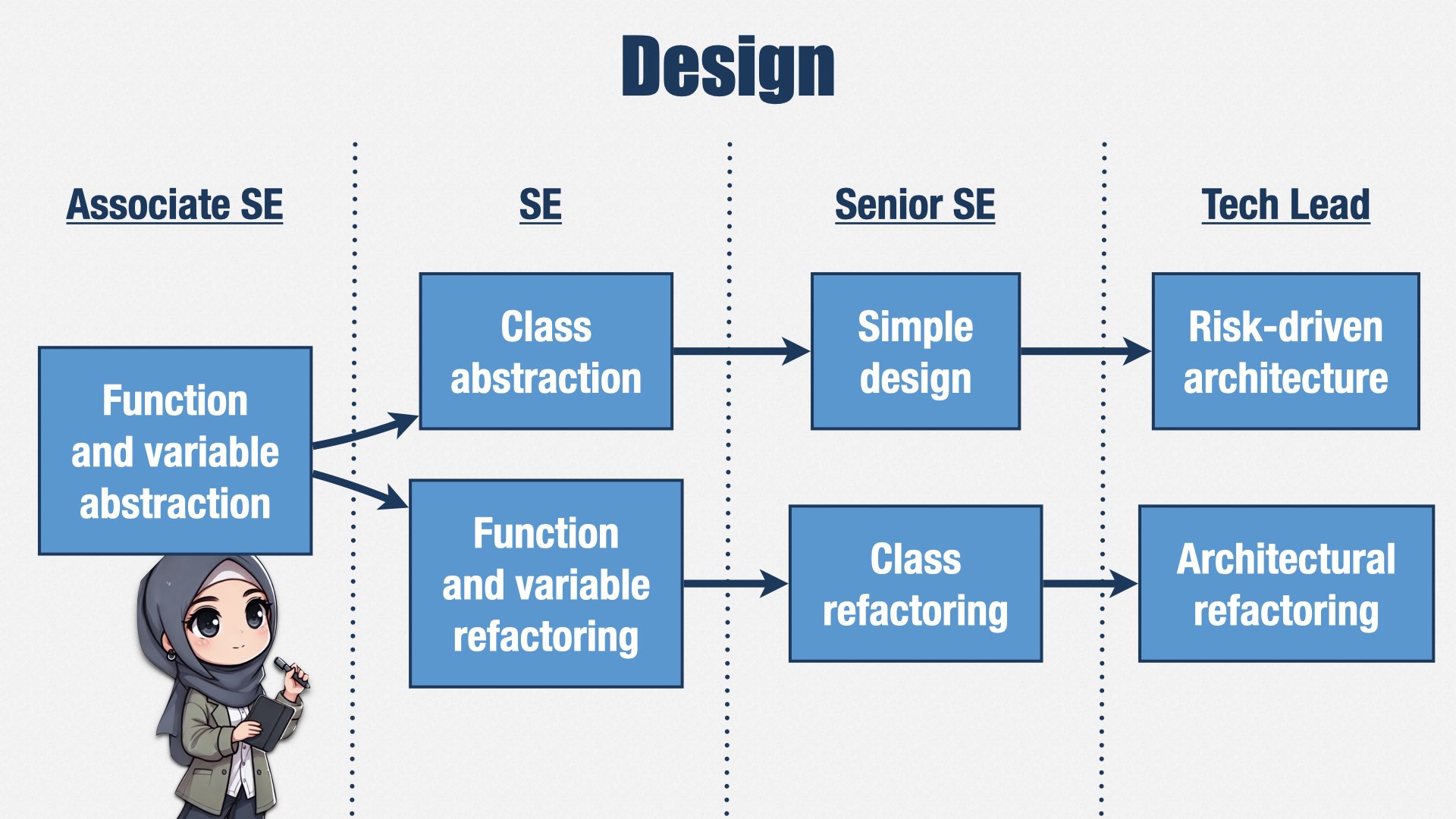
We also put a lot of emphasis on XP skills, and particularly on simplifying our design. This is one example.
Junior engineers are expected to know how to use functions and variables to make code more readable.
As they grow into mid-level engineers, they learn how to refactor those functions and variables to improve the abstractions, and they also learn how to create appropriate class abstractions.
Senior engineers know how to refactor those class abstractions, and they use that skill to simplify the design of the system. It’s common for an initial design to be overly-complicated, so it’s important for people to be paying attention to how to simplify it over time.
This emphasis on simple design is the opposite of what I’ve seen in some companies. In some companies, the more senior you are, the more complicated your designs are expected to be. But we do the opposite. We think complexity is easy, and it’s simplicity that’s hard, so we expect our more senior engineers to produce simpler designs.
And finally, our most senior engineers understand how to refactor the system as a whole, and how to prioritize those refactorings according to the risks and costs of change.
To recap, our career ladder is a tool for cultural change. We’re using it to move from being an organization that prized individual work, advanced technologies, and complex systems, to one that focuses on teamwork, peer leadership, ownership, and simplicity.
We launched the new career ladder in June of last year—about six months ago. It seems to be working. My managers tell me that they’re seeing shifts in behavior, with people volunteering to lead meetings and take on work they didn’t before. We’ve also been able to use the new career ladder as a touchstone for people who are having performance problems.
Of course, the career ladder isn’t enough on its own. It helps people know what’s expected of them, but it doesn’t do any good if people don’t know how to perform these skills.
To help out, we’re supporting the career ladder changes with an XP coaching team. Every open headcount I’ve gotten since I joined has gone towards hiring very senior XP coaches. These are player coaches who get hands on with the code and lead by example. They work alongside the rest of the engineers, demonstrating as part of the team’s normal work how XP works and why it’s such a great way to work.
We’re at a ratio of about one XP coach for every 11 engineers, which isn’t quite enough yet. But it’s enough that we can start developing coaches internally rather than hiring externally. And, of course, as additional positions open up, we’ll be hiring people who already have XP skills, although not necessarily at the same level of seniority.
When I look at how other companies approach this problem, the main thing I see is a lack of commitment. They’ll have an “Agile Center of Excellence,” but the ratio will be closer to 1 coach for every 50 or 100 engineers. Those coaches often aren’t engineers, so they can’t lead by example. And even if they could, they’re spread too thin. The best way to learn XP is to be immersed in it, day in, day out, on your real-world work. You need a coach working alongside you as you learn. With ratios of 1 to 50 or worse, there’s just no way for that to happen.
As I said, we have a ratio of 1 to 11 XP coaches to engineers, and I would like it to be closer to 1 to 6. Our initial coaching hires are jump-starting that path, and we’re training people internally to get the rest of the way.
People are the life blood of any organization, and they’re particularly important in an Agile organization, where so many decisions are made by the team contributors, not managers.
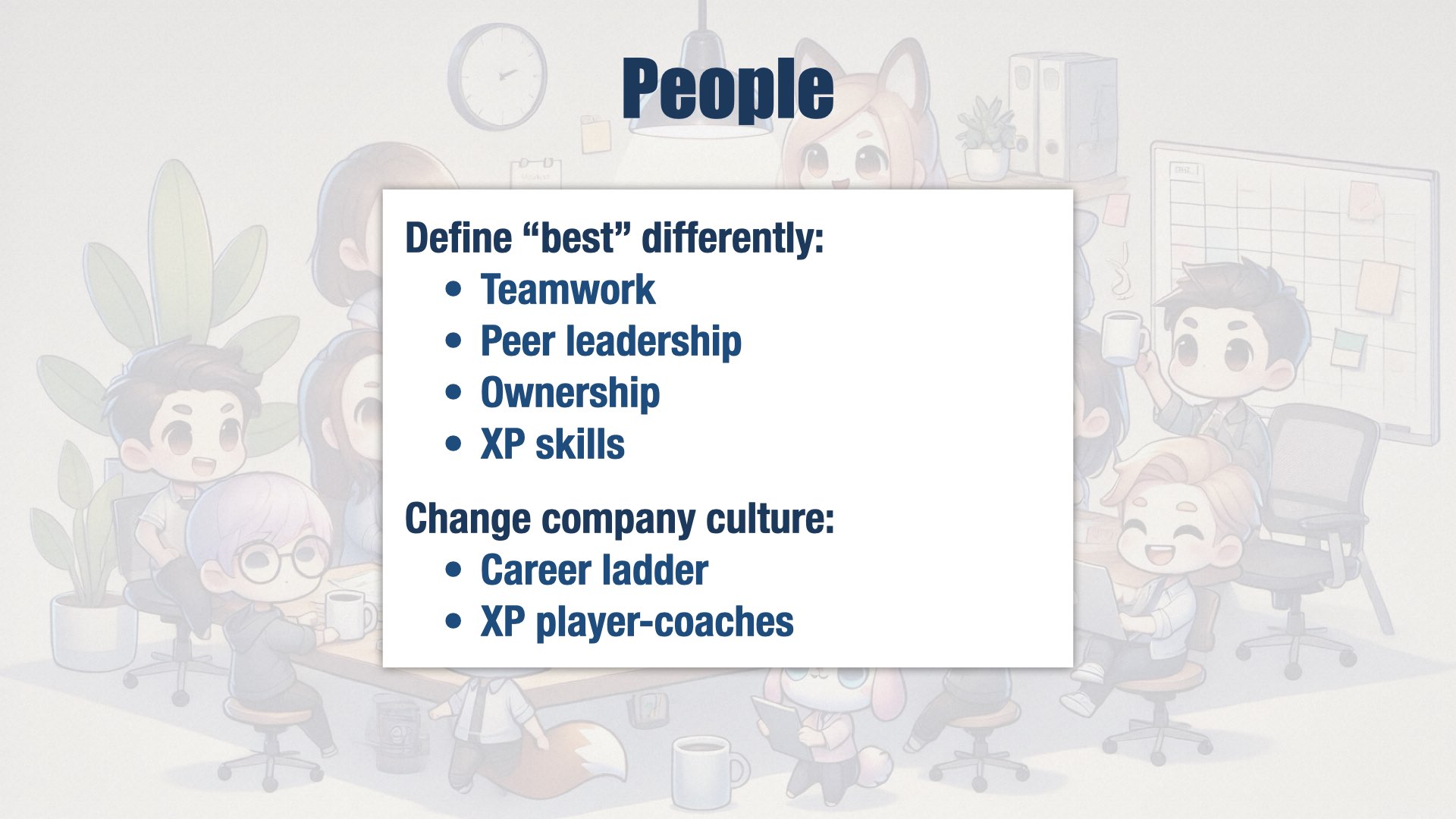
If we were the best product engineering org in the world, we’d have the best people in the business, and we’d be the best place for them to work. To get there, we’re defining “best” differently than other companies. We’re looking for teamwork, peer leadership, and ownership. We’re attracting people who love XP and emphasize simple, clean design rather than algorithms and complex solutions. And we’re changing our company culture with a new career ladder and player-coaches who lead by example.
Internal Quality

I don’t speak Japanese, but I do have a favorite Japanese word: muda. I learned about muda from the Toyota Production System.
Muda is my biggest problem, and it’s the biggest problem at many companies I know. Let me give you an example.
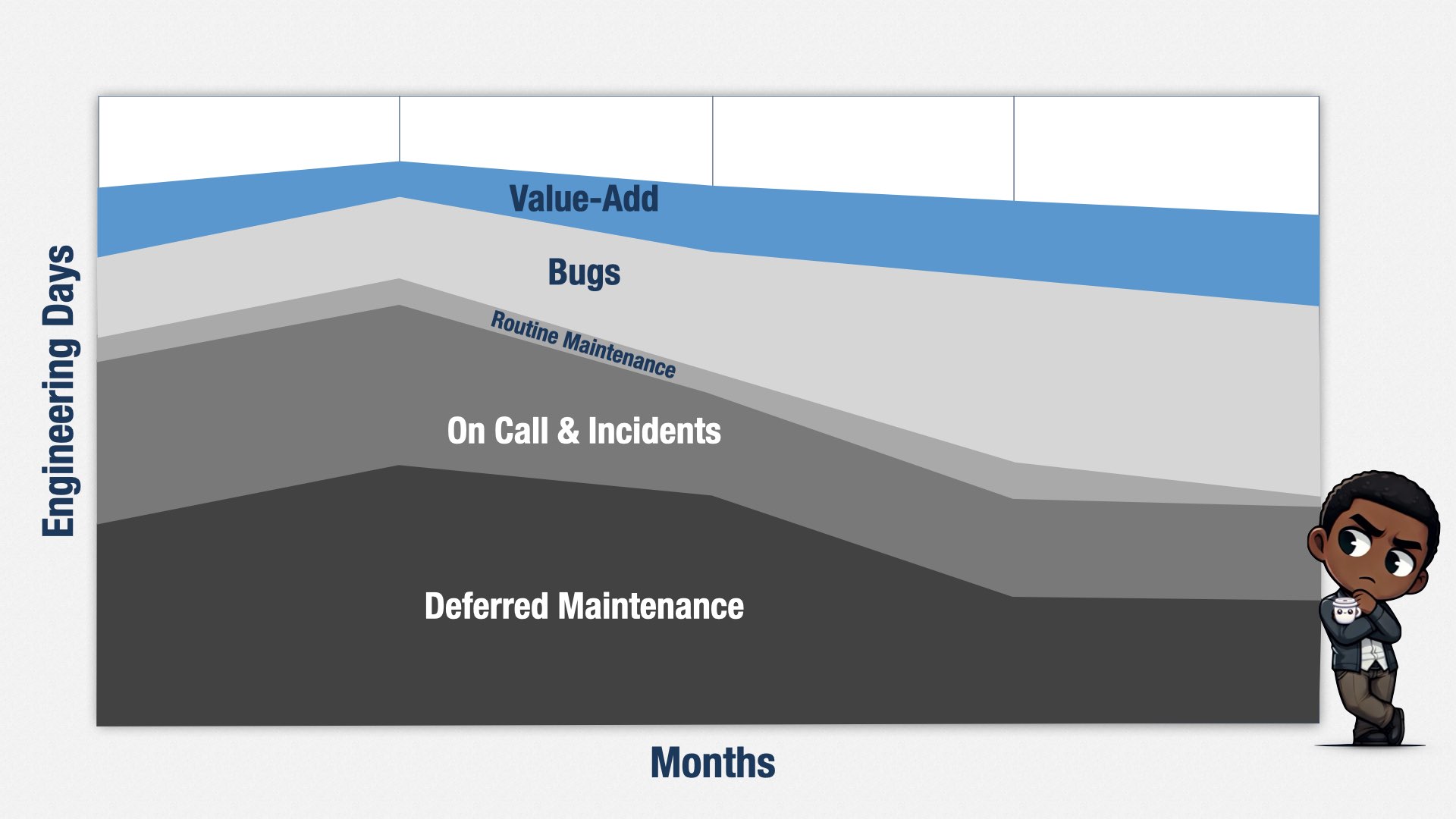
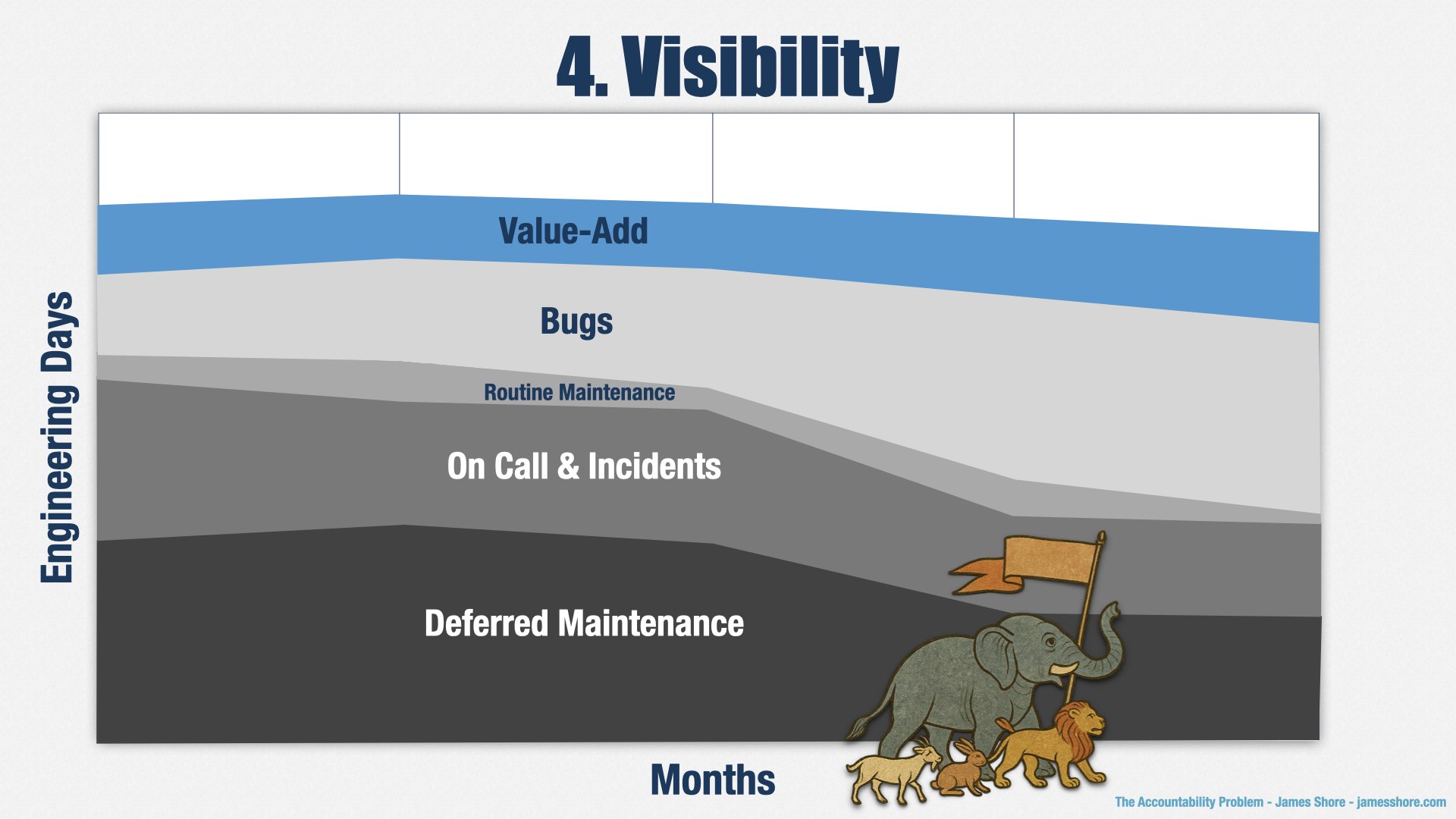
This graph shows five months of engineering effort on a product. This isn’t real data, for confidentiality reasons, but it’s based on my real-world experiences.
On the X axis, we have months of data. On the Y axis, we have the amount of time people spent on various types of work.
Over these five months, the example team spent about 35% of their time on deferred maintenance. They had a key technology that they hadn’t kept up to date, and the vendor was dropping support, so they had to put everything else on hold to replace it.
They spent about 25% of their time on call and responding to production incidents.
They spent about 5% of their time on routine maintenance.
They spent about 20% of their time fixing bugs.
And only about 15% of their time on doing things that added new value to their business.
Let me put it another way: if this fictional organization had spent one million dollars on development during this time, only $150 thousand would have been spent on things their business partners really valued. The other $850 thousand would have been wasted. It was necessary, but not valuable. Muda.
And that’s why “muda” is my favorite Japanese word. It’s the thing I need us all to fix.
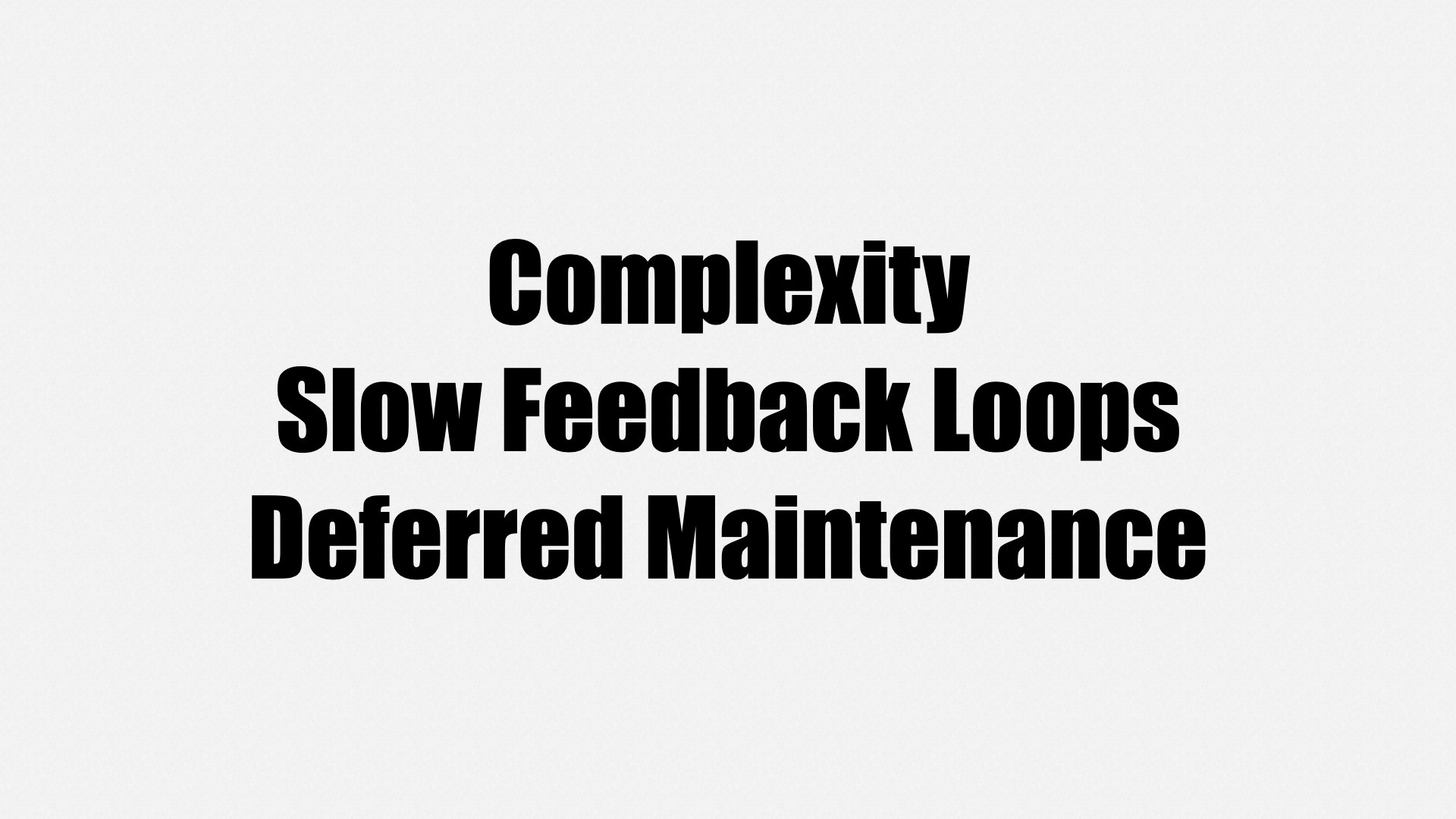
Why is there so much muda? I see three common problems:
- Complexity
- Slow feedback loops
- Deferred maintenance
They’re often lumped together as “technical debt” or “legacy code,” but each is its own problem. Let’s take a closer look at each one.
Complexity
Complexity is the result of having lots of different systems. It’s hard for any one developer to understand how everything works, so they have to work very slowly and carefully, and even then, you still get bugs and production incidents.
Our systems don’t have to be that complicated. In the rush to deliver features, people chose complicated technologies that promised fast results. This has been repeated many times. Each technology requires a bunch of expertise, and so it’s become impossible for any one person to be an expert in all of them. It’s become difficult to make those tools do exactly what we want, too, and it’s hard to make them work well together.
This is a fundamental mistake I see a lot of companies making. When they’re deciding how to deliver a feature, they focus on how much it will cost to build a feature. They don’t think about how much it will cost to maintain the feature. They choose solutions that are easy to build, but hard to maintain. But the majority of software development costs are maintenance costs, not build costs. Neglecting maintenance costs puts them in a difficult position.
In 2025, we can’t talk about development costs without also talking about AI. Don’t get me wrong! AI is a great tool. I used it for the images in this talk, and it allowed me to add character and interest that I otherwise wouldn’t be able to add.
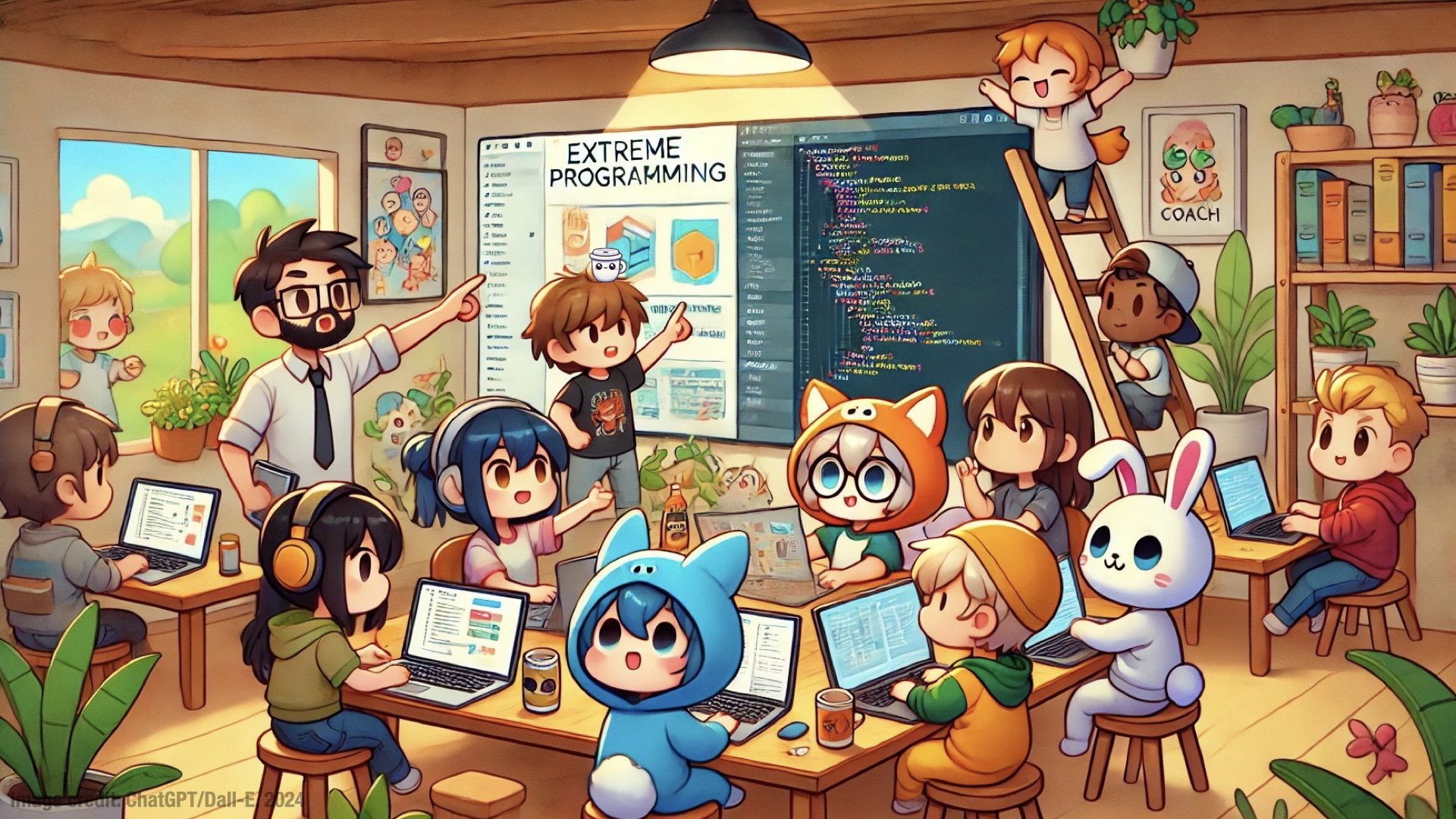
But remember this image? Take a closer look at the character in the middle.
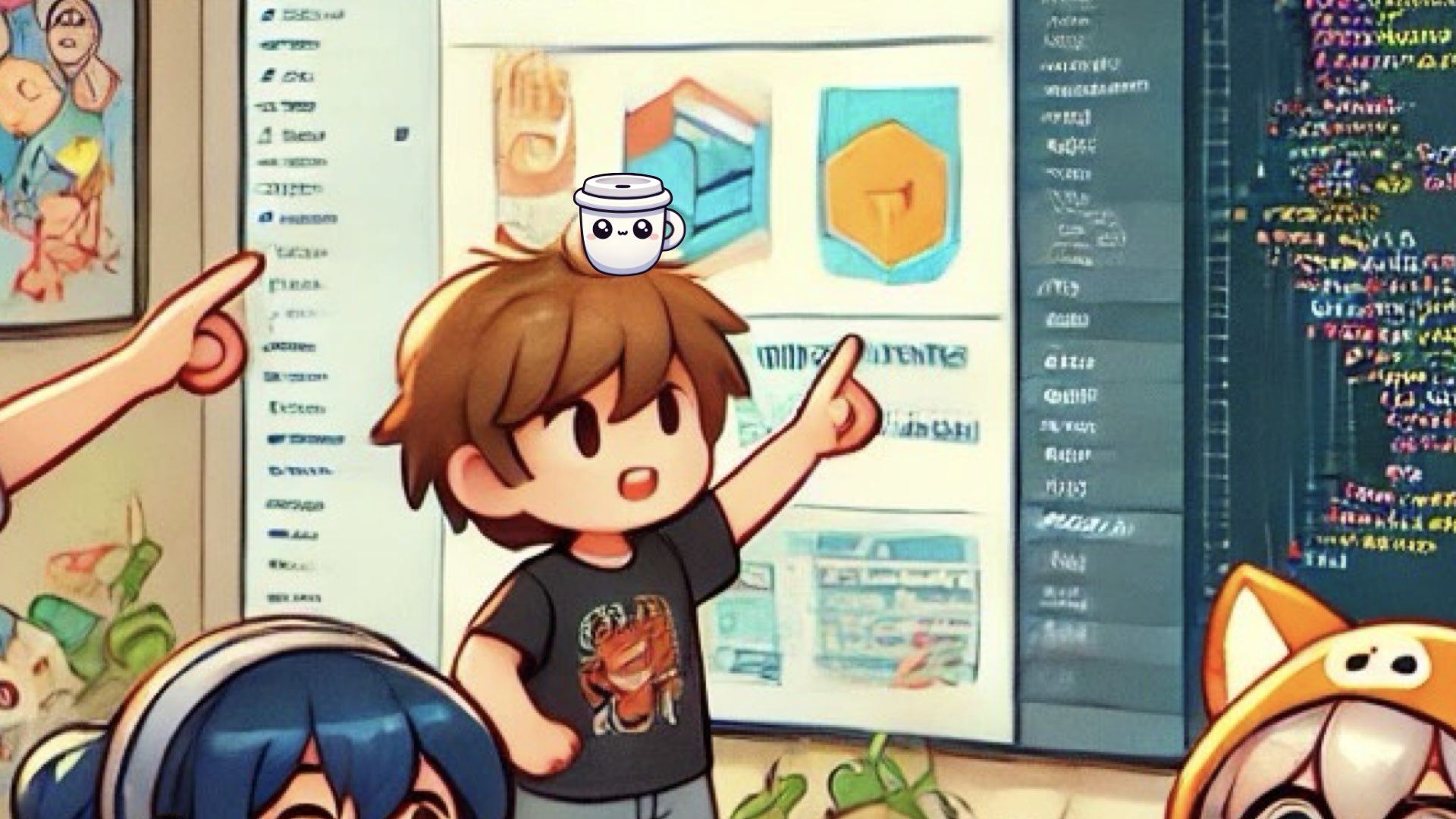
Did you wonder why he has a coffee cup on his head?
That’s because...
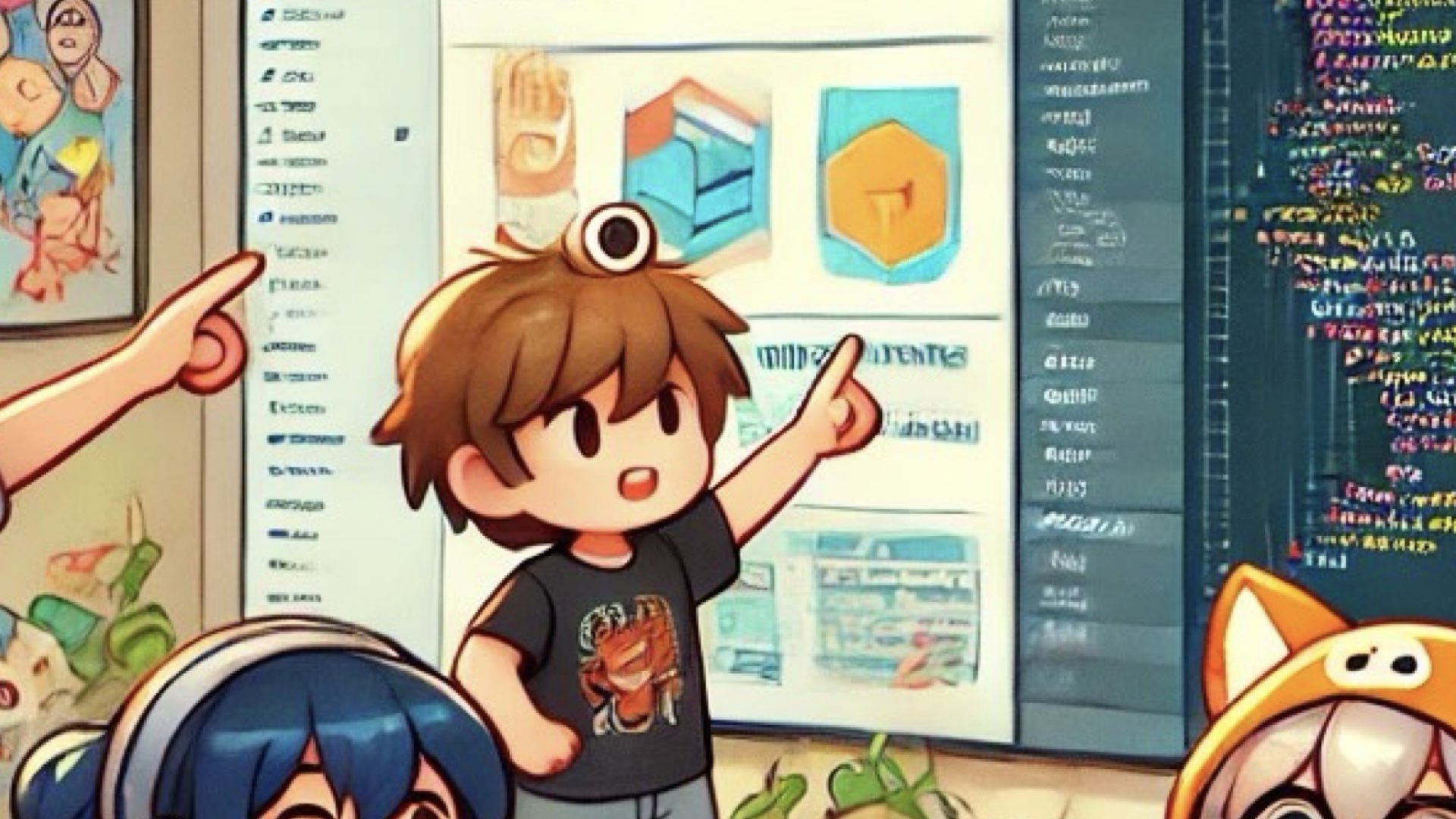
...he has an eyeball in his hair.
[beat]

Or how about this character?

He’s hiding a third hand.
My point is that these tools are never going to be as good as the people selling them want you to believe. They’ll get better, but they won’t be perfect.
The problems with image generation are fairly obvious. The problems with AI in code are more subtle, and they come down to that tradeoff between speed of building and cost of maintenance.
You can build code quickly with AI, but getting it all to work together nicely is harder. If you’re using AI to write code, are you considering how you’ll maintain that code? Are you considering how you’re developing the skills of your junior engineers?
You can also build features that use AI, such as automatic content generators. It’s pretty easy to do, actually. But fine-tuning those prompts is tricky, and it takes a lot of manual effort to get them just right. Have you considered how you’ll keep those prompts up to date as the AI engines change out from under you? Have you thought about how you’ll find out when those fine-tuned prompts aren’t working like they’re supposed to?
Slow Feedback Loops
Ultimately, complexity comes from teams that prioritize building over maintaining, and the costs of doing so are devastating. Now let’s look at another source of muda: slow feedback loops.
Feedback loops are about how effectively developers can work. After an engineer makes a change, they have to check to see if that change did what they intended. How long does that take? That’s your feedback loop.
If it takes less than a second, then they can check every single change. Every line of code, even. This is what test-driven development is all about, and it’s an amazing way to work. Let me show you what it looks like.
This is the full build for a real production system. The system is on the small side, but it’s over 12 years old, so it’s had the opportunity to accumulate some technical debt. Let’s see how long the build takes. Don’t look away—this won’t take long.
[play video]
That’s it! Just over eight seconds.
For context, most organizations I meet are happy with a build that takes eight minutes, not eight seconds, and most are much, much slower.
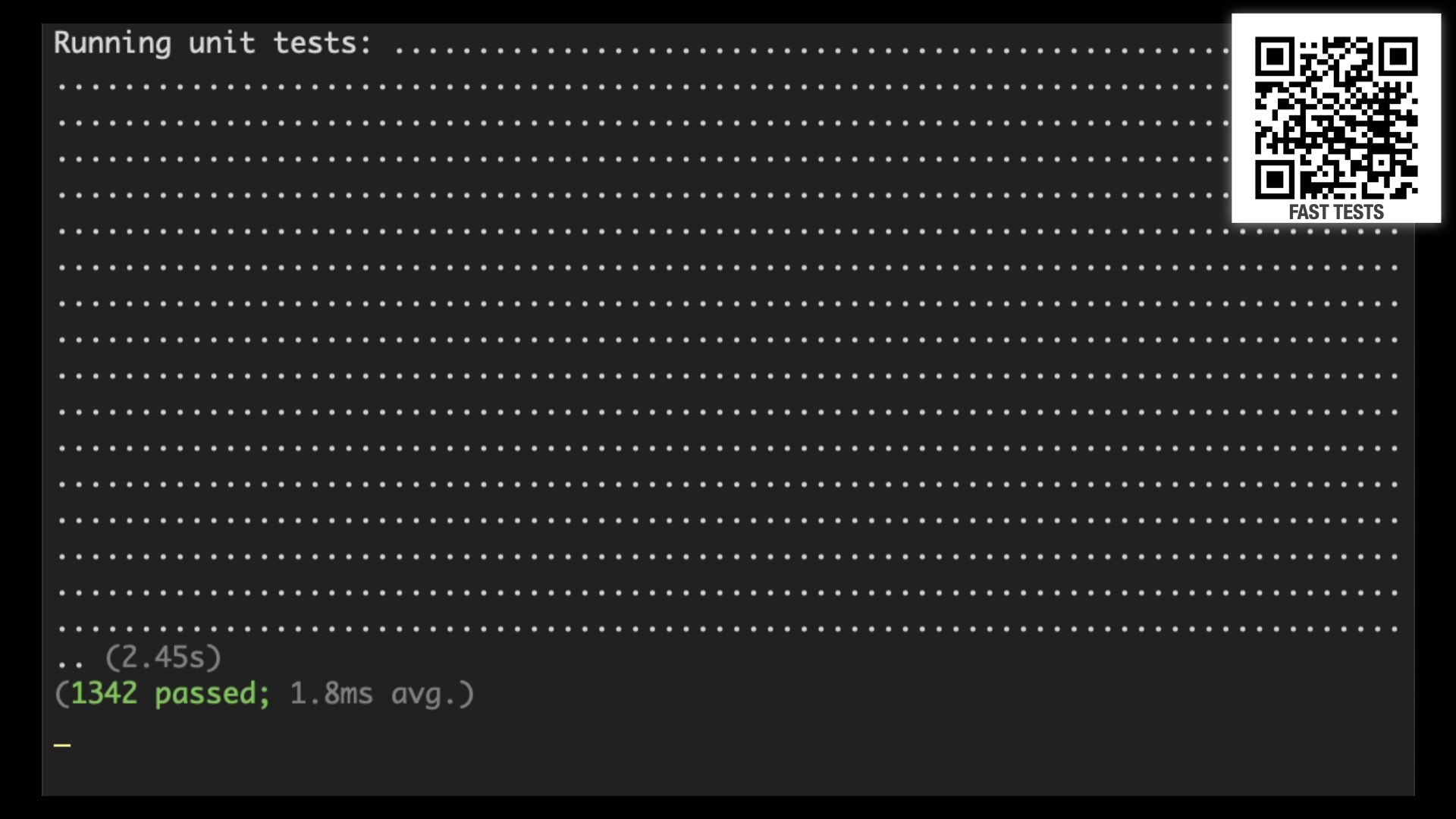
A big part of the reason this build is so fast—or rather, why most builds are so slow—is the tests. Most teams have slow, brittle tests. This codebase has over 1300 tests, but they only take two and a half seconds.
Describing how to achieve these sorts of fast tests is a whole talk of its own, but I have a lot of material on this topic. You can find it at jamesshore.com/s/nullables, or just follow the QR code on the slides.
Eight seconds is a nice, fast build, but it’s actually still too slow for a great development experience. In a perfect world, we want engineers to be able to check their work at the speed of thought. If they can check every single line of code they write, as soon as they write it, finding bugs becomes easy: you make a change, run the build, and immediately find out if there was a mistake. There’s no need to debug because you know your mistake is in the line of code you just changed.
To get these kinds of results, you need your build to be less than five seconds—preferably less than one second. This isn’t a fantasy! It’s possible to do this with real production code. Let me show you:
[play video]
That’s less than half a second each time the build runs.
There are a few tricks here. First, the build automatically runs when the code is changed. Second, the build is written in a real programming language, and it stays in memory. It’s able to cache a bunch of information, such as the location and age of all the files, the relationships between files, and so forth. So when it detects a change, it doesn’t have to scan the file system again, and it only runs the tests on the code that’s changed.
[beat]
I have to be honest. Some of our code has these sorts of feedback loops. But for the systems with the most muda, it takes much longer than a second to get feedback. Sometimes it can take tens of minutes just to get the computer into a state where a manual test is even possible. So people don’t check every change. They batch up their work, test it all at once, and then have to go through long, tedious debugging sessions to figure out the cause of each error. Some errors aren’t caught at all. That leads to muda, and that’s why fast feedback loops are important.
Deferred Maintenance
A third issue that leads to muda is deferred maintenance. Deferred maintenance is really a consequence of the other two problems. If the system was simple, you could upgrade critical dependencies easily. But most companies have a lot of complicated dependencies, and some of their updates require major rearchitectures.
Similarly, if the feedback loops were fast, you could make changes quickly and safely. But most companies’ feedback loops are slow, so making changes take a long time.
Major rearchitectures plus slow changes means that upgrading dependencies can take weeks or months of effort. Now you have to make tough prioritization decisions. Do we build an important new feature? Or do we upgrade a component for no visible benefit? Business partners often choose to defer the maintenance. I can’t really blame them. But that deferred maintenance compounds, things get even more expensive to upgrade...
...and eventually the bill comes due.
What do you do about such a difficult set of problems? Complexity, slow feedback loops, deferred maintenance. These problems are common. Usually you hear people talking about “legacy systems” and “technical debt.” Whatever they call it, the underlying problem is the same: low internal quality. High muda.
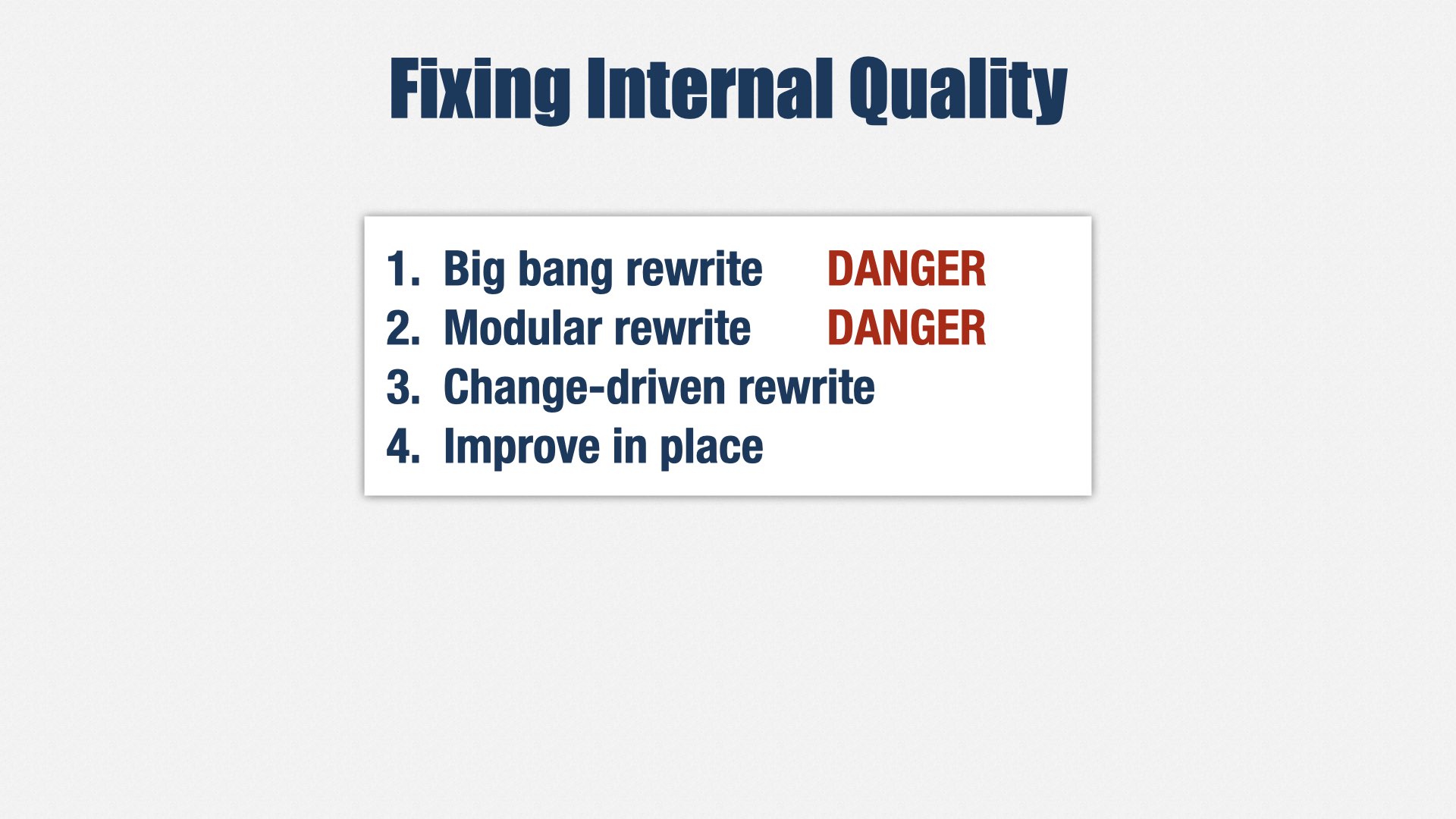
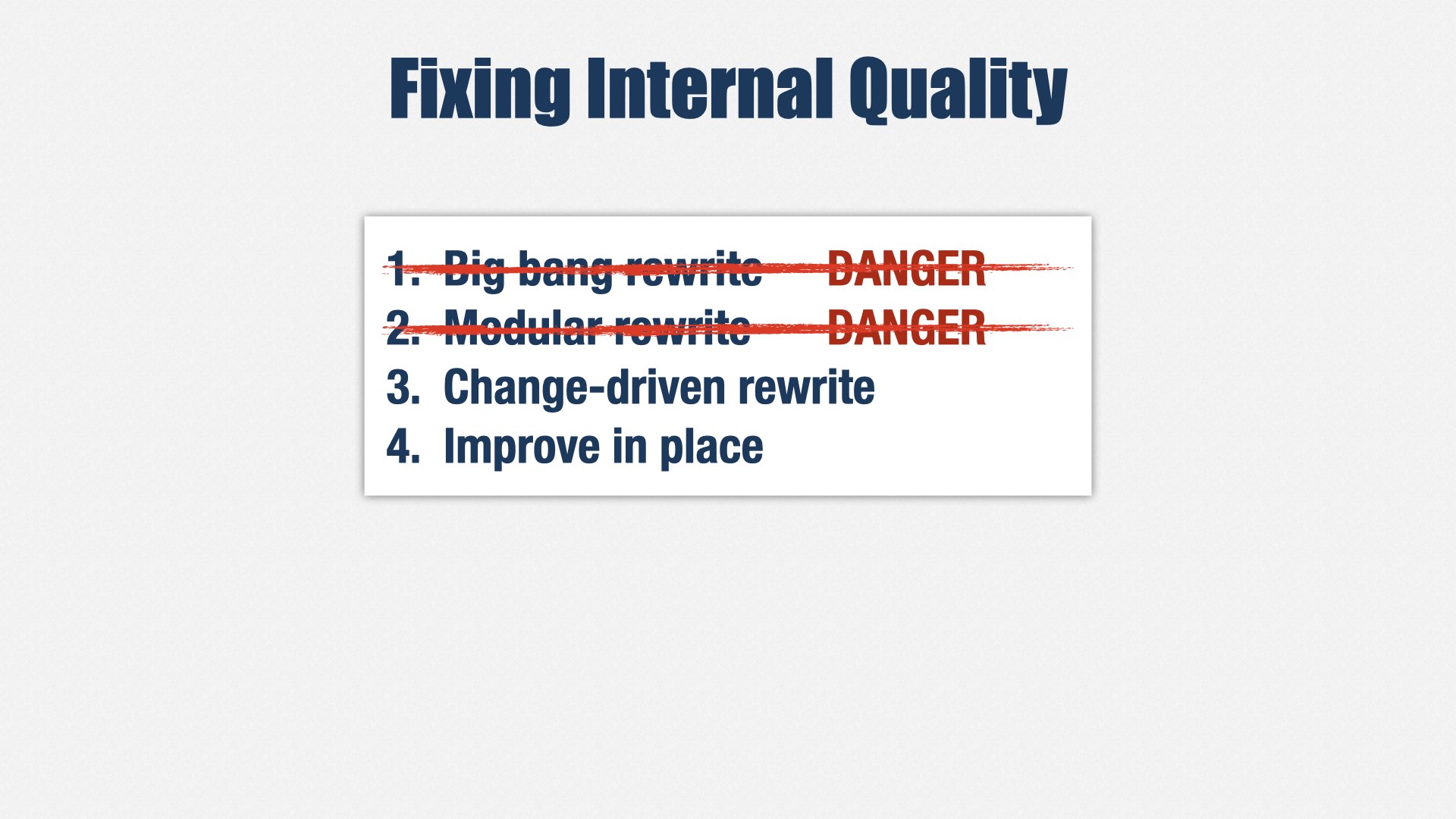
I’ve seen four approaches to fixing systems with low internal quality:
- Big-bang rewrite
- Modular rewrite
- Change-driven rewrite
- Improve in place
Be careful: The first two approaches are popular... and usually fail.
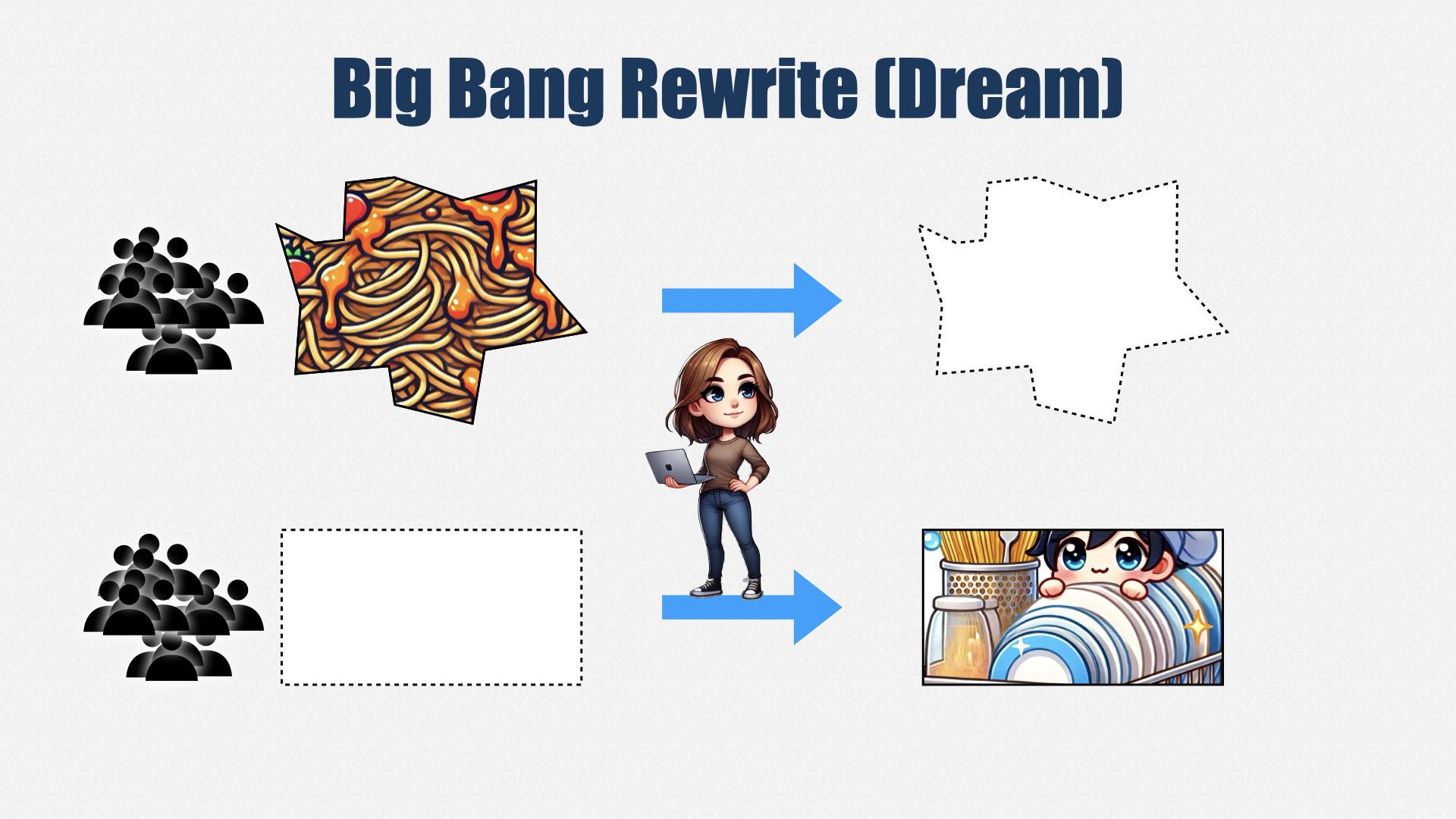
In the “big bang” rewrite, you start up a new team to write a new version of the software. Meanwhile, the old team keeps maintaining the old software: adding features, fixing bugs, and so forth. When the new software is done, the old software will be retired, and the new software will take its place.
In this slide, the old system is represented by the spaghetti in the top row, and the new system is represented by the clean, shiny dishes in the bottom row.
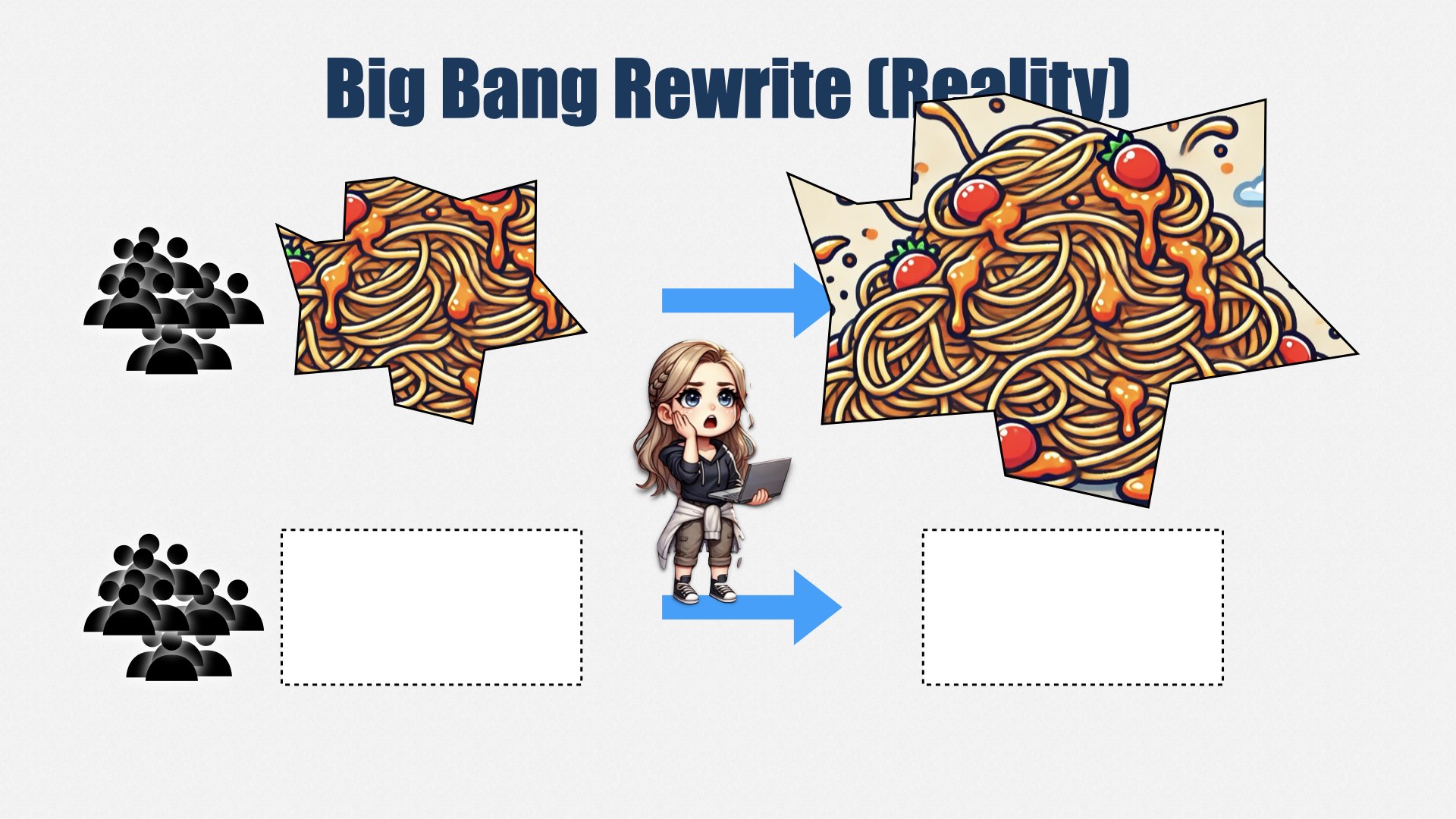
This sounds nice in theory, but what really happens is the rewrite always takes much longer than expected. Meanwhile, the original software keeps getting bigger and bigger, and the mess gets worse and worse, because people think it’s going to be thrown away.
The replacement keeps taking longer than expected. You’re spending twice as much money, because you’re running two teams, but not getting good results for your money. So the replacement is either cancelled or rushed out the door. Customers are unhappy because it doesn’t do everything the old system did, and your engineers are unhappy because, in the rush to get the replacement done, they made a mess. It’s better than the old system is, but not that much better. It’s going to need another rewrite soon.
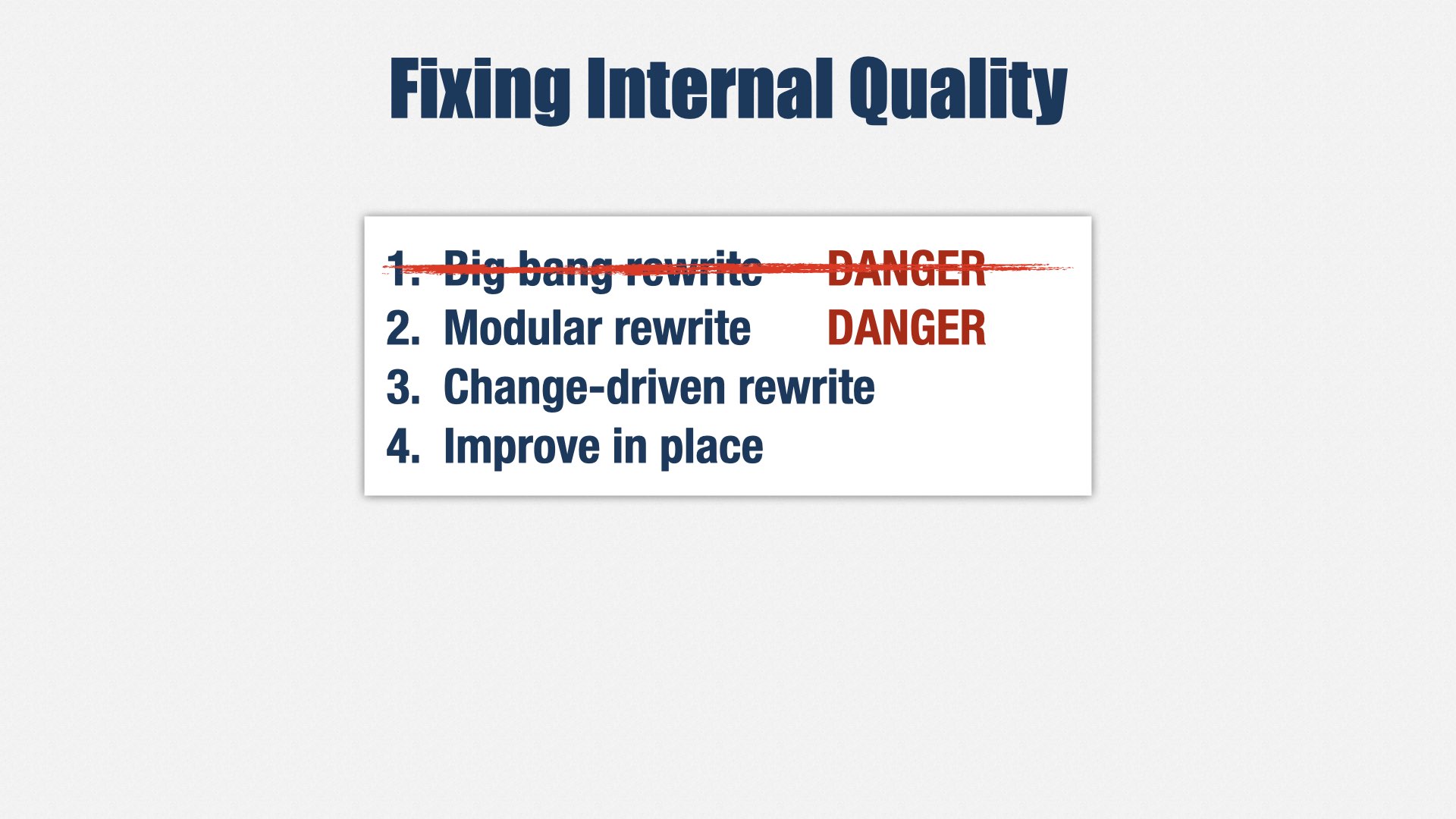
In other words, “big bang” rewrites are dangerous. They should be avoided.
Another option, not quite as common, is the modular rewrite.
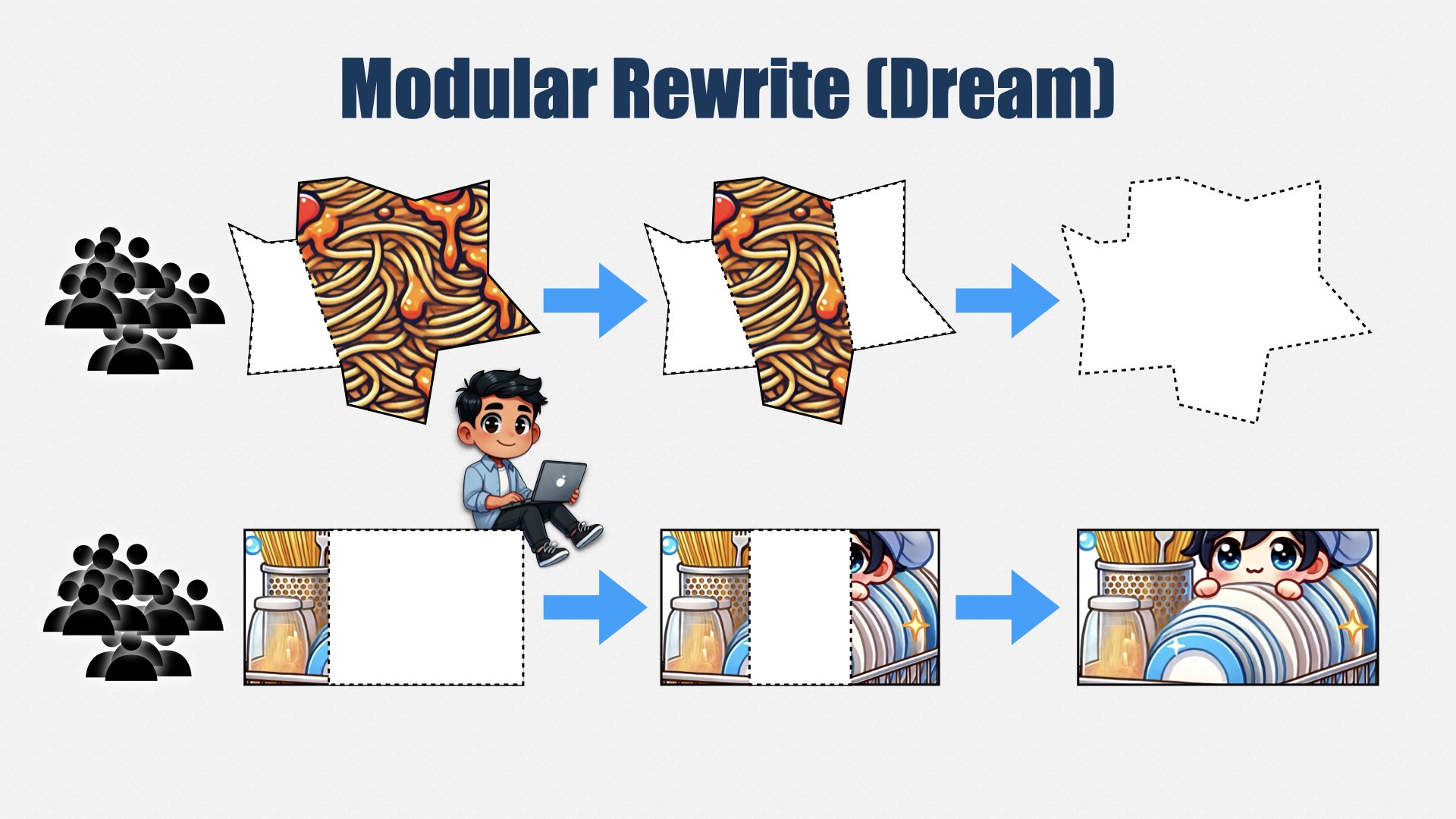
A modular rewrite takes a big existing system and identifies pieces that can be split off and rewritten. Then each piece is rewritten, one at a time. This might be done by a separate team, but sometimes it’s done by the same team. Over time, the whole system is replaced, without the risk of a big-bang rewrite.
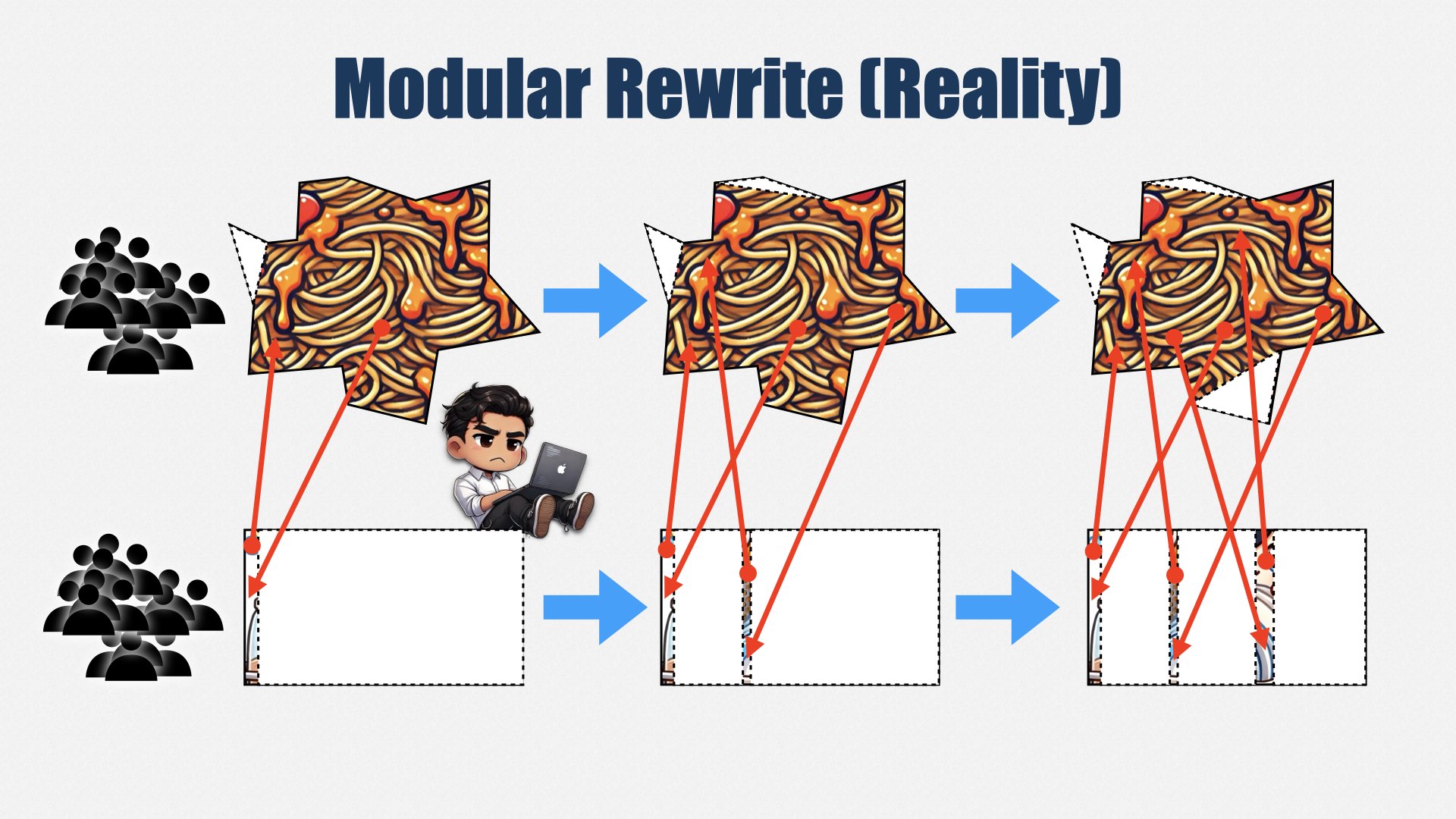
But, as always, things are harder than expected. You end up chipping away at the easy edges of the system, but the big complicated core stays just as big and complicated as ever.
And, as always, other priorities intervene before you can finish. Now, instead of one complicated system, you have multiple complicated systems, all interfacing with each other in confusing ways. If you’re not careful, you end up with a bigger, uglier mess than you started with.
Modular rewrites are safer than big-bang rewrites because they work in smaller pieces, but they suffer the same problem: everything is bigger and more complicated than expected, and if you stop part way, you’re left with a mess.
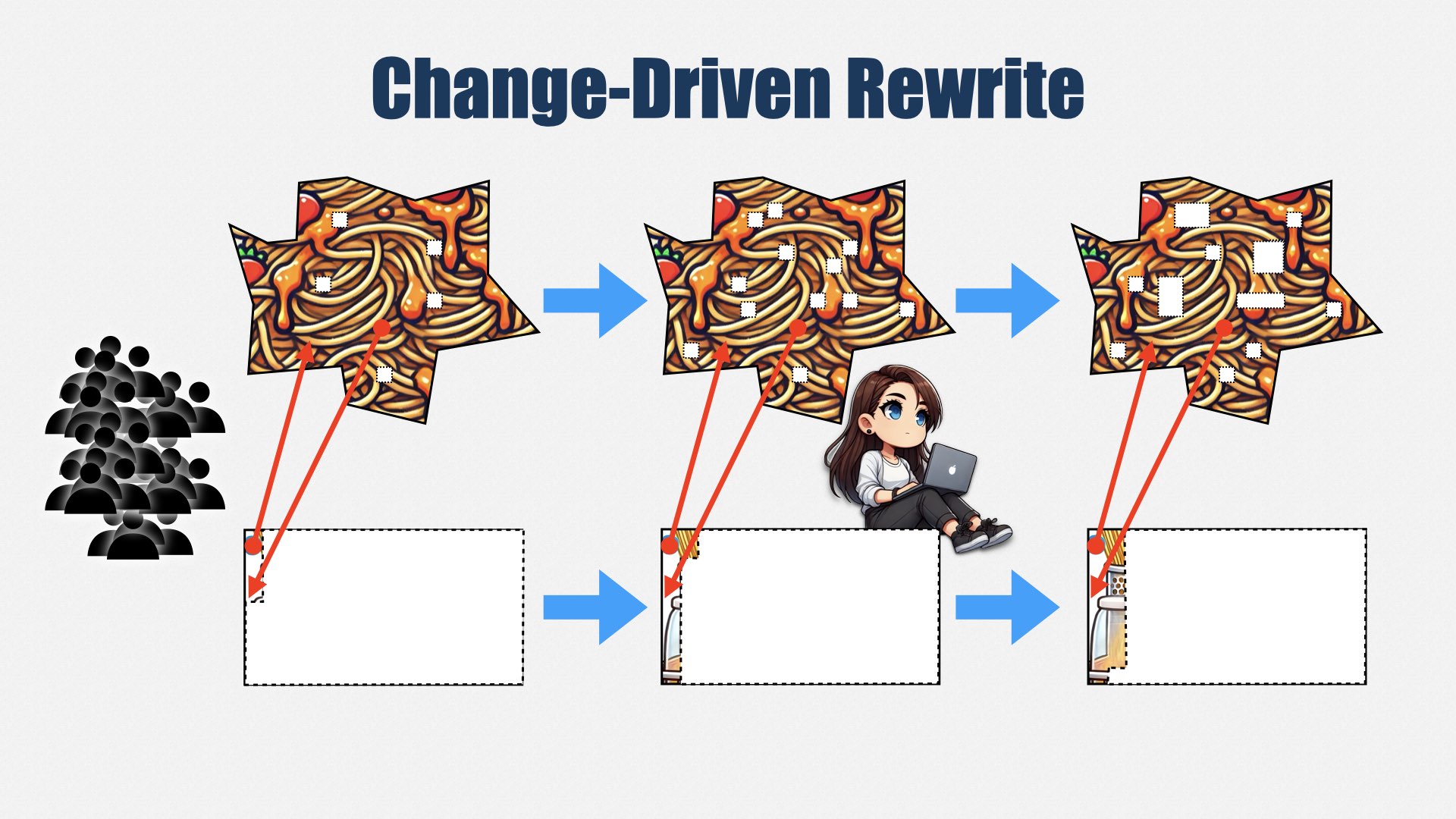
The trick to a rewrite is to realize that you can never compete with features. Instead of establishing a rewrite team, continue with a single team. Instead of prioritizing rewrite work, continue to prioritize features and bug fixes.
But... whenever you make a change, migrate the code you’re changing to the new system. Don’t describe it as a rewrite; it’s just part of the work to complete the new feature. This way, you don’t have to compete for budget, and you don’t have to justify the cost of the rewrite. You just do it as part of your normal work.
This approach is slow. It will take years to complete. But thanks to the Pareto Principle—the 80/20 rule, which says that 80% of the changes to the system will occur in 20% of the code—you don’t have to rewrite everything to see a benefit. You do need to commit to seeing it through, but it’s easier to do so when people aren’t breathing down your neck asking when the rewrite will be done.
In this approach, you don’t add a new team. You can still add people, if you want, but you add them to your existing team, and use them to develop new features... migrating code to the new system as you go.
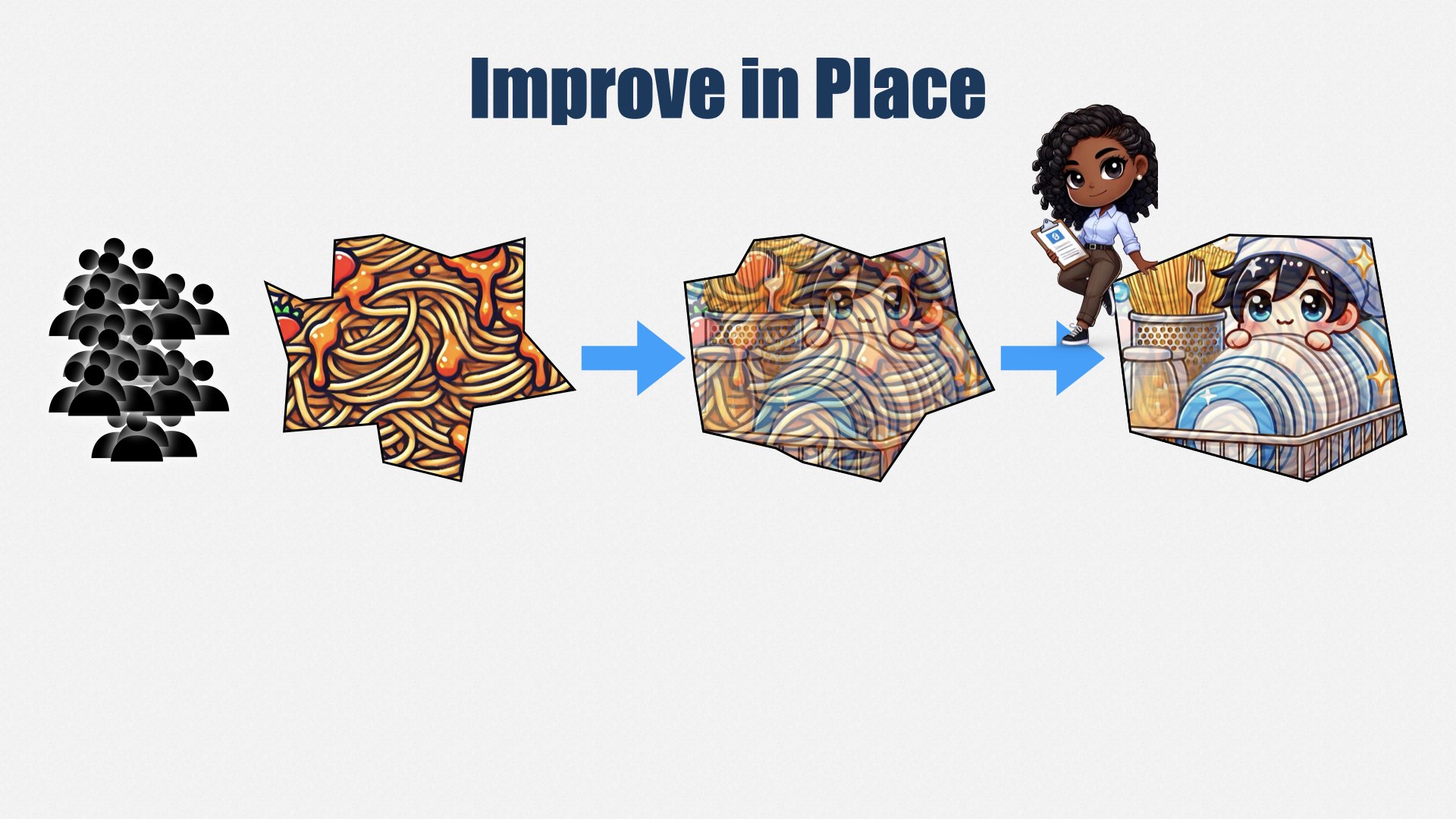
But even better than a rewrite is not rewriting at all. Instead, improve your existing system in place. As you work on features and bug fixes, add tests, clean up your automated build, and file off the rough edges. It will never be perfect, but the Pareto Principle will kick in, and the parts of the system you work with most often will be the parts you improve the most.
Remember that eight-second build I showed you? That’s a 12-year-old codebase, and it wasn’t always that smooth. Ten years ago, it was kind of a mess. But steady, consistent effort to improve it in place means that, today, it’s a pleasure to work in, and better than it’s ever been.
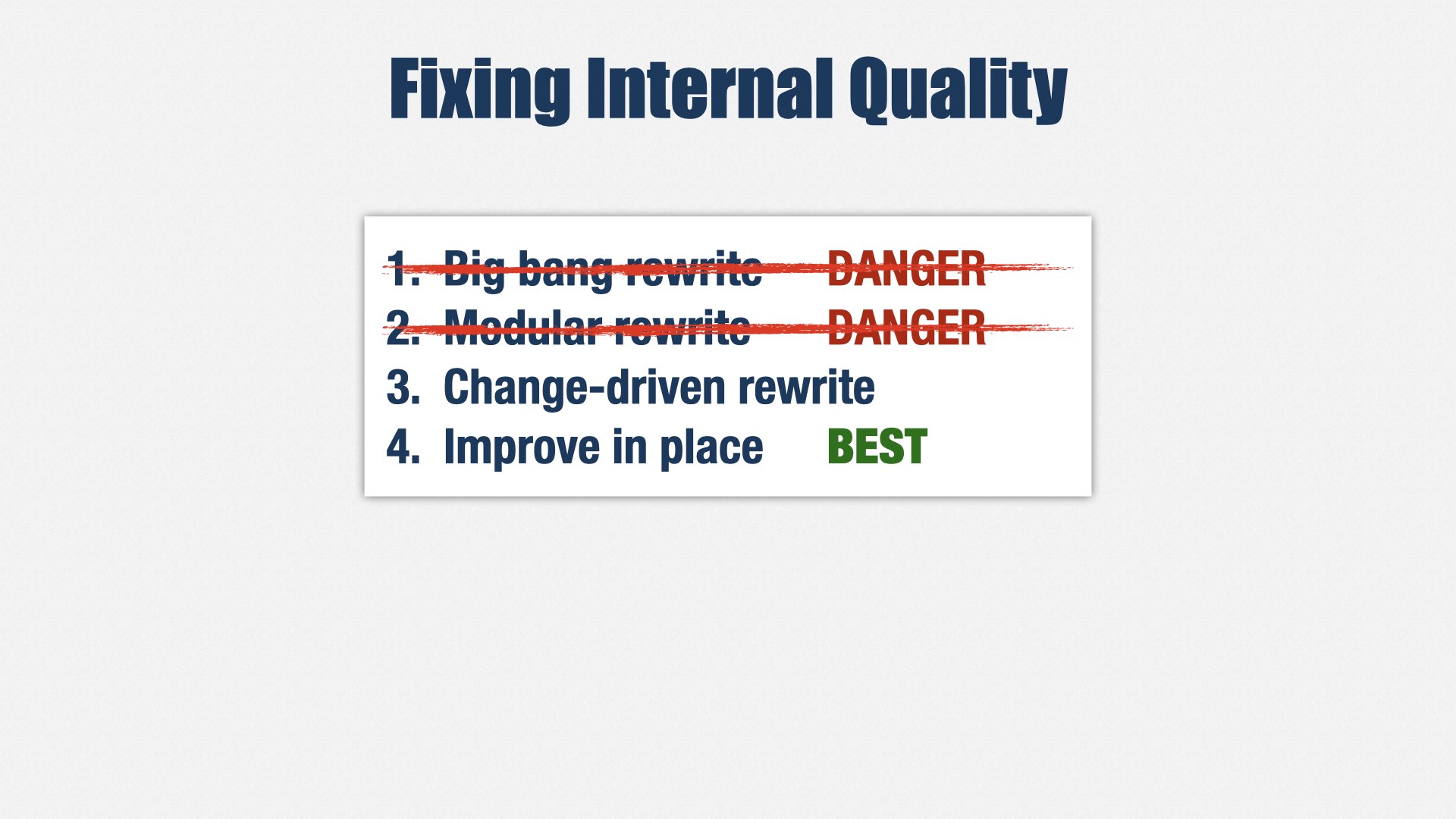
If you have internal quality problems, improve your existing systems in place. That takes specialized skills, so you might need to hire people for those skills. Personally, I hired a bunch of Extreme Programming coaches, and we’re doing a lot of training.
Sometimes, you can’t improve in place. If you want to change fundamental technologies, such as the programming language a system uses, or a core framework, you may not be able to improve the existing system. In that case, you can do a change-driven rewrite, and migrate code to a new system as part of your work on the old system.
Modular and big-bang rewrites can work, but they’re dangerous. Modular rewrites risk leaving you with a bigger, more complicated mess than before. Big bang rewrites risk leaving you with a half-baked product and angry customers. Although they can work, the risk is high, and I don’t recommend them.
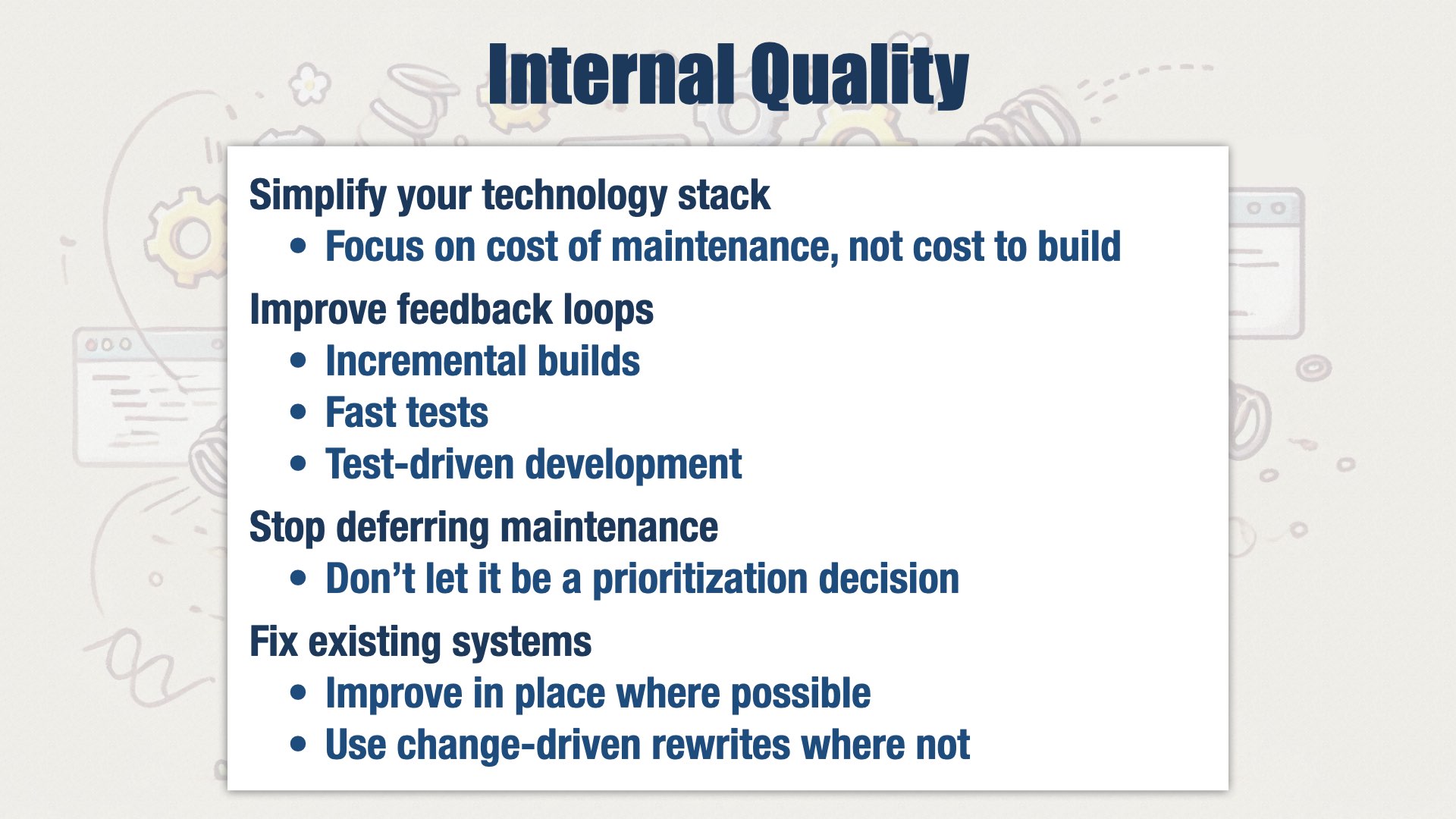
If we were the best product engineering org in the world, our software would be easy to modify and maintain, we’d have no bugs, and we’d have no downtime.
If only that were true. We’re looking at three things:
Simplifying our technology stack. We’re focusing on the cost of maintenance instead of the cost to build.
Improving our feedback loops. We’re building systems that allow developers to check their work in less than five seconds, preferably less than a second, and introducing test-driven development.
No longer deferring maintenance. When a dependency has a new version, we want to upgrade it immediately. Don’t wait. Don’t allow it to be a prioritization decision. Make it a requirement and stop the line. We’re not there yet, but as our technology stack becomes simpler and our developer experience better, those upgrades will get easier.
And for the existing systems, where it’s not as easy as we’d like, we’re avoiding big rewrites. We’re improving our systems in place, where possible, and undertaking a change-driven rewrites where not.
Lovability

Jeff Patton is here this week! He’s giving tomorrow’s keynote, and from previous experience, I can tell you that he’s not to be missed.
Jeff can tell you much more about making software people love than I can. So I’m going to talk about how we make time to put Jeff’s ideas into practice.
We just talked about internal quality and reducing muda. The better your software’s internal quality, the faster your teams will go. So investments in internal quality are easy: as much as you can afford. The main challenge is managing cash flows and balancing that investment with forward progress.
Lovability is external quality. It’s about building software that our users, buyers, and internal stakeholders love. We’re going to put all our remaining capacity towards external quality. But there are always more ideas than time to build them all. So lovability is also about understanding what stakeholders really need and putting our limited capacity toward what matters most.
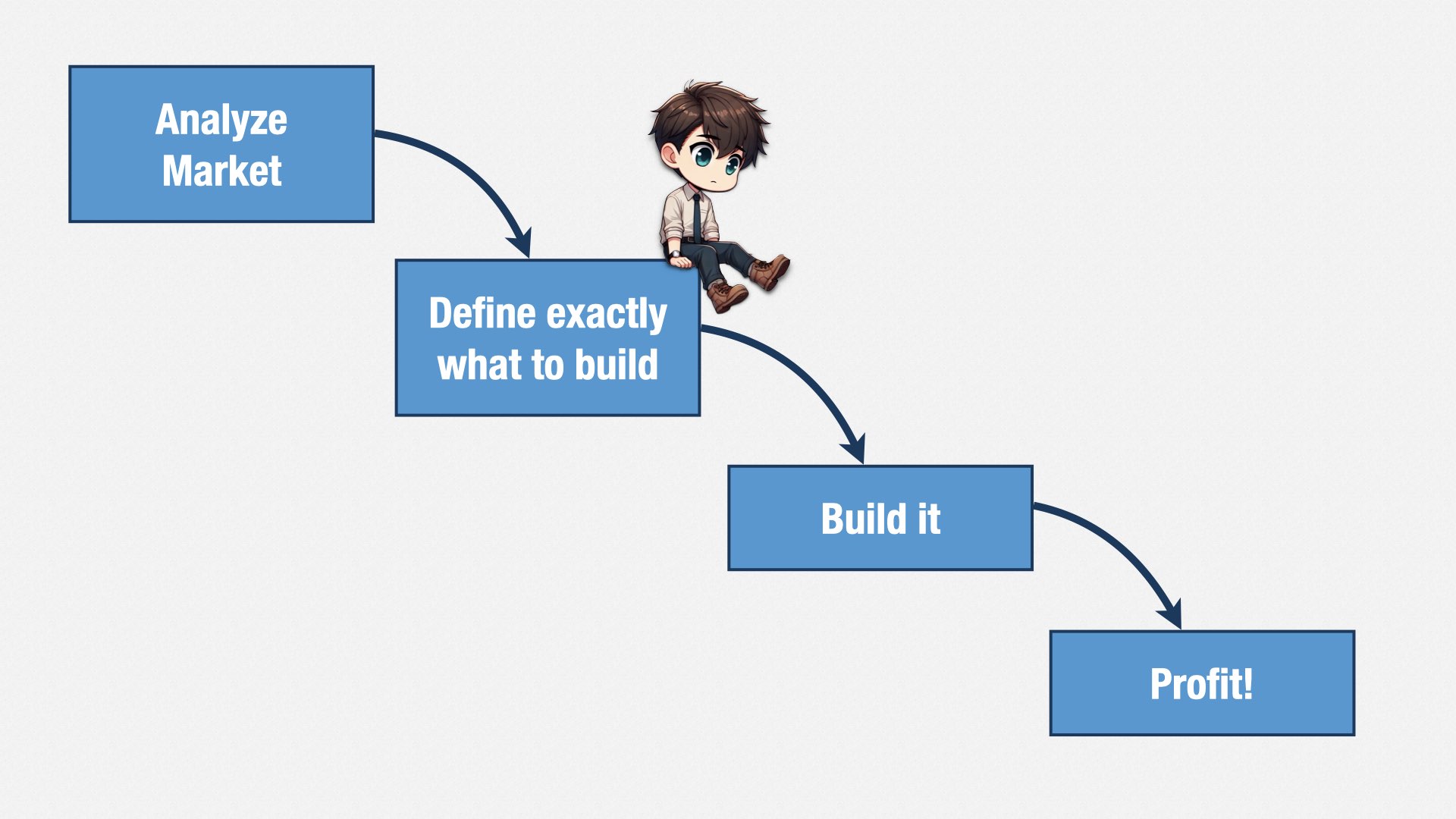
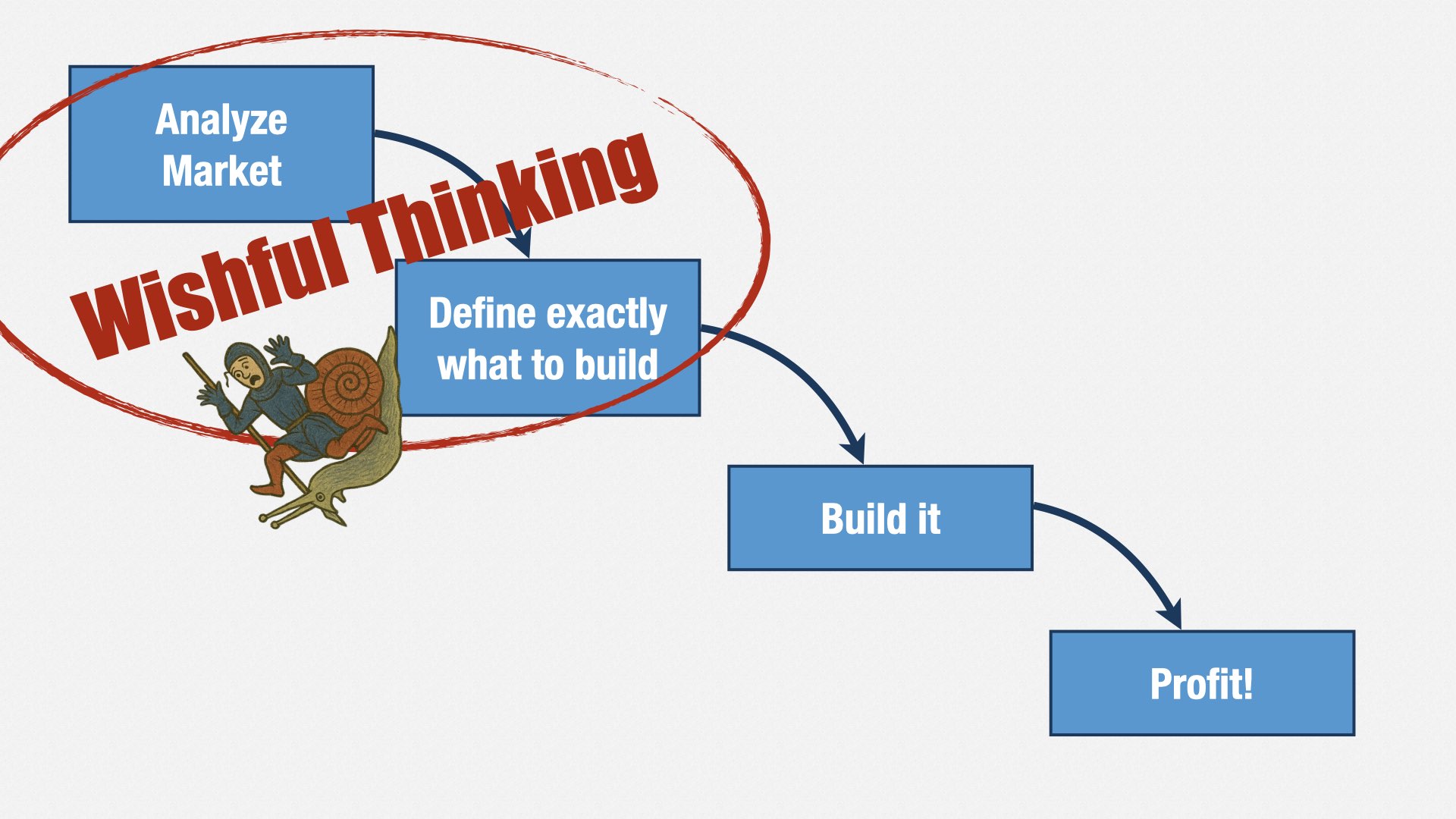
People have understood this for a long time. Back in the days before Agile, companies would put immense amounts of effort into requirements analysis in order to make sure they were building the right thing. They would analyze the market, define exactly what to build, and then build it.
Those of you who weren’t around in the 90’s might think this “waterfall” idea is just a fable—a straw man trotted out by Agile proponents to prove that they’re better than the old way. Surely no one really worked that way!
But they did... and a lot of companies still do.
They say they’re “Agile,” but when you look at how they plan, what they actually do is... analyze the market, decide exactly what to build, and then build it. The only difference is that they don’t make requirements documents any more. Instead, they make Jiras. They chop up their requirements documents into lots of itty-bitty pieces, and then they move those pieces around a lot.
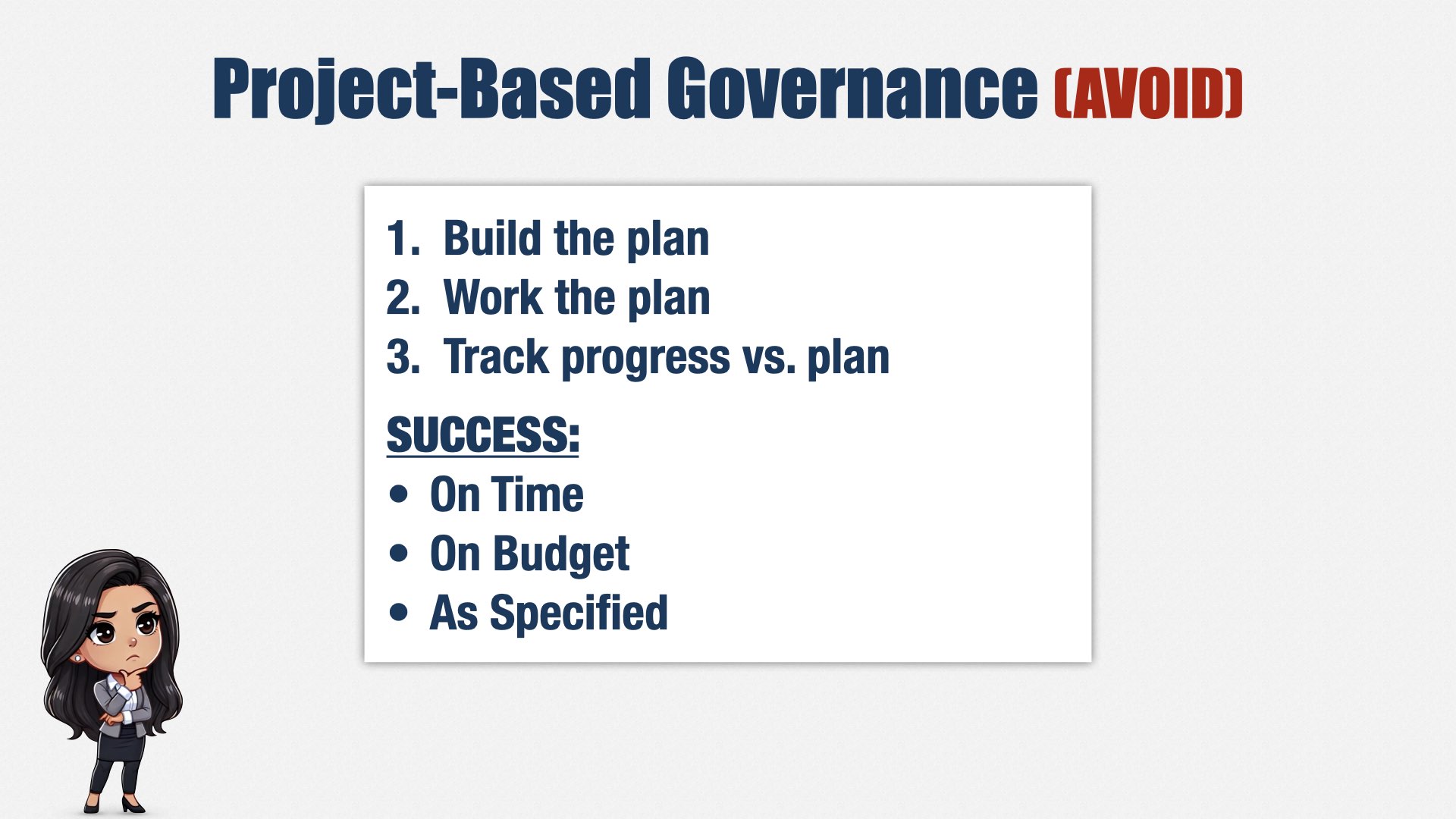
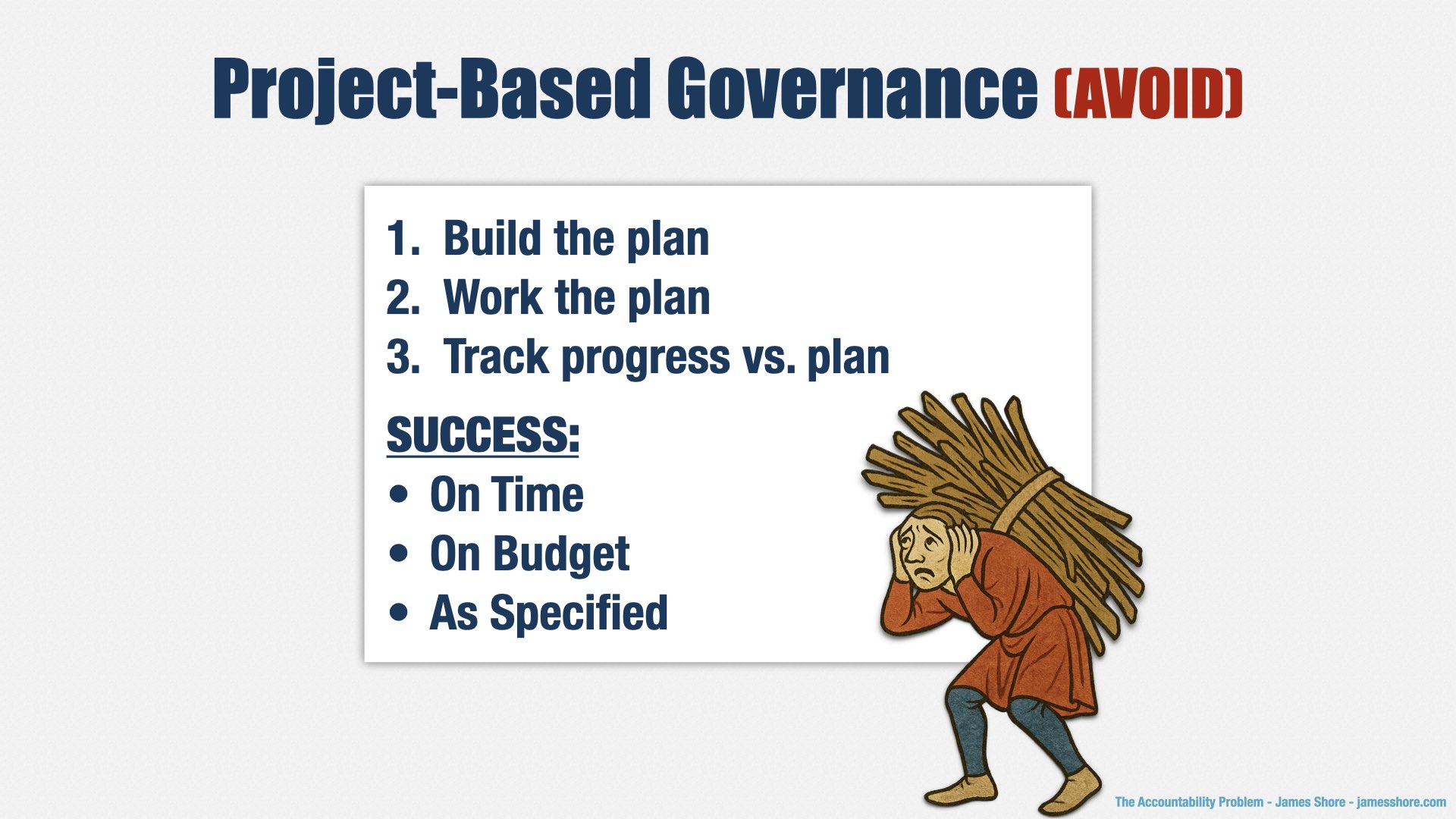
This approach is called “project-based governance.” You create a plan, then you work the plan. If you execute the plan perfectly, coming in on time, on budget, and as specified, you’re going to be successful.
At least, that’s the theory.
As Ryan Nelson wrote in CIO Magazine in 2006:
Projects that were found to meet all of the traditional criteria for success—time, budget, and specifications—may still be failures in the end because they fail to appeal to the intended users or because they ultimately fail to add much value to the business… Similarly, projects considered failures according to traditional IT metrics may wind up being successes because despite cost, time or specification problems, the system is loved by its target audience or provides unexpected value.
CIO Magazine, Sep 2006
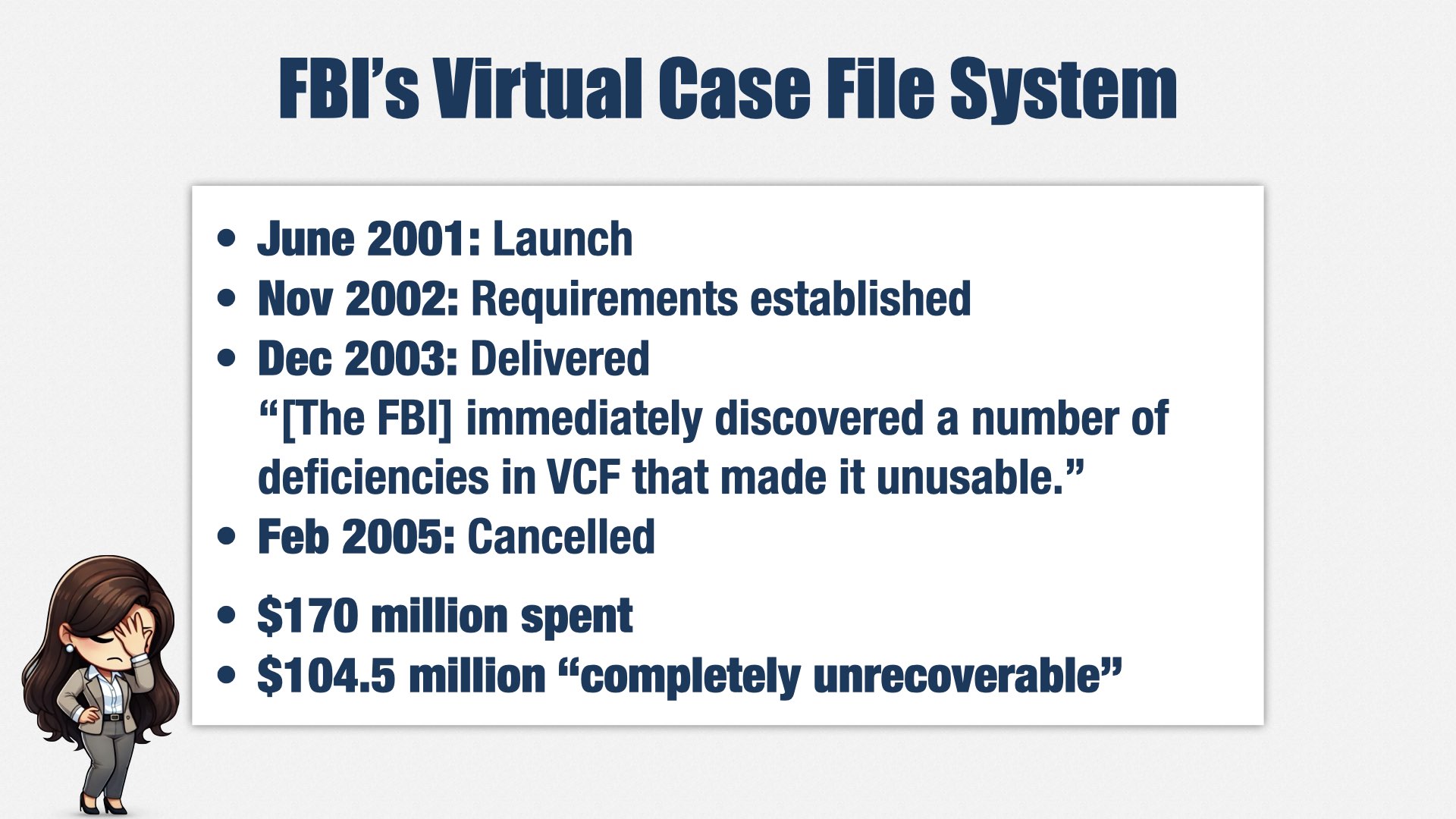
One of my favorite stories about how this approach fails is the FBI’s “Virtual Case File” system, because there was a US Senate investigation, and we have a lot of details about what happened. It’s unusual in how high-profile it was, but the story is very typical of its time.
In June 2001, the FBI launched the Virtual Case File project.
17 months later, they had established “solid requirements.” Seventeen months! They knew exactly what their users needed—or thought they knew—and had a detailed plan.
A year after that, the project was delivered, and it didn’t work. The FBI “immediately discovered a number of deficiencies in VCF that made it unusable.”
In 2005, it was officially cancelled, and the director of the FBI appeared before a Senate subcommittee to explain how the FBI had managed to waste $104.5 million of taxpayers’ money.
The problem wasn’t that the software didn’t function; the problem was that all that detailed planning resulted in the wrong thing. The software didn’t meet the FBI’s needs.
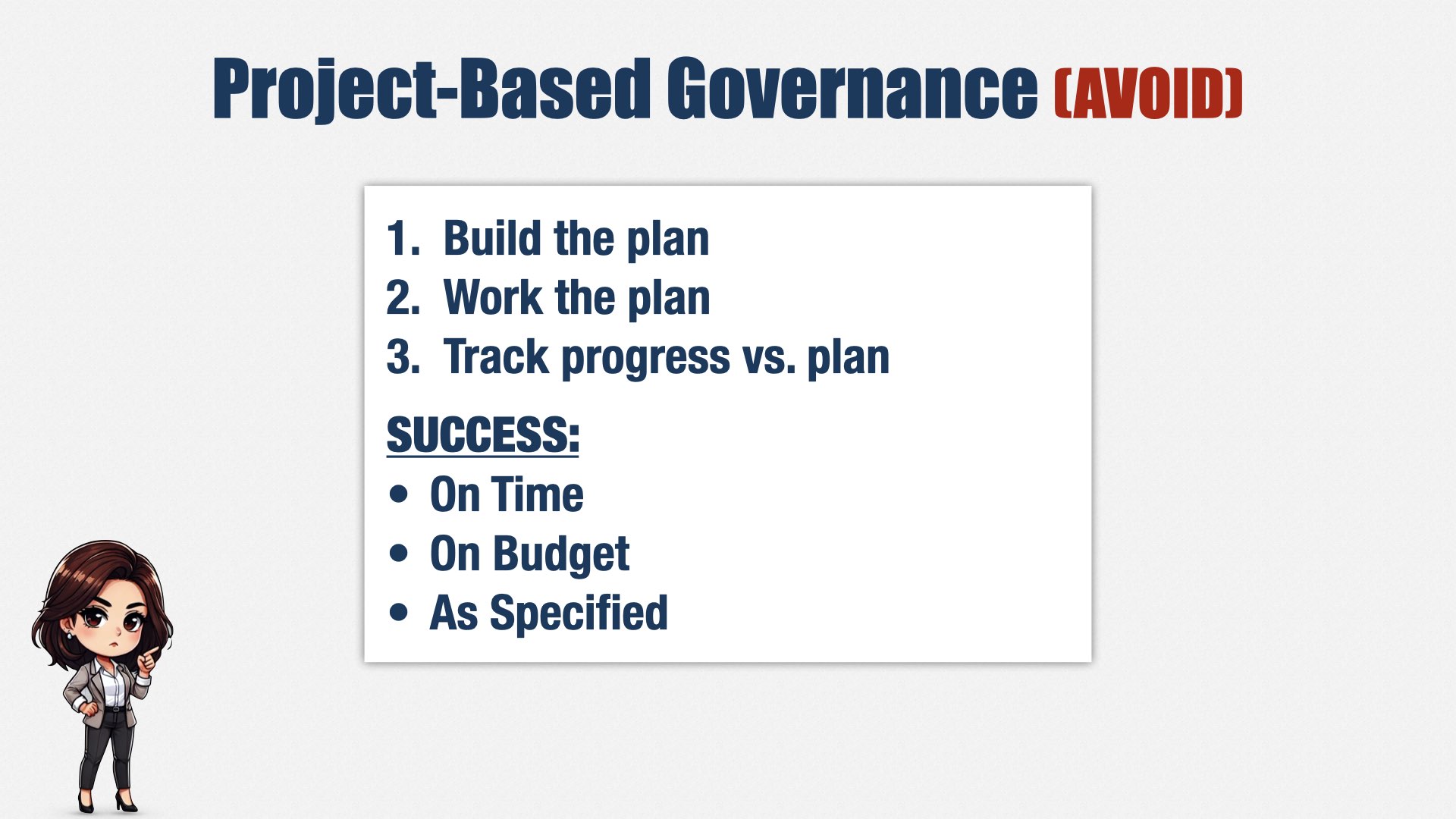
Before you say, “that was then... we’re Agile,” look at this list again. How does your company manage projects? Do they define success as delivering on time, on budget, and as specified? Do they ask you to prepare a plan, and then track progress against that plan?
[beat]
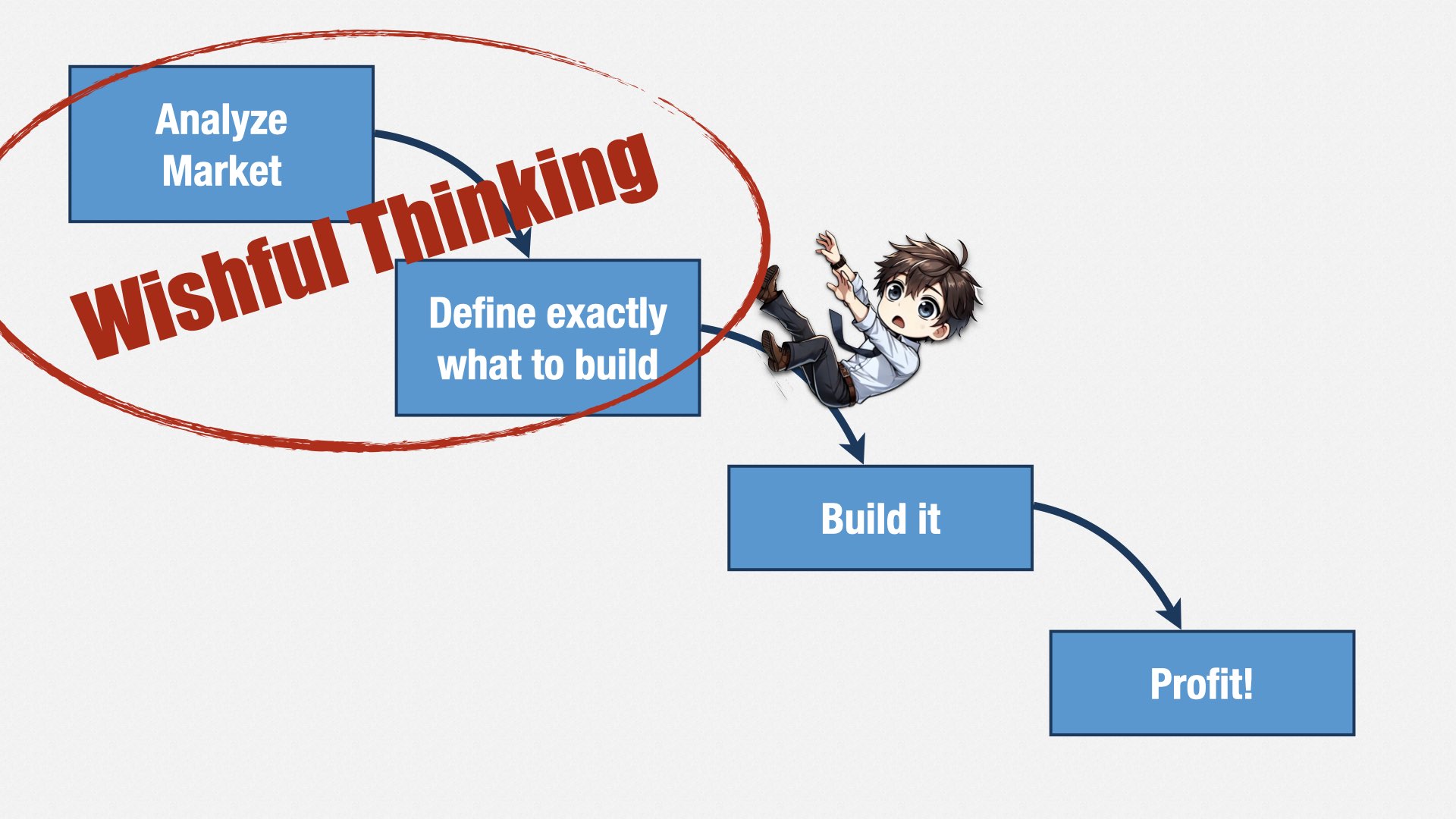
The problem with this approach is that we can’t predict what our customers and users really want. We can only guess. Some of those guesses are right; some are wrong. We have to conduct experiments to find out which ones are really worth pursuing.
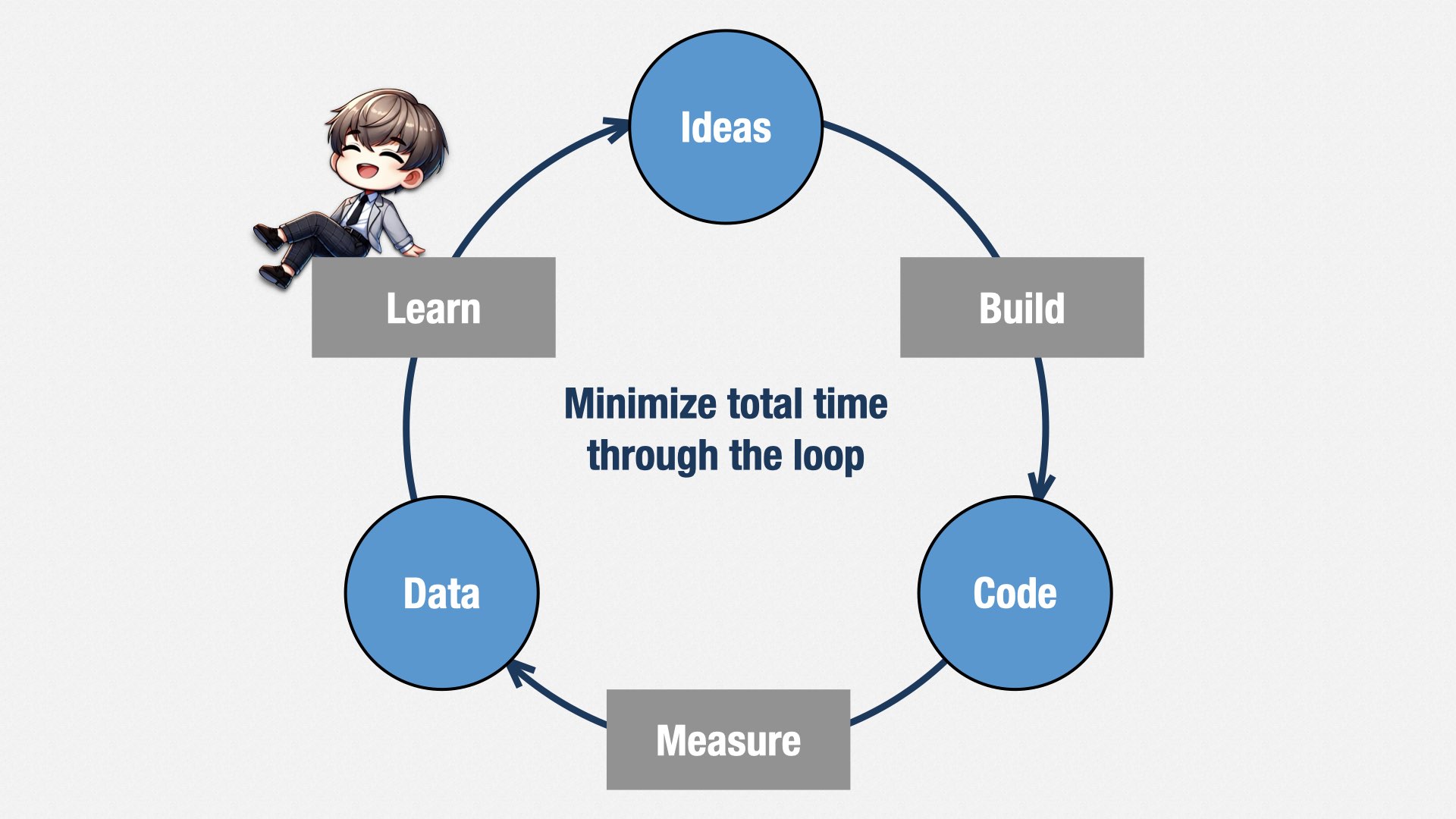
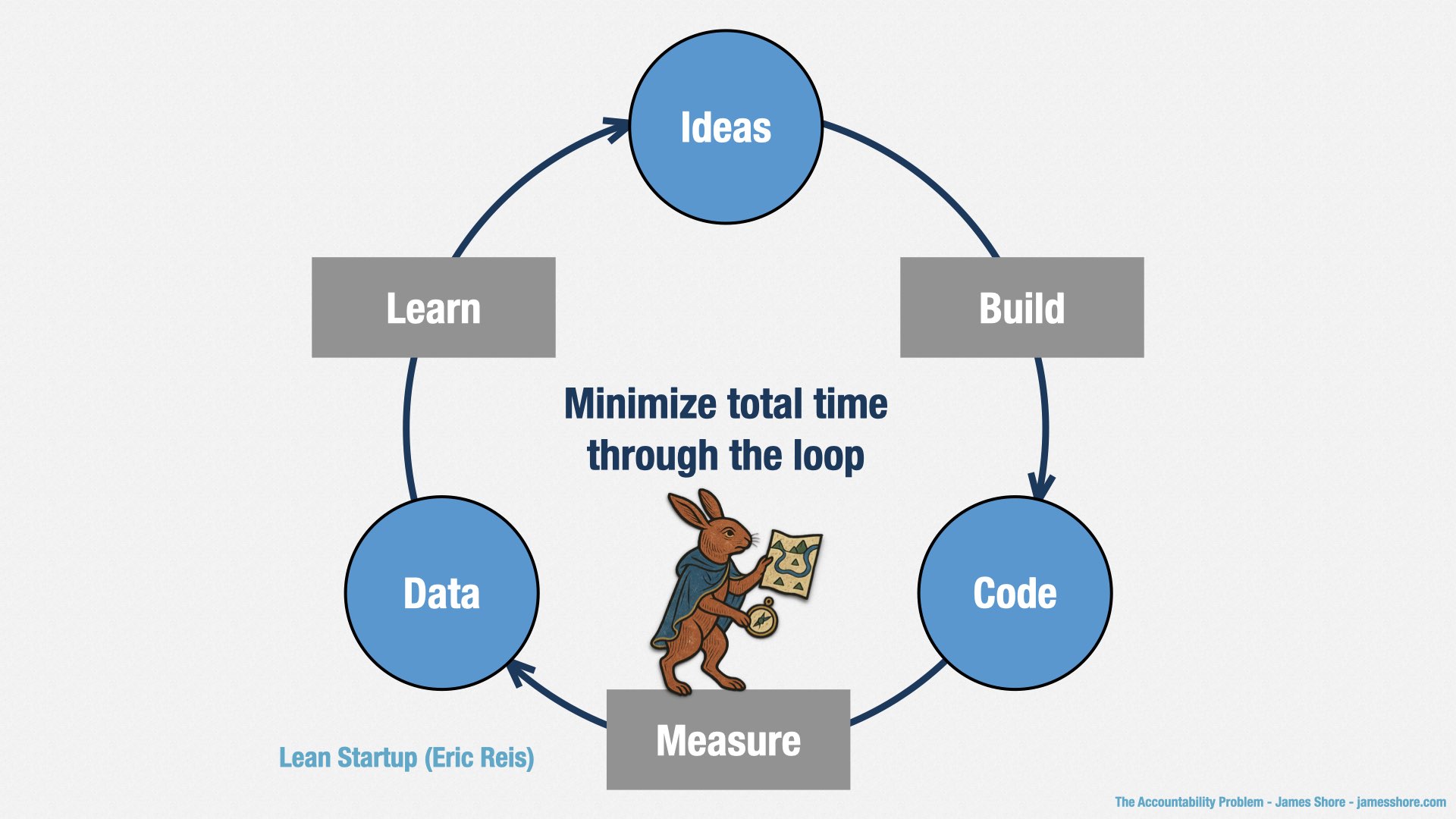
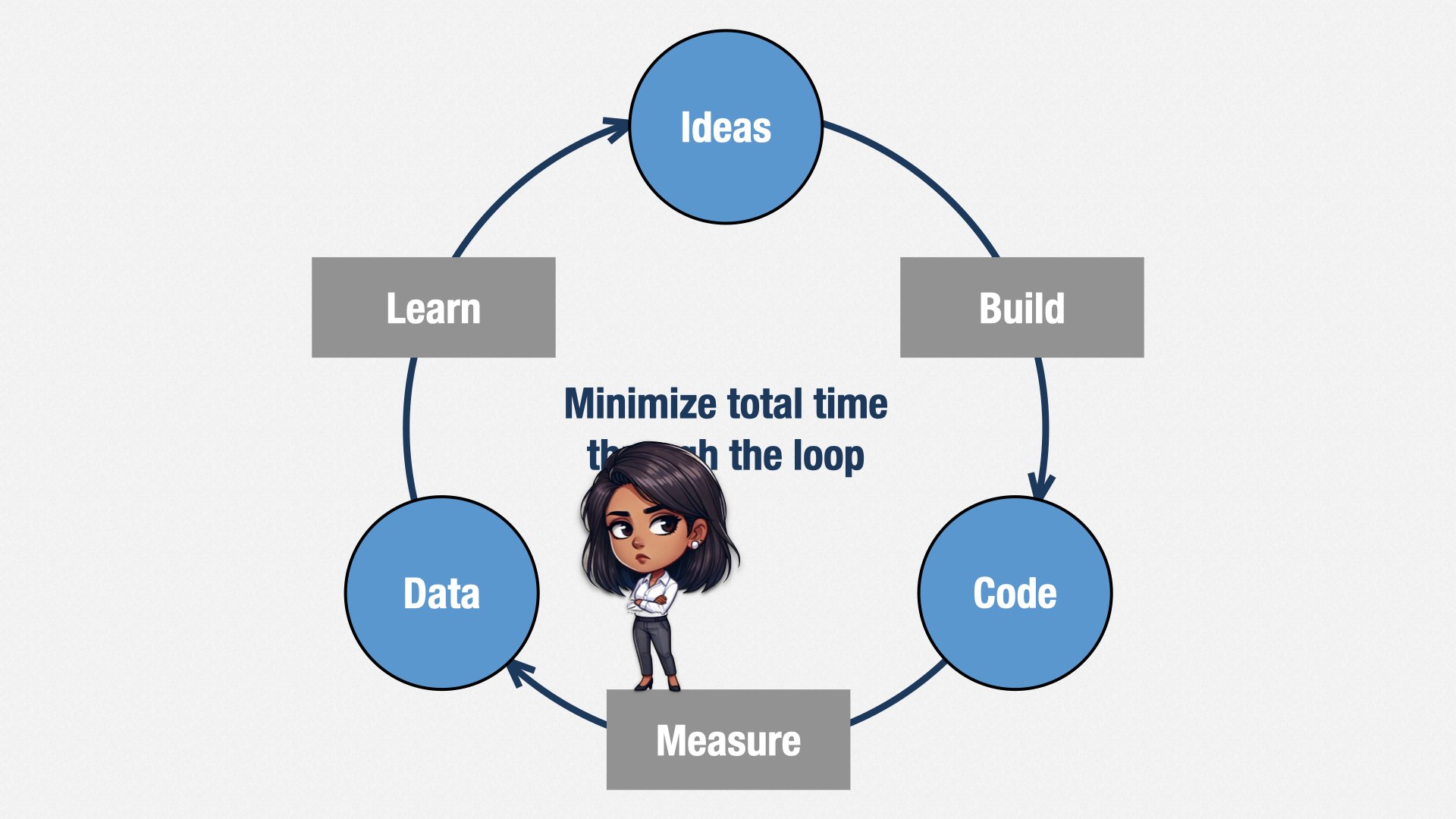
One of my favorite expressions of this idea is Eric Ries’ “Build, Measure, Learn” loop. We have an idea about what customers might love. We build a simple experiment that lets us test that idea—the smallest, simplest experiment we can think of! It might not even be code. It might just be interviews, surveys, or Figma prototypes.
Then we conduct the experiment and see what data comes out of it. We learn from that data and that improves our ideas of what we should build next.
This loop is where the idea of “Minimum Viable Product” comes from. But it’s often misunderstood. Minimum Viable Product isn’t the smallest thing we can deliver to customers; it’s the smallest test we can perform to learn what we’re going to deliver to customers. Those tests can be very small. Because the faster we can get through this loop, the more we can learn, and the less time we waste on failed ideas.
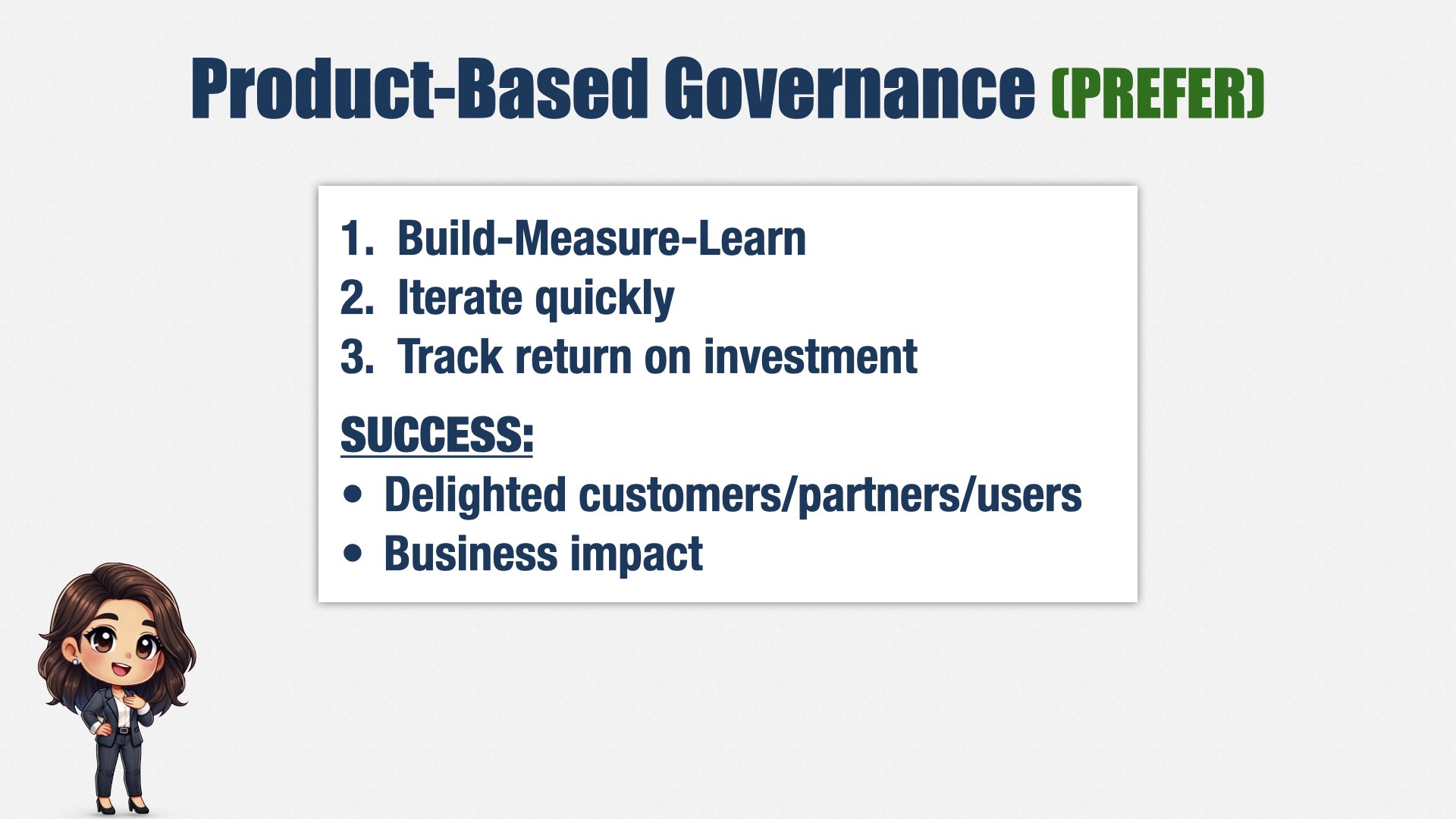
This leads to product-based governance. Rather than creating a plan and working the plan, we iterate on a series of very small plans. If we learn and change our plans, we can steer our way to success.
Success means delighting our stakeholders, and doing so in a way that impacts the business.
We aren’t tracking adherence to plan, but rather, return on investment.
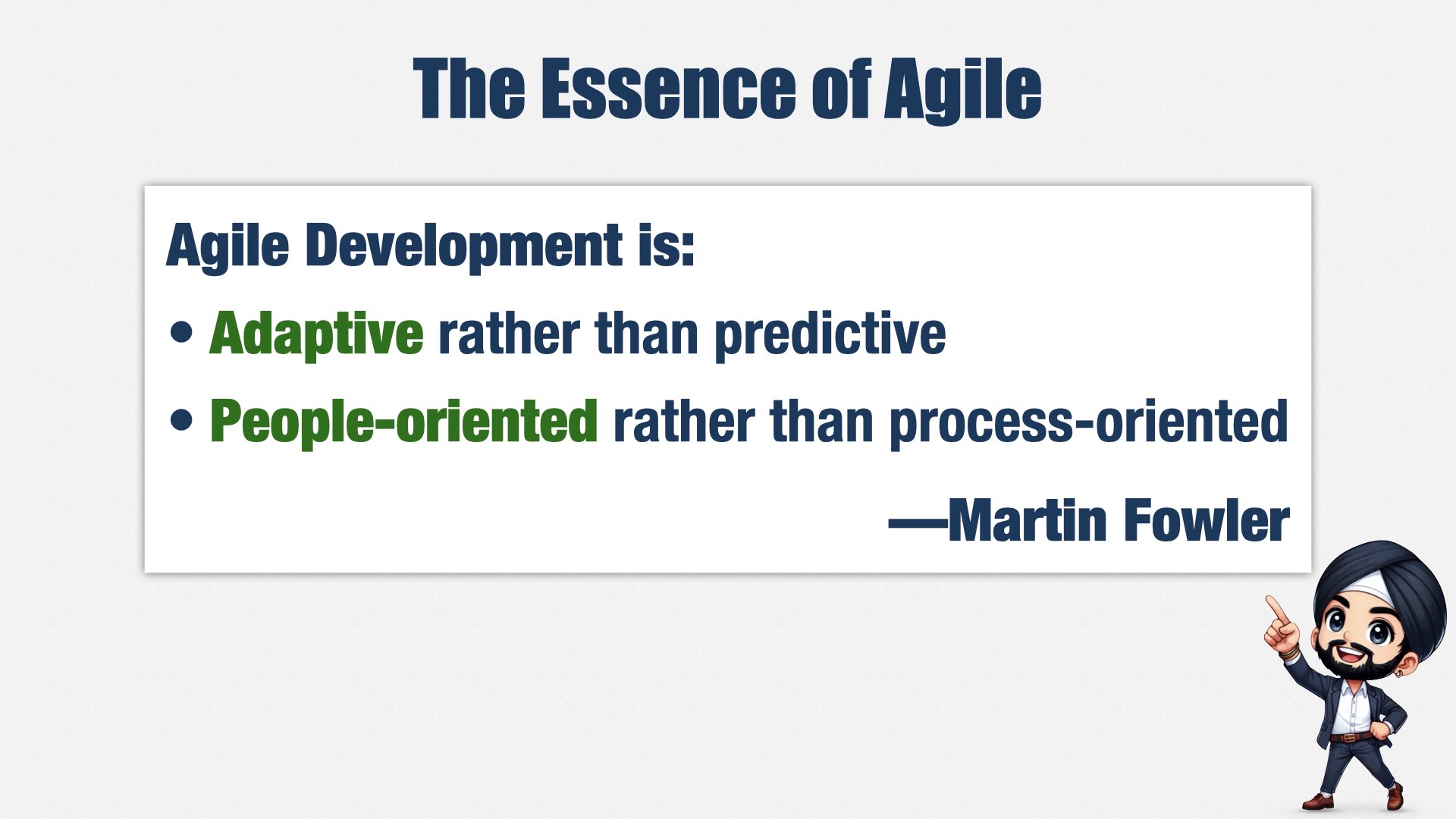
Adapting plans is one of the key ideas of Agile, of course. Martin Fowler describes the essence of Agile this way:
“Agile development is adaptive rather than predictive; people-oriented rather than process-oriented.”
So now that Agile’s taken over the world, and just about everybody’s using some flavor of Scrum, we’re all able to adapt our plans, right?
I’d like to say that’s true... but we know it’s not, don’t we.
There are a lot of companies saying they do Agile, or Scrum, and they’re not either of these things. They predict rather than adapt, and they orient around process rather than people. And if you’re not adaptive, if you’re not people-oriented... you’re not Agile, no matter how many Scrummasters, Sprints, or standups you have.
[beat]
The build-measure-learn loop and adapting your plans is important at a tactical level. But what about big-picture strategy? At my company, strategy is decided by our Leadership team, which consists of our CEO and heads of Product, Marketing, Sales, Partners, Content, Finance, and so forth.
Alignment at this level is critical. Each person has their own view of their world, and their own theories about what’s needed for success. Product wants to improve usability. Marketing and Sales want splashy new features. Finance wants to reduce manual billing. Each person has their own view of the world, and their own theories about what’s needed for success. How do you balance those competing concerns? How do you allocate engineering’s limited capacity?
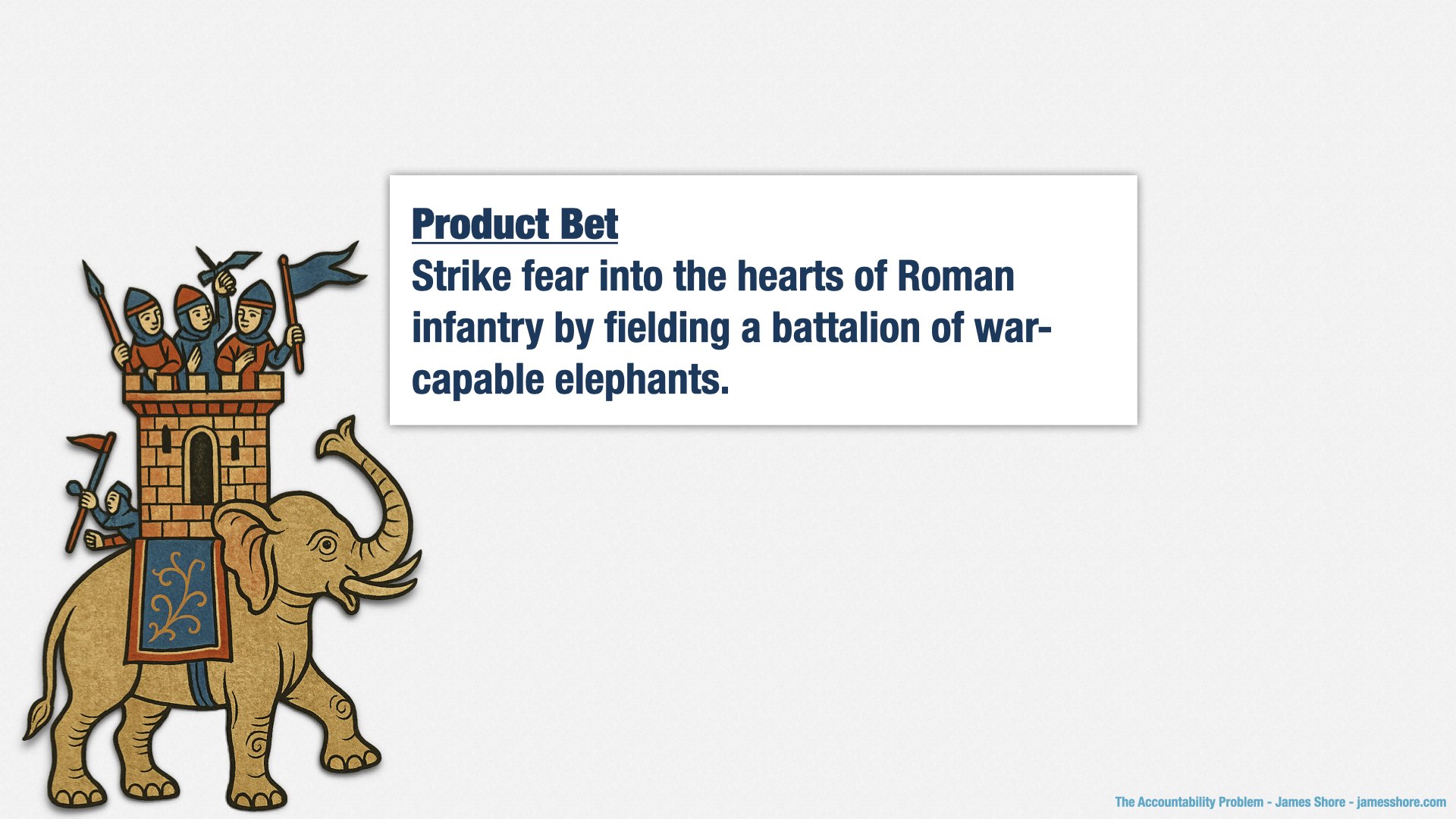
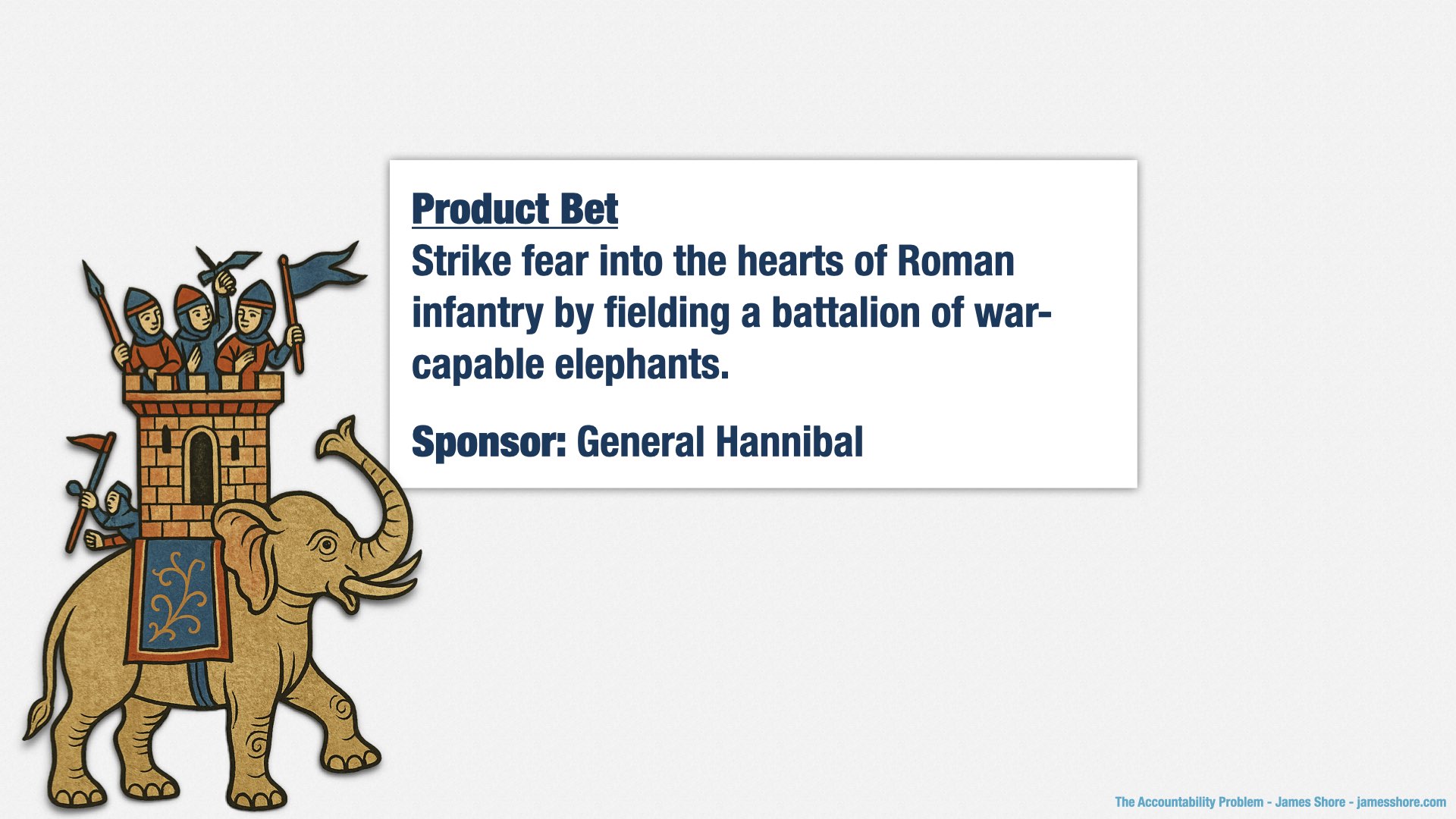
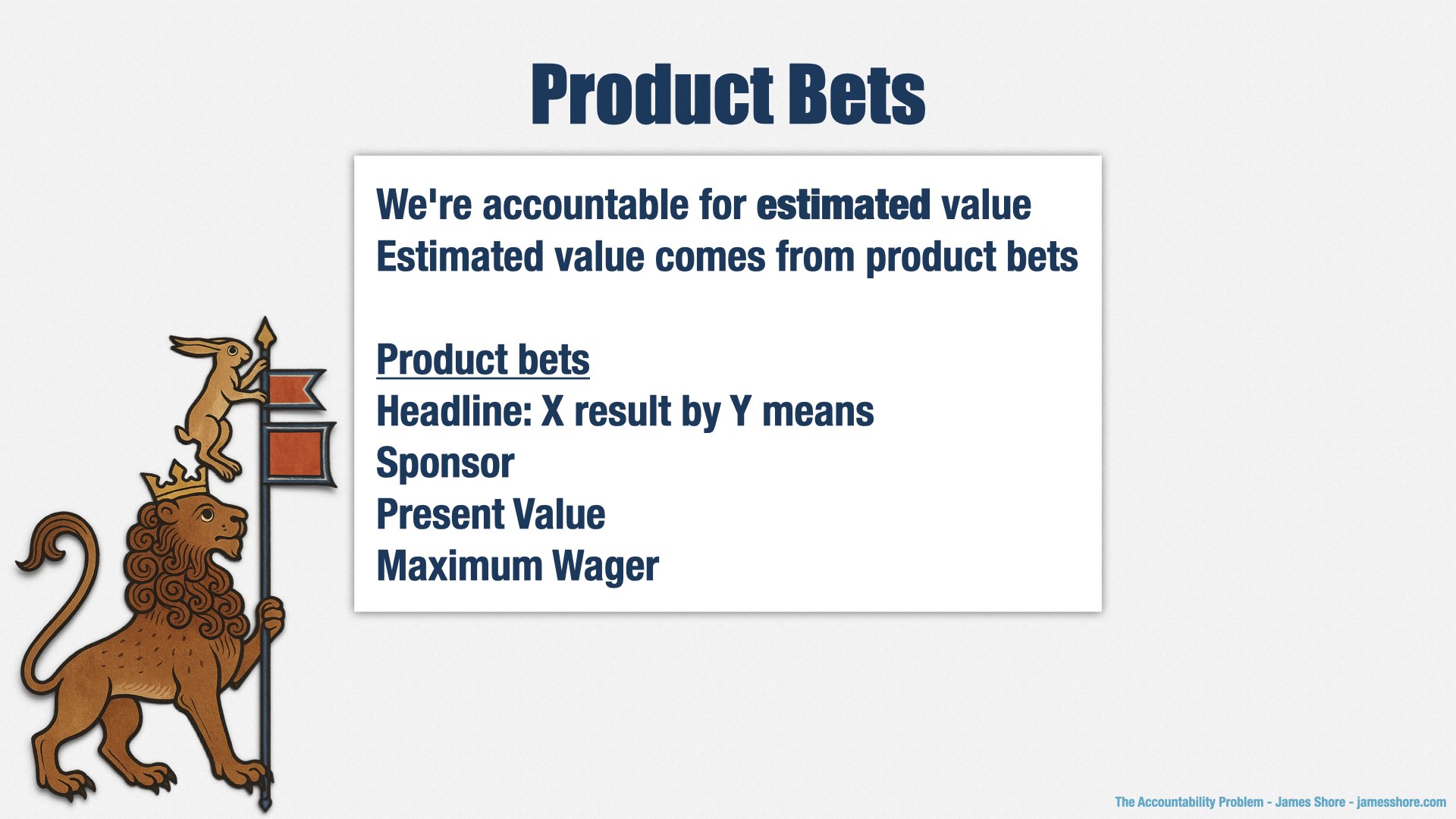
We’re trying something we call “product bets.”
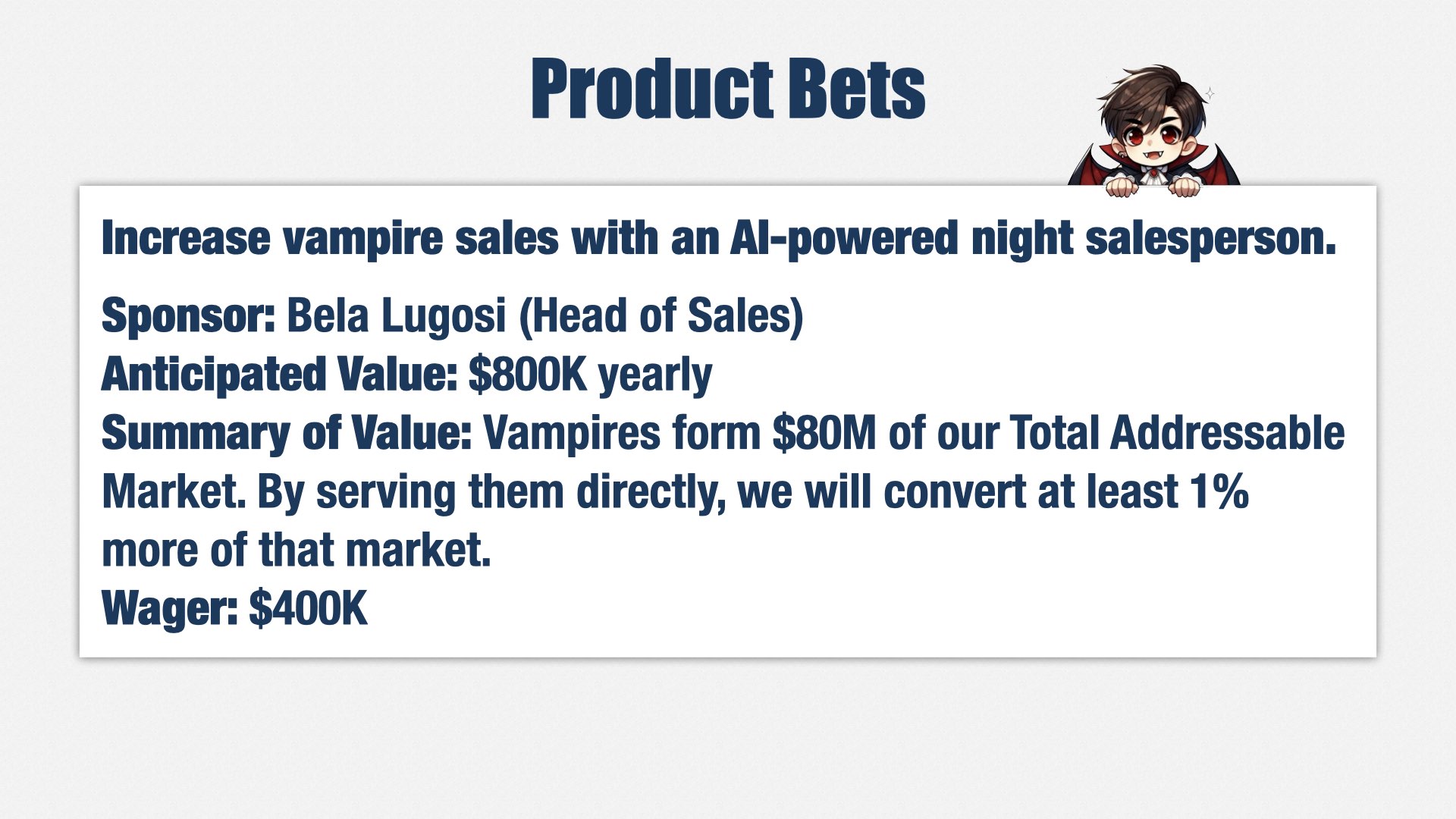
A Product Bet is a big-picture hypothesis. For example, our head of sales might say, “A lot of our customers are vampires. We can close a lot more deals if we introduce an AI-powered salesperson that’s available at night.”
(I’ll tell you a secret. Our customers aren’t actually vampires. I have to keep the specifics of our situation confidential. They could be werewolves.)
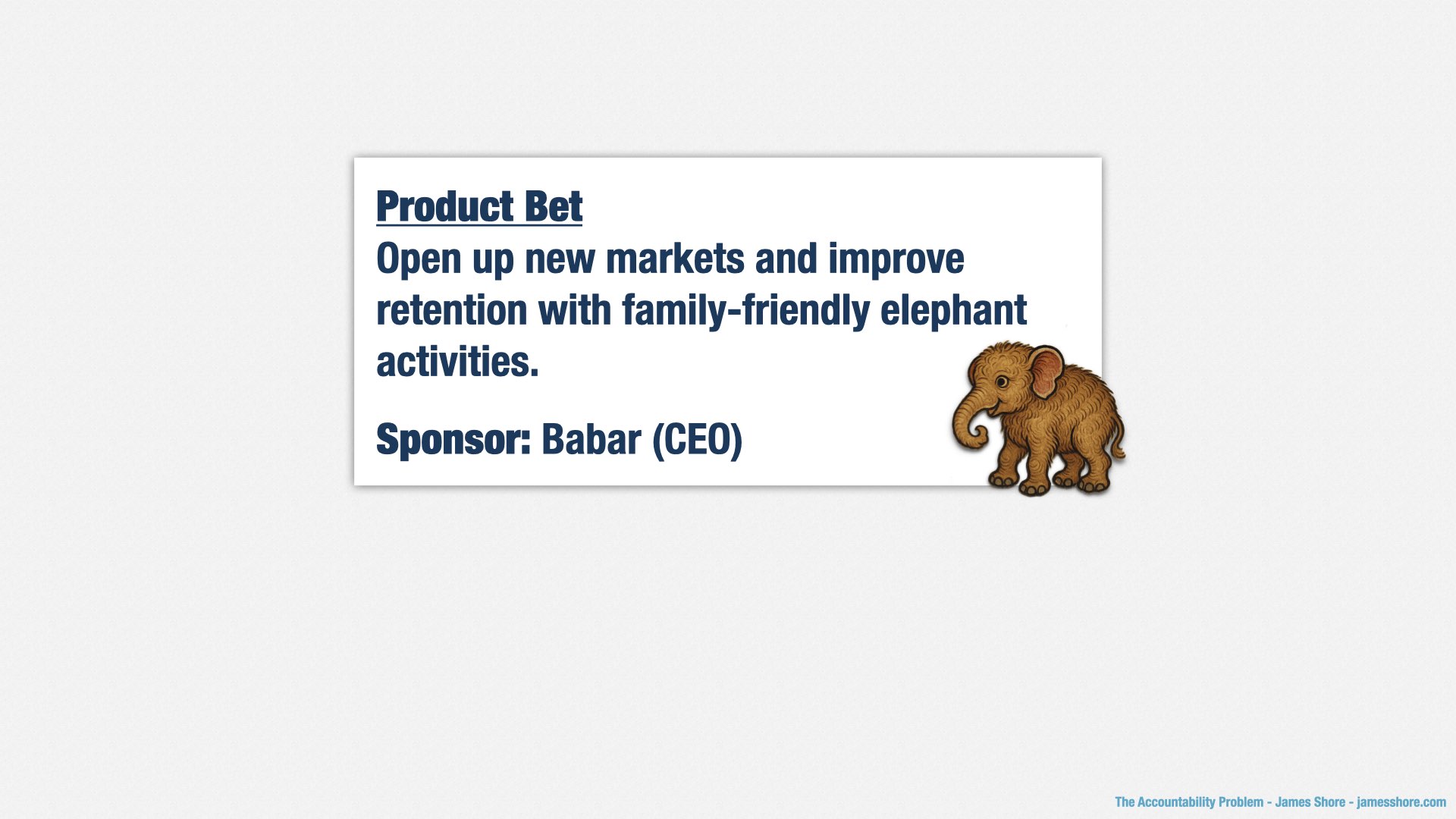
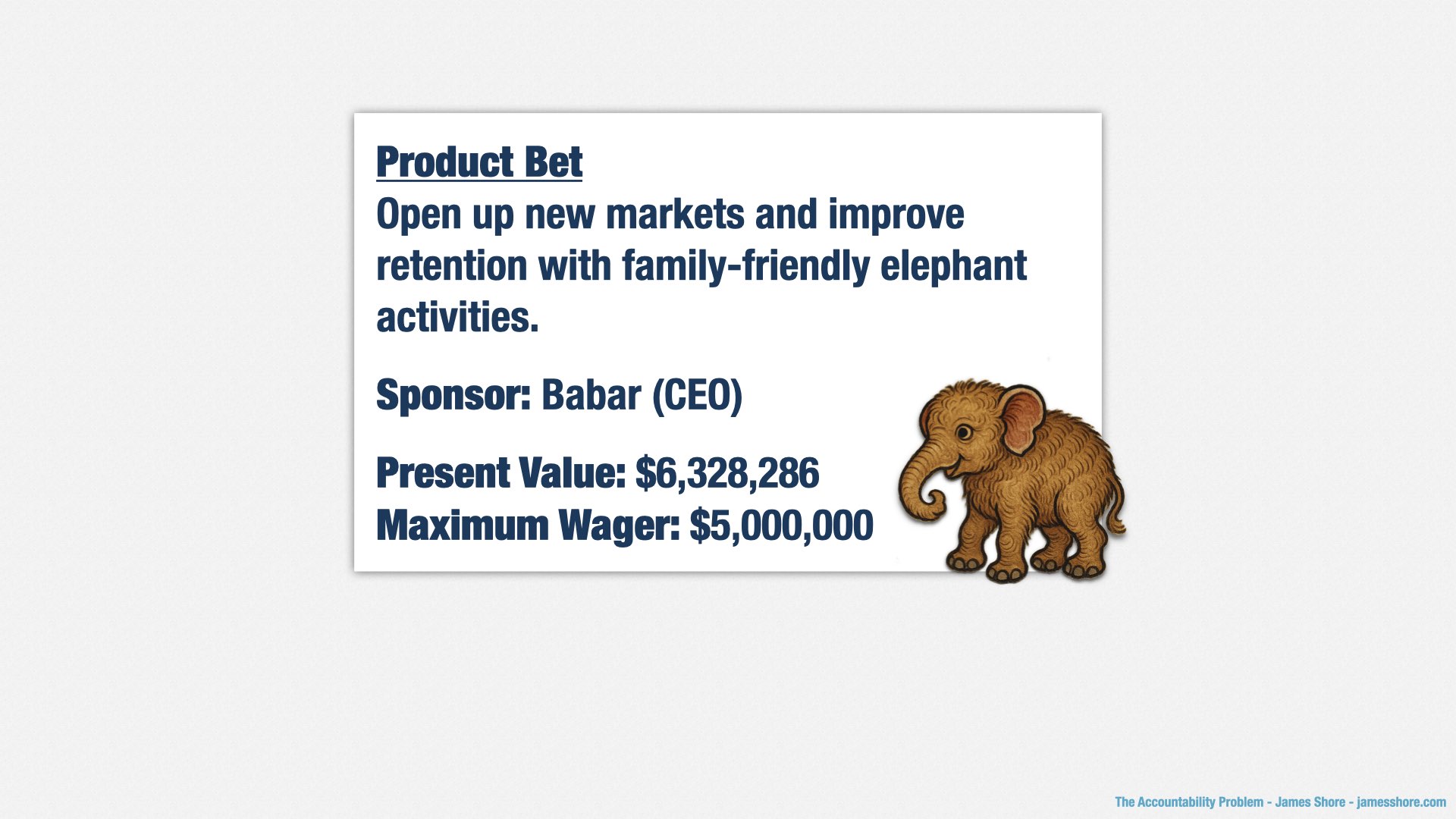
Product bets are proposed with a short, one-page summary of the hypothesis. It has a thesis statement: “Increase vampire sales with an AI-powered night salesperson.”
A sponsor: the head of sales.
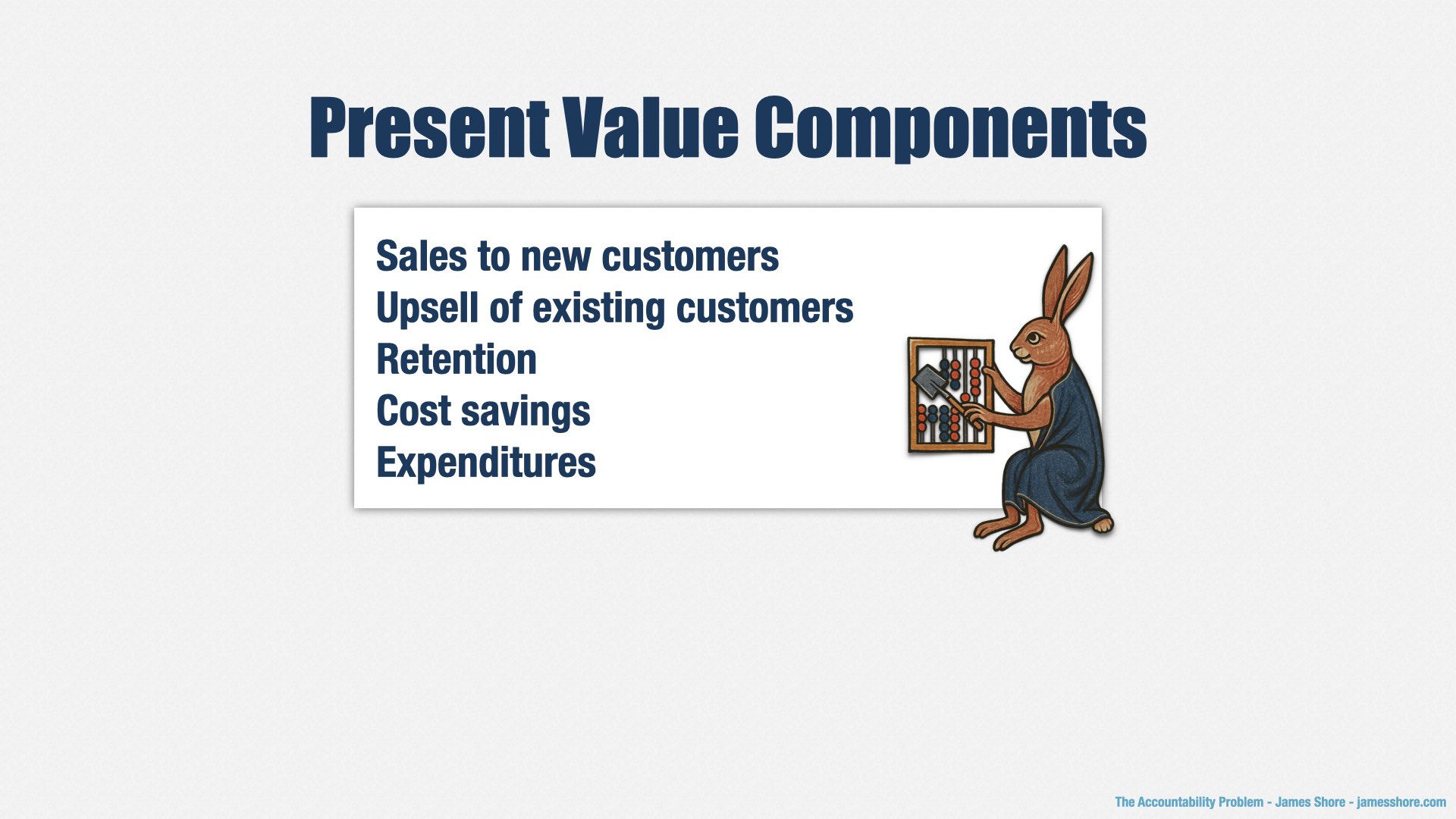
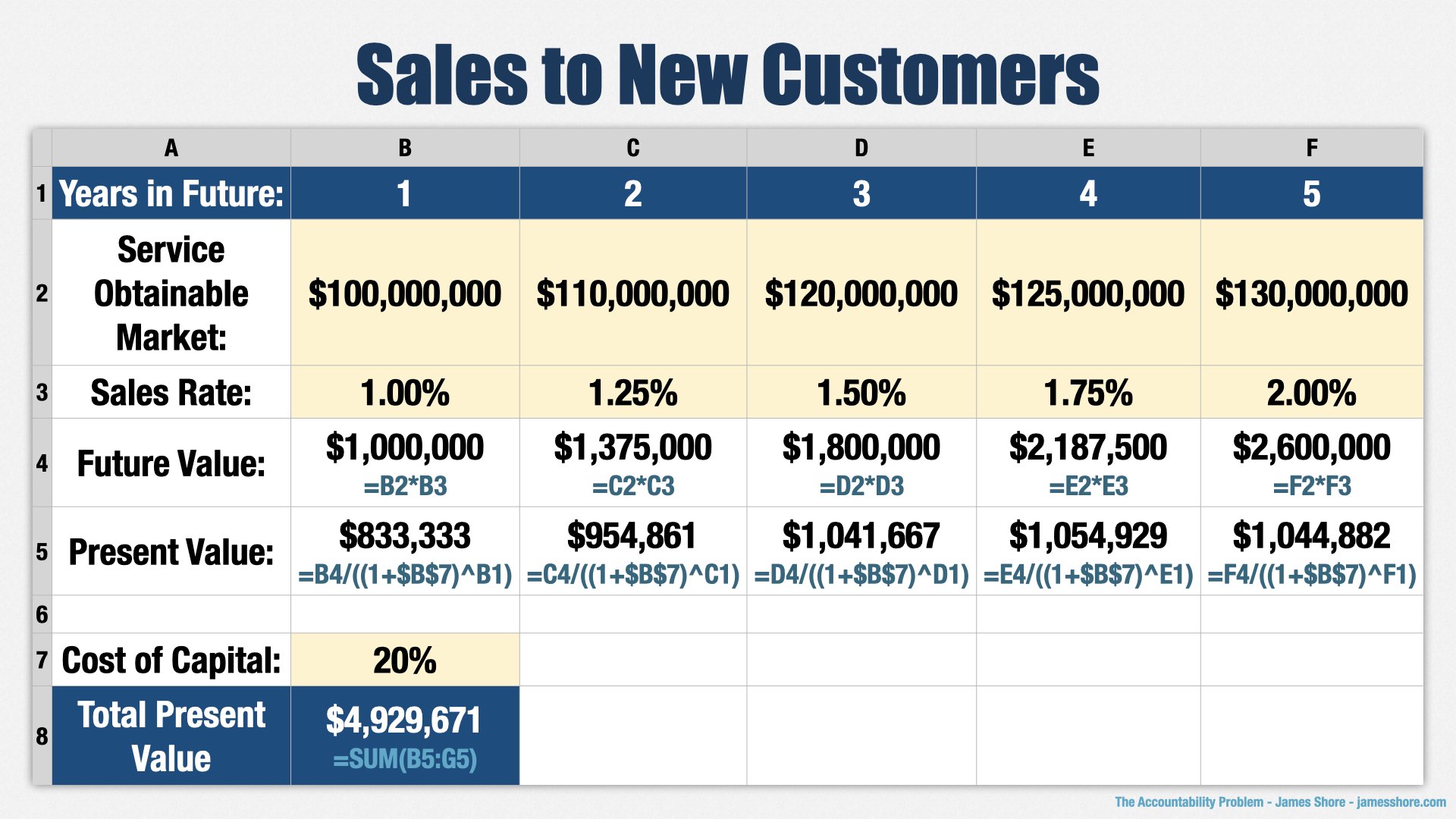
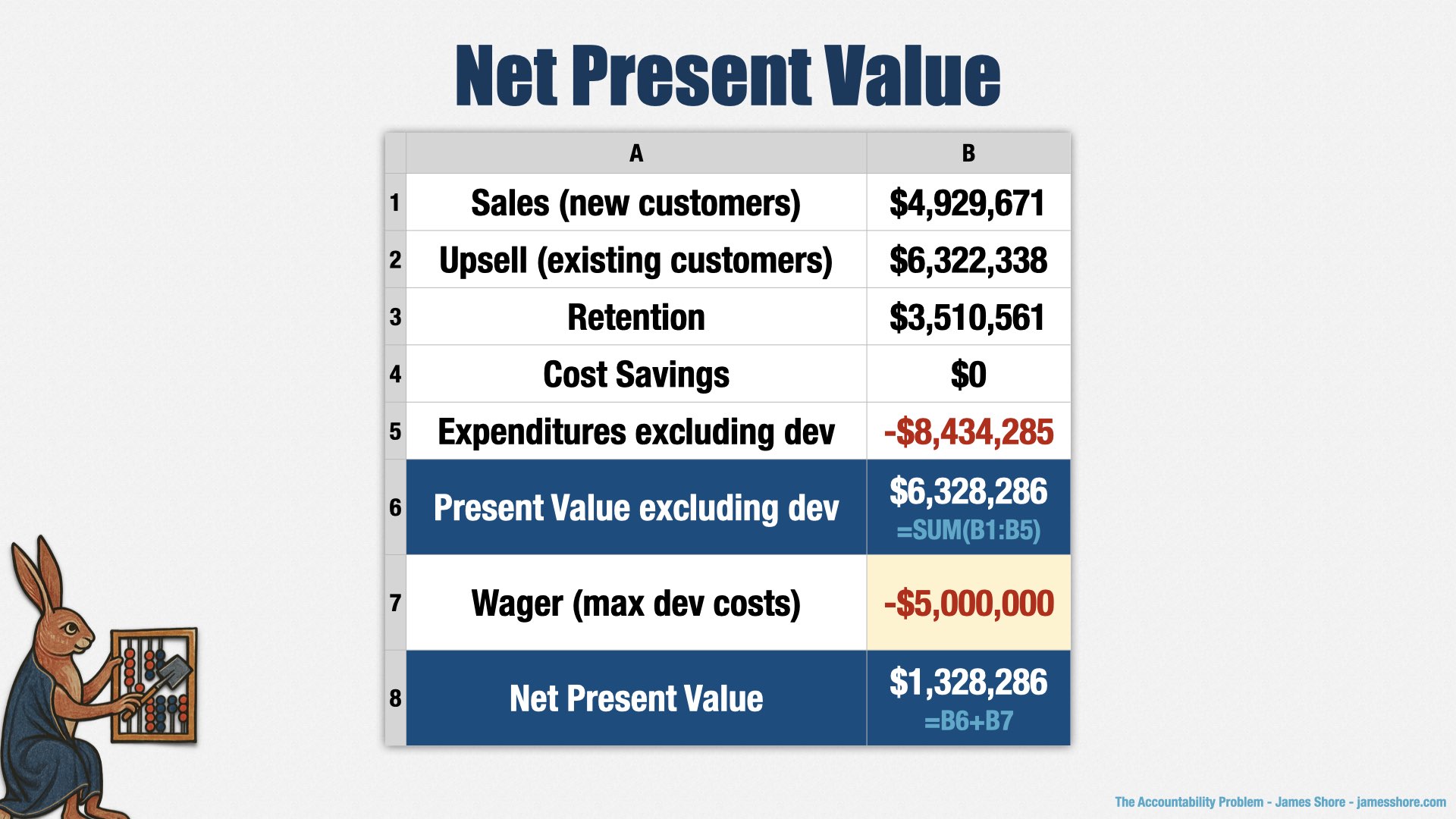
The value we expect to gain, which is typically linked to spreadsheet with a financial model.
A summary of the reasoning for the value: Vampires spend $80mm on services like ours. Many of them use their human servants to do their shopping, but if we sell to them directly, they’ll be more likely to buy, and we’ll increase our market share among vampires by at least one percent.
And finally, a wager, which is the maximum amount of money we’re willing to spend on this bet.
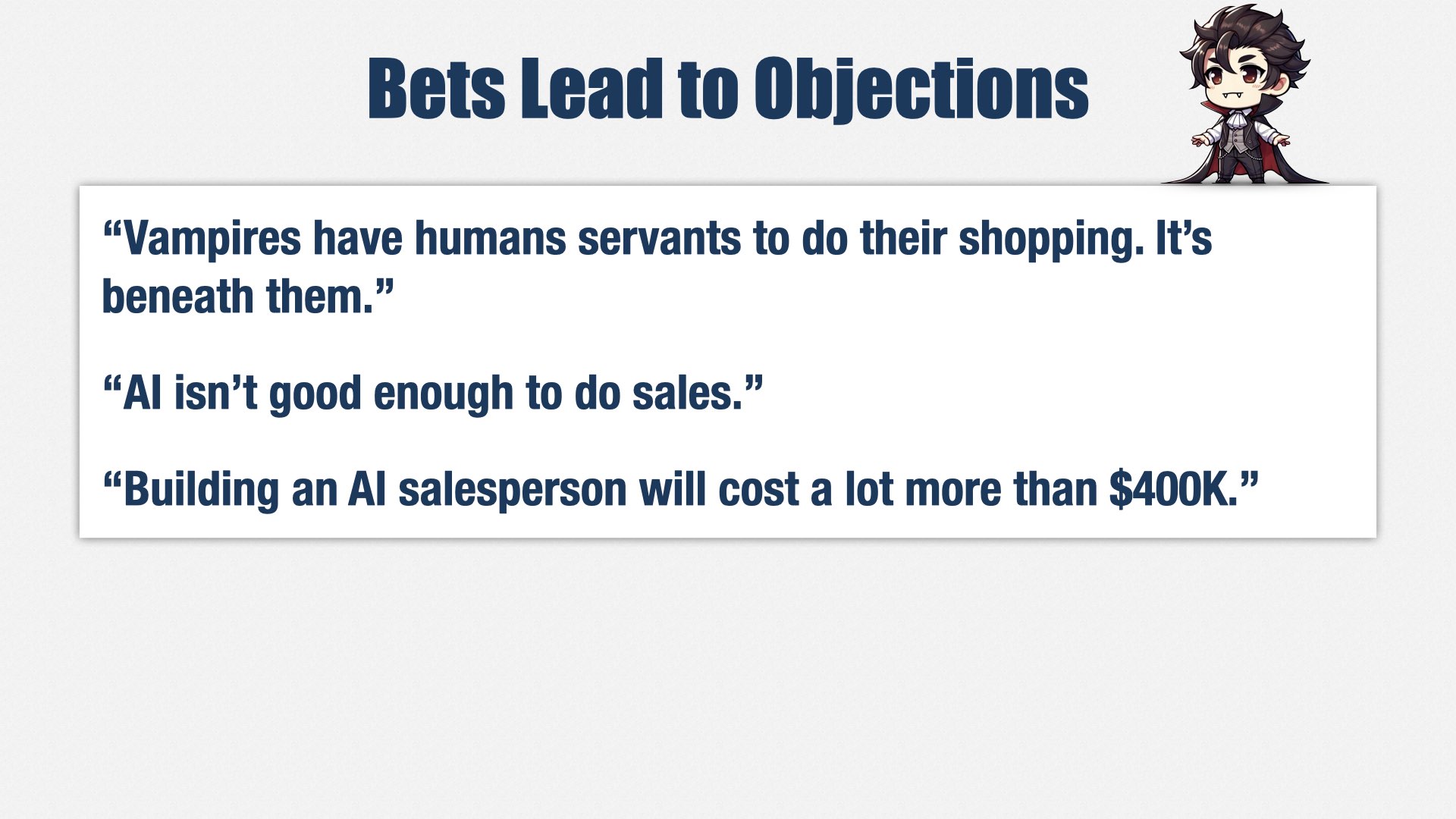
Other members of the leadership team have their own priorities and bets, so naturally, they’re going to come up with objections.
The head of Content might say, “Shopping is beneath vampires. That’s what they have human servants for.”
The head of Marketing might say, “AI isn’t good enough to do sales.”
The head of Finance might say, “That’s going to cost a lot more than $400K.”
We want these objections. We want an open and honest dialog between members of the Leadership team, picking holes in the bets and finding ways to make them stronger.
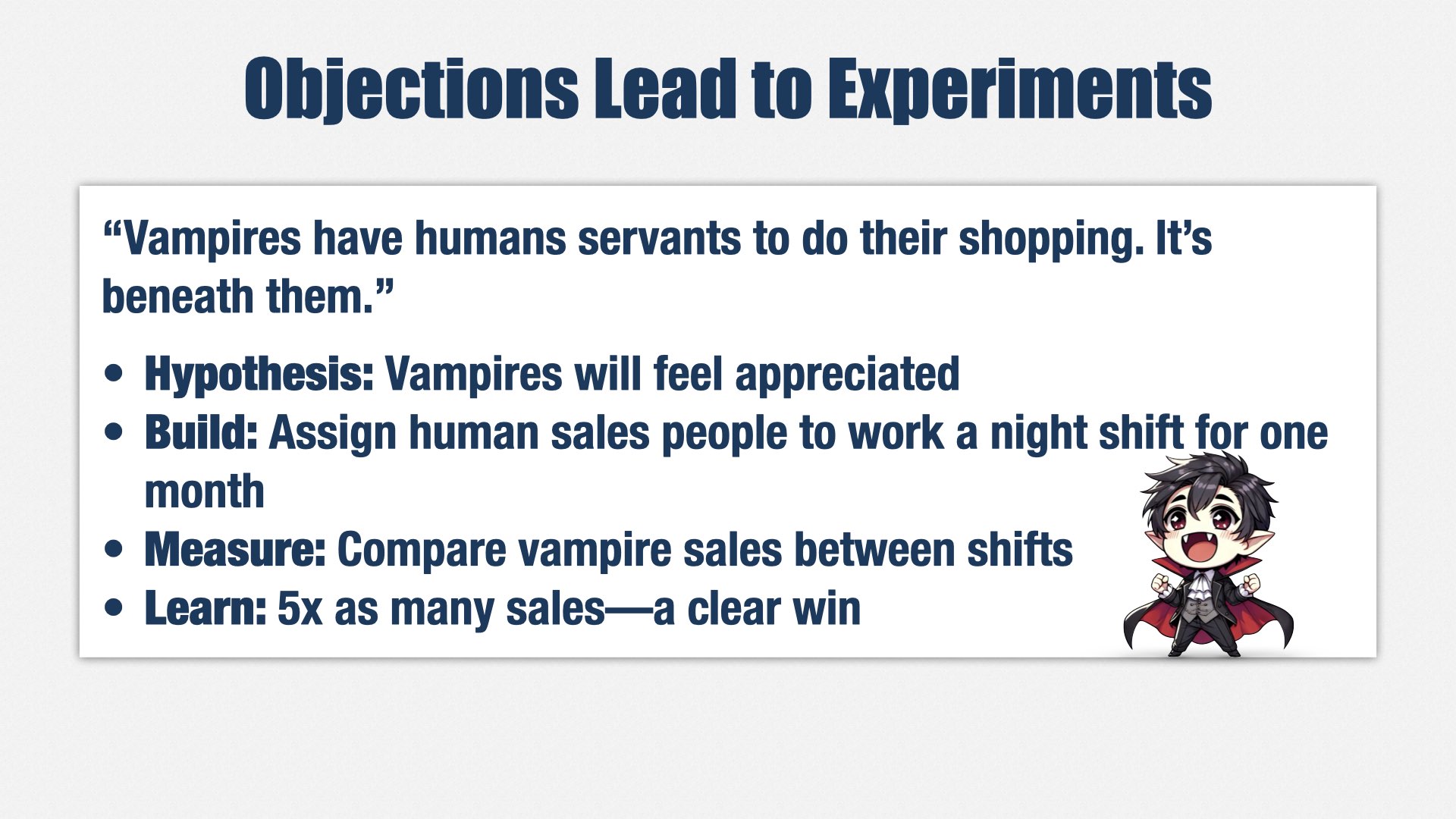
Ultimately, if a bet is chosen, those objections lead to experiments. “Shopping is beneath vampires? Let’s find out!”
Our hypothesis is that vampires will actually feel appreciated by us having vampire-friendly hours.
We want to test hypothesis as quickly and cheaply as possible, so we don’t build software; we “build” by temporarily moving some salespeople to a night shift.
Then we measure the difference in vampire sales.
Let’s say we got five times as many sales. That’s a clear win.
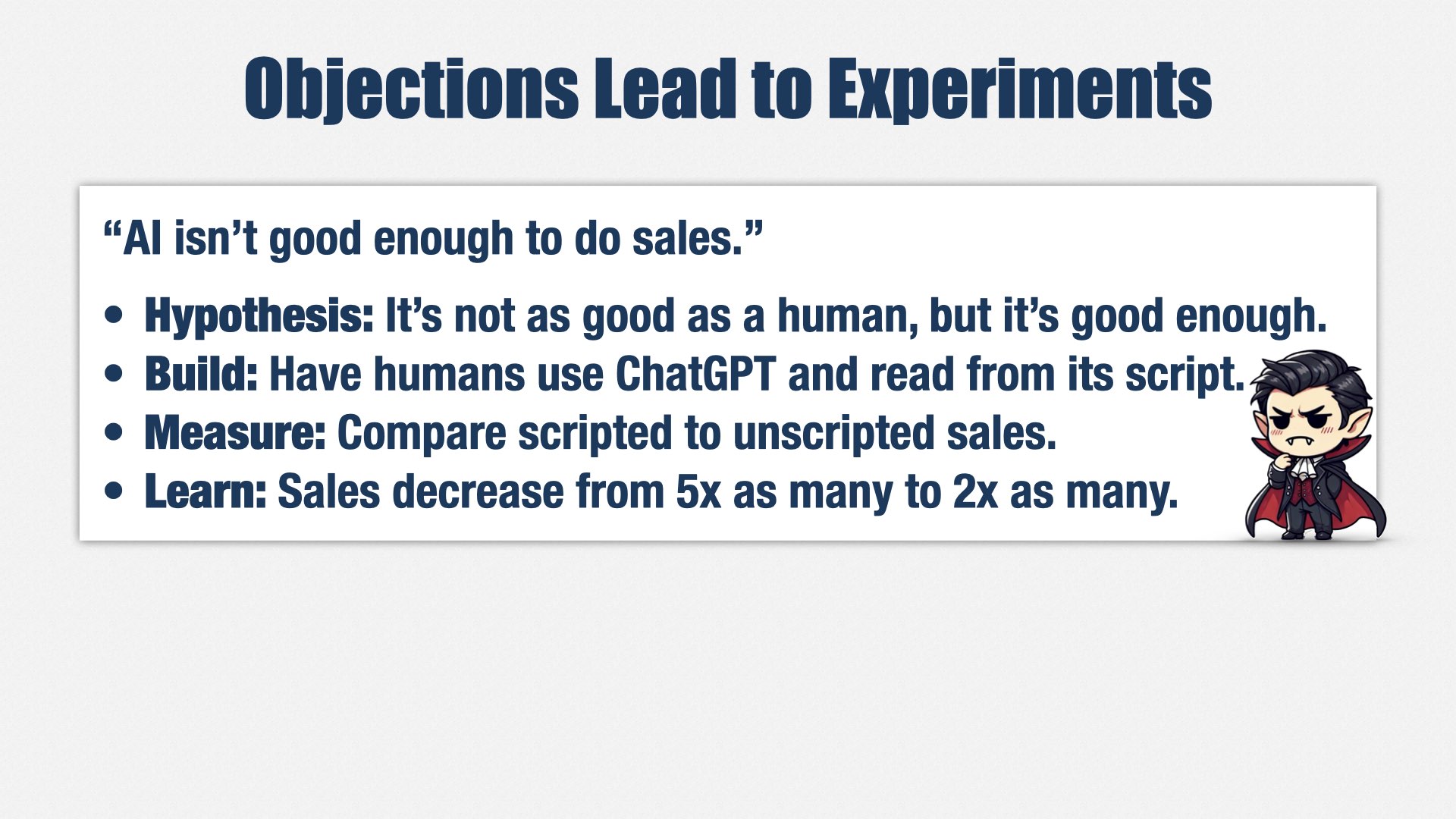
Our next objection is that AI isn’t good enough to do sales.
Our hypothesis is that no, it’s not going to be as good, but it’s going to be good enough.
Again, we want to test that hypothesis with the minimum effort possible, so we still don’t build software. Instead, we build a custom prompt in ChatGPT for the human night shift to use. Some salespeople use ChatGPT and follow the script; others continue as they were. We measure the difference.
In this case, let’s say the sales decreased from 5x as many sales to 2x as many. What did we learn? A night shift is a great idea, but AI-driven sales isn’t. We change our plans, and decide to build a permanent human night shift instead of using AI.
And now we’ve saved nearly 400 thousand dollars of investment. We spent a little bit of time and money on bonuses for the sales people who participated in the night shift, and some on the custom ChatGPT prompt, but much less than we would have spent on building the full solution.
Ultimately, we want our Leadership team to align around strategy. Product bets are our tool for doing so.
I have to be honest. Getting adoption on this idea has been very slow, and we’re still rolling it out. So, of all the things I’m presenting today, this one is the most experimental, and the one to be most careful about adopting yourselves.
But if it works out, it won’t just be a tool for strategic prioritization. It will also be a tool for Leadership to think critically about their ideas, and a way to generate hypotheses for us to test using the Build-Measure-Learn loop.
If we were the best product engineering org in the world, our users, customers, and internal consumers would love our products. But even more, we would understand what our stakeholders need and put our limited capacity where it matters most.
First, we need to achieve strategic alignment at the leadership level. We’re starting to use product bets for that. They’re not just for prioritization, though. They’re also a way to think critically about our plans and generate hypotheses that we can test.
Second, we need to validate those bets and adapt our plans based on what we learn. We’re using product-based governance that focuses on impact rather than adherence to plan, and we’re using the build-measure-learn loop to test our hypotheses as quickly and cheaply as possible, preferably without building software at all.
Visibility
Given limited capacity—and there’s always limited capacity—there will be winners and losers in the prioritization game. Some people will be happy about the amount of time they’ve gotten from Engineering, and some will be sad. Even angry.
Transparency is vital for building trust with internal stakeholders. Where are we spending our time, and why? We send out regular reports, but that isn’t enough. We also have to talk to people, understand their perspective, share what’s going on and why.
And even if you do all that, there will still be people who are unhappy. As we say in the US, you can’t please all the people all the time.
I have to admit: I don’t have a lot of good answers about how to build trust. I chose the company I’m in now because I already had their trust. I’d worked with the founders before, 15 years ago. They knew what they were getting, and what I bring was what they wanted.
Even so, the founders’ trust didn’t automatically extend to the rest of the Leadership team. A lot had changed in 15 years, and nobody else knew me.
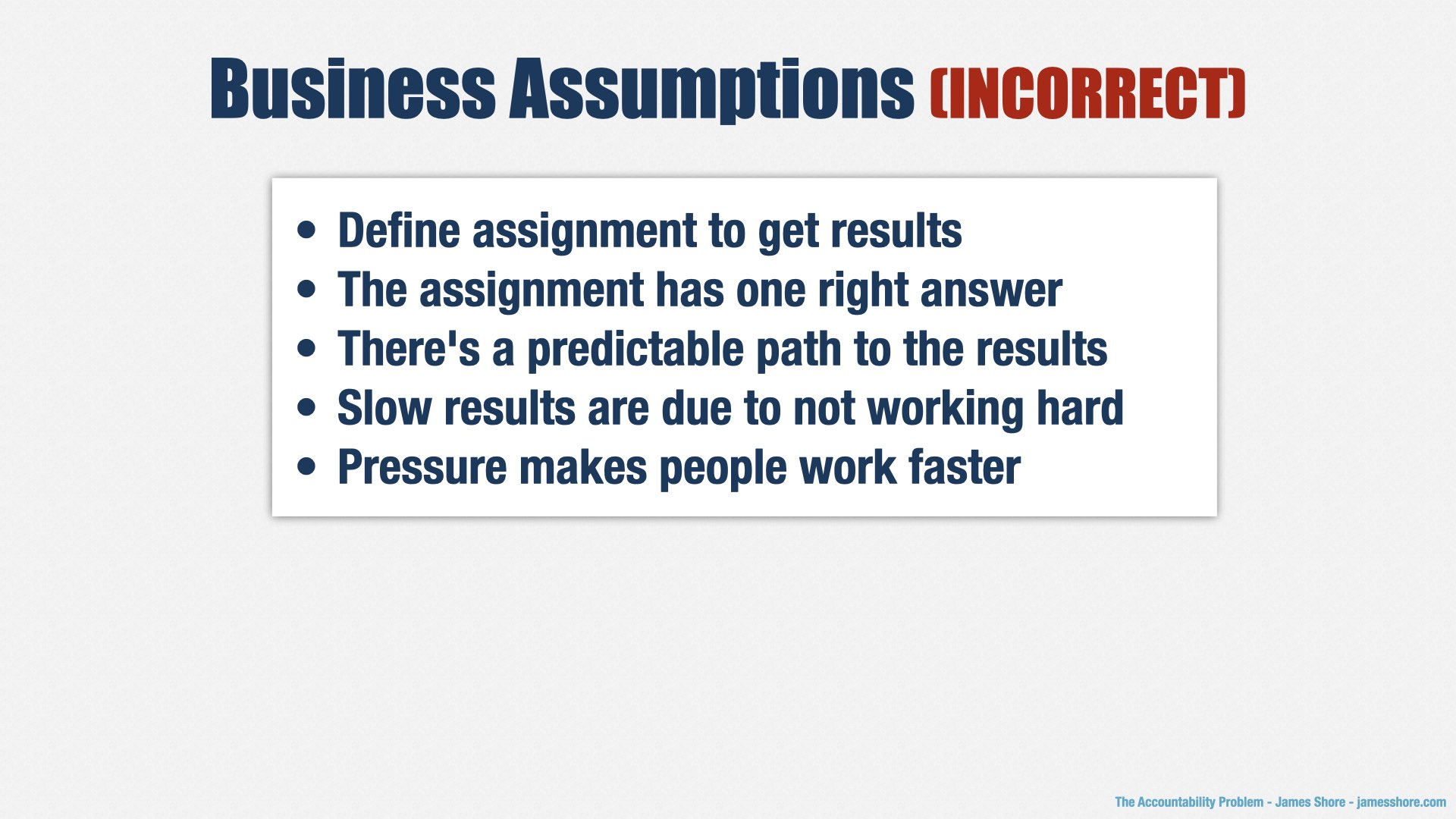
In fact, what the founders and I wanted, and what the rest of Leadership wanted, weren’t in alignment. We wanted product-based governance and Build-Measure-Learn. But they wanted predictability. The way they judged trustworthiness was simple: was Engineering doing what they said they would do? In other words, did we ship on time?
And the answer was “no.” Engineering was not shipping on time.
There are a lot of reasons Engineering wasn’t shipping on time. We didn’t have a good approach to forecasting, to begin with. But even we did, predictability wasn’t something I was planning to bring to the organization. Predictability is the realm of project-based governance. I was planning to introduce
product-based governance.
Product-based governance can be frustrating to people who want predictability. Because we don’t know what we’ll do here [motions to “Build” step] until we know what happened here [motions to “Learn” step].
We can predict how long it will take us to get through a single loop, but we can’t predict what the next loop will look like.
Well, we could, but that would mean we didn’t learn anything, and if we didn’t learn anything, we’re not producing as much value as we could.
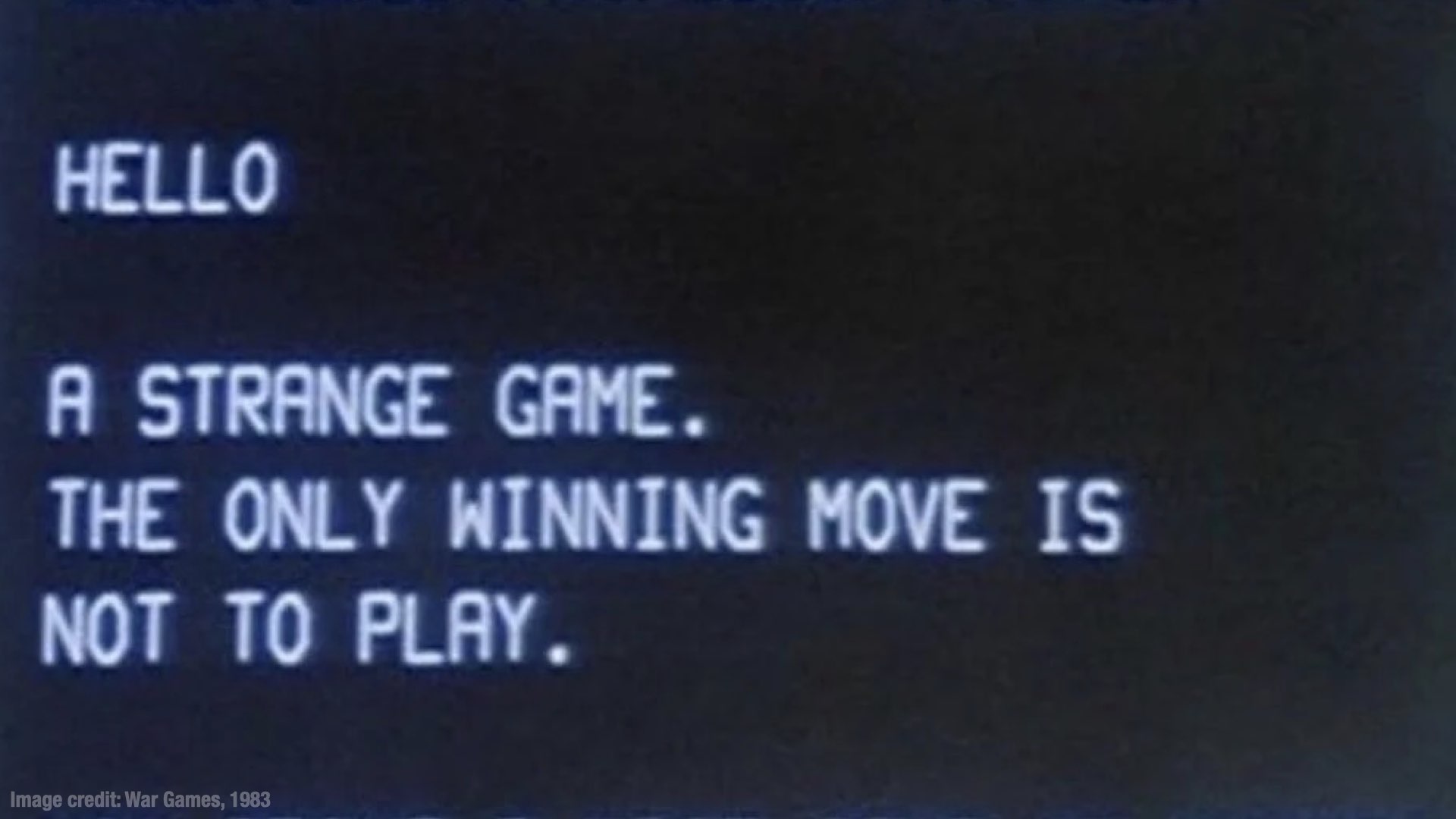
So, as another classic American saying has it, “the only winning move is not to play.”
...How about a nice game of chess?
One of the first things I did after joining the company was to introduce a more rigorous approach to forecasting. This approach requires gathering a lot of data, and while that was happening, I told my teams to stop making predictions to stakeholders.
This wasn’t popular with my stakeholders.
It’s not that they needed the predictions for any purpose. Predictions were being used as a political weapon. “You promised this would be done!” “Well, we had to set it aside, because the Leadership team decided we should work on this other thing.” “It doesn’t matter—you promised it would be done, and this is more important to me than that other thing they decided on!”
In other words, predictions were causing more harm than good.
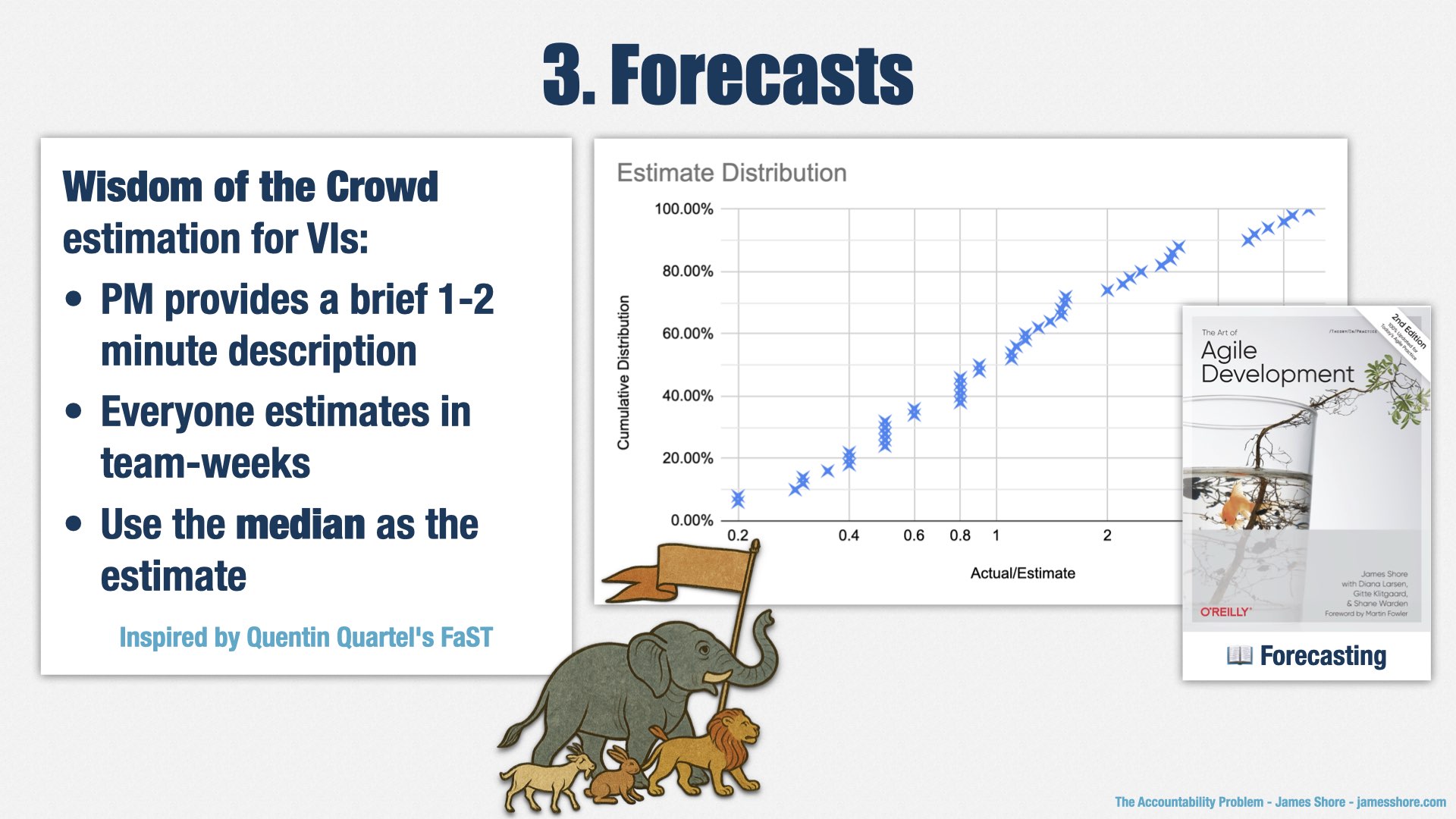
The new forecasting approach is in place now, but we’re still not providing dates. Instead, we’re providing time ranges: “Historically, a valuable increment of this size has taken between two and six weeks.”
But we’re not predicting dates, because we don’t know when the work will start. As an example, one of my stakeholders has a project that’s very important to him. It keeps getting delayed by other priorities, and he’s upset about that. So he asks me, “when will it be done?” And I say, “2-6 weeks after it starts.” And he says, “so when will it start?” And I say, “that’s up to the Leadership team to decide. We’re ready to start as soon as they say ‘go.’”
He’s still unhappy, but now he’s unhappy with the prioritization process, and putting his effort into influencing prioritization decisions, which I’m going to call a win.
People really want date predictions. The reason I can get away with not providing them is that the CEO, CTO, and Chief Product Officer are on my side. They understand the value of adaptive planning, and they trust my leadership. It’s the reason I’m working there. I was consultant for 23 years prior to joining this company, and was looking for companies to join for five years prior to choosing this one. I chose them because I knew I would get this level of support.
One way the CEO is supporting me is that he invited me to give a presentation about Agile at one of our quarterly Leadership retreats. It’s normal for me to attend these retreats, but for this one, I was given a full four hours out of the schedule to use as I please.
I used the time to explain muda and the reasons for our capacity constraints. I talked about product-based governance and many of the things we’ve discussed today. And, most importantly, I had them sit down and play a game.
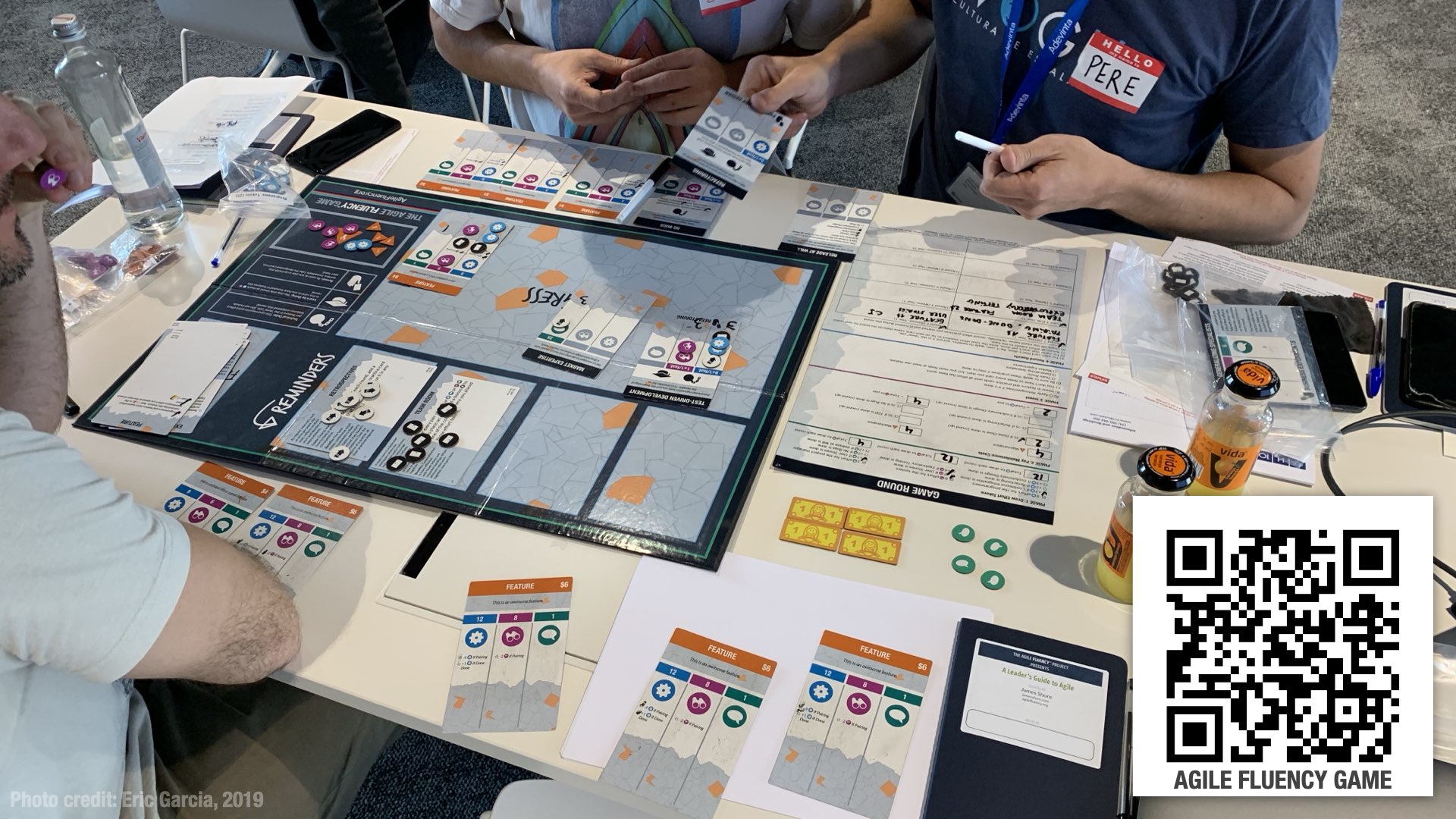
In that game, which is called the Agile Fluency Game, participants experience what it’s like to be part of a team that’s adopting Agile for the first time. There are a lot of different lessons in the game, but one of the biggest is the cost of maintenance. If you aren’t careful about managing your maintenance costs, you’ll go out of business. Before you do, you’ll have several uncomfortable rounds struggling to make progress while all your spare capacity is spent on muda.
In other words, exactly the problem we were facing.
That opportunity turned things around for me at the company. I wouldn’t say I have everyone’s trust yet. But I do have their respect and understanding. They understand why Engineering isn’t giving them what they want, they understand why we’re focused on adapting our plans, and they respect my ability to improve it... or at least, the founders’ trust in me.
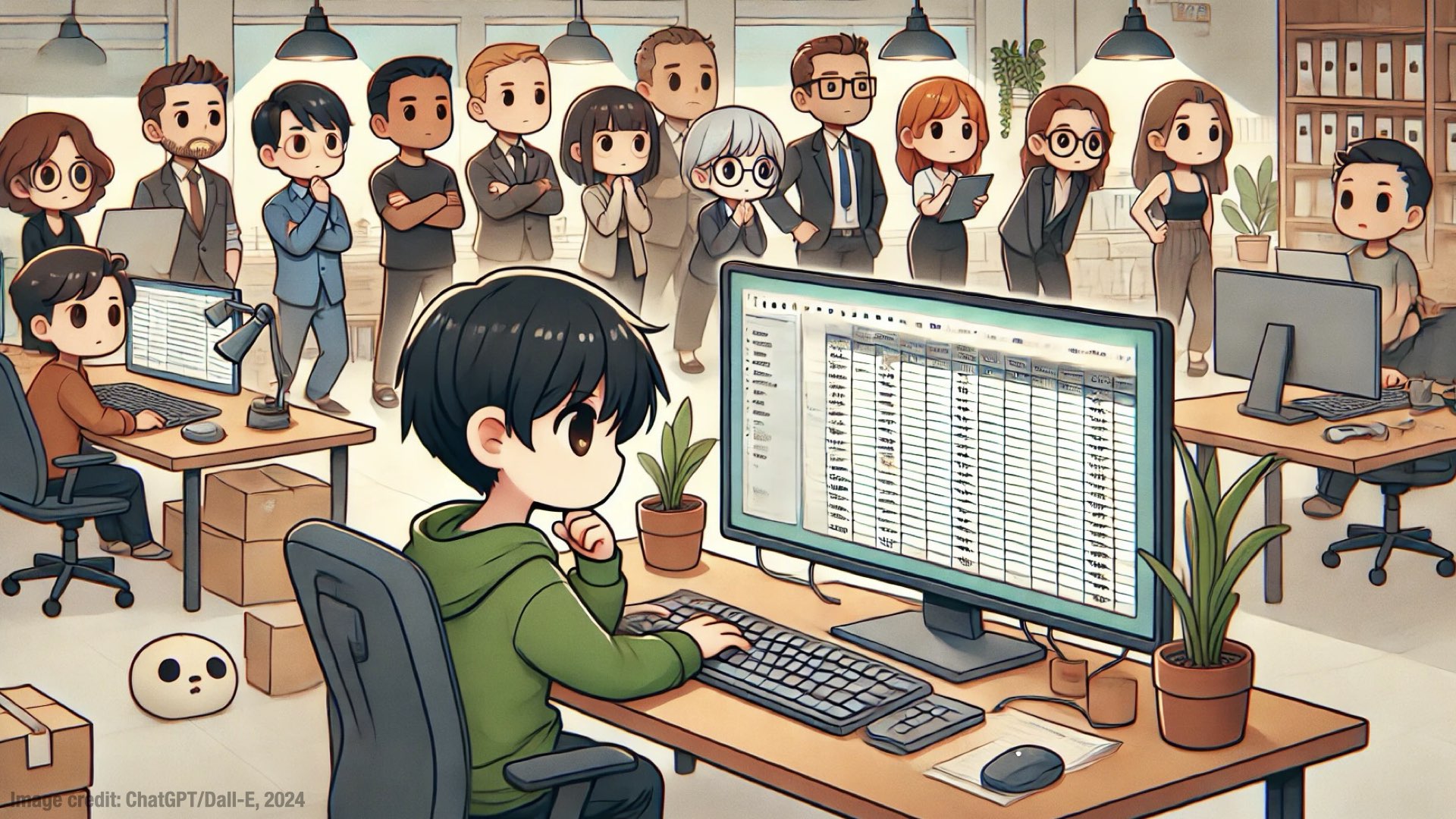
I still have a long way to go. In 2025, we’re putting more emphasis on product bets and strategic planning. As part of that work, I’ll be working with the leadership team to create financial models of the cost and value of each of those bets. I’ll be providing forecasts of the capacity available in each of our product collectives, and helping stakeholders understand how their prioritization decisions result in tradeoffs of engineering capacity.
I’m hoping that working together in this way will help us further develop the visibility and trust we need. It’s a long, slow process, but without trust, we can’t be successful.
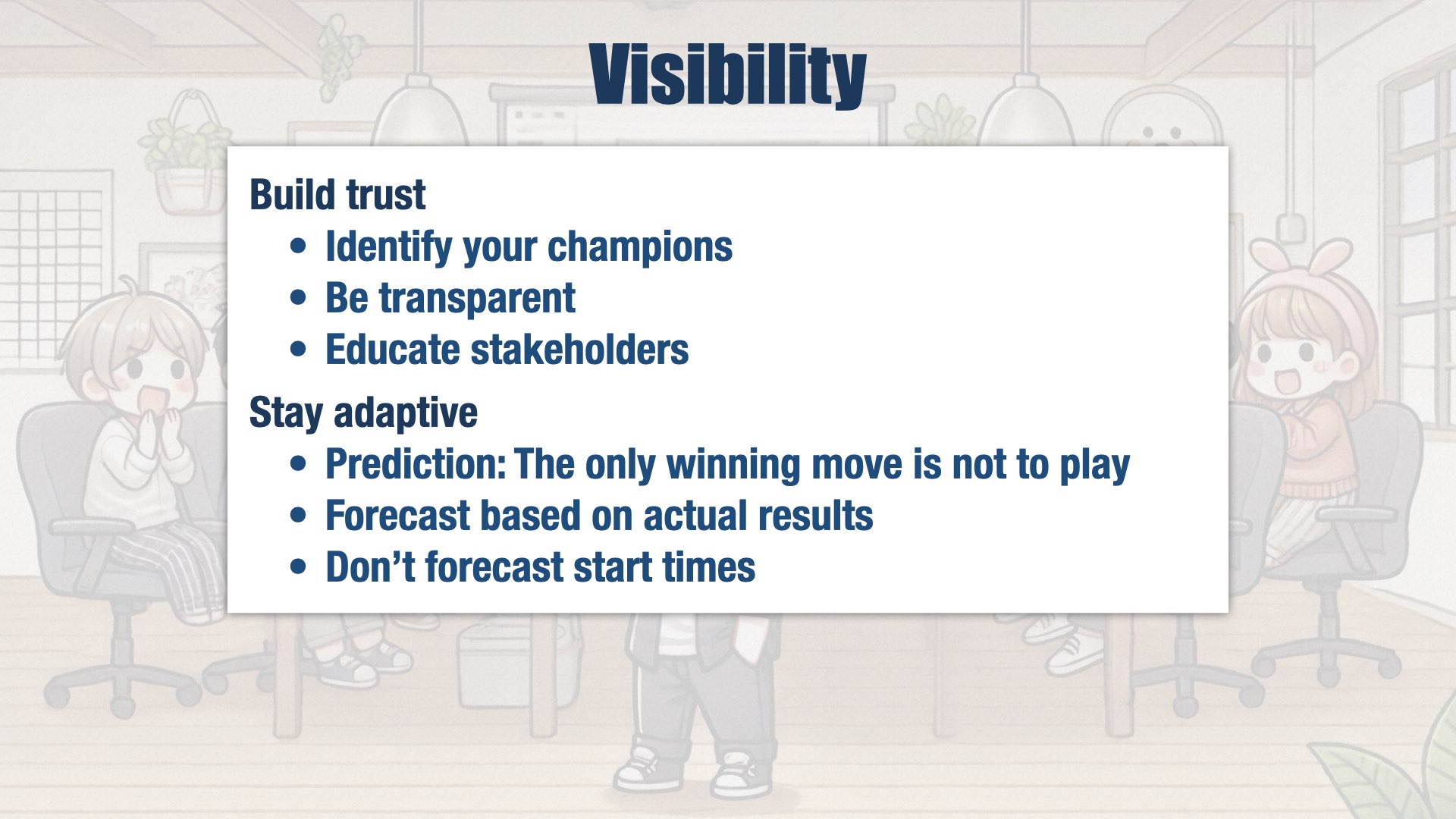
If we were the best product engineering organization in the world, our internal stakeholders would trust our decisions. I don’t think we’re there yet. Most of that comes down to unhappiness with our capacity, and with prioritization decisions.
To be honest, I’m no political genius. Somebody who’s more clever than me can probably figure out a better way to build the trust we need. For me, though, it started with having champions in the organization who already trusted me; being transparent about our capacity challenges; and showing people why things were operating the way they were with a hands-on experience.
But at the same time, I’m staying true to our goals. People always want predictive, not adaptive approaches, and I’m holding firm on staying adaptive. I am providing forecasts, but I’m doing it by extrapolating from historical data that compares estimates to actual results. And even then, I’m only forecasting how long things will take once they’ve started. I’m not providing dates.
This is what’s working for me. Your situation is going to be very different, so I’m not suggesting that you follow this approach exactly... or even at all. For example, if your CEO doesn’t support adaptive planning the way mine does, you might need to make predictions. Please adapt these plans for your situation.
Agility

If we’re going to adapt our plans and follow that build-measure-learn loop, we need the technical ability to do so. There are two aspects to this: tactical and strategic.
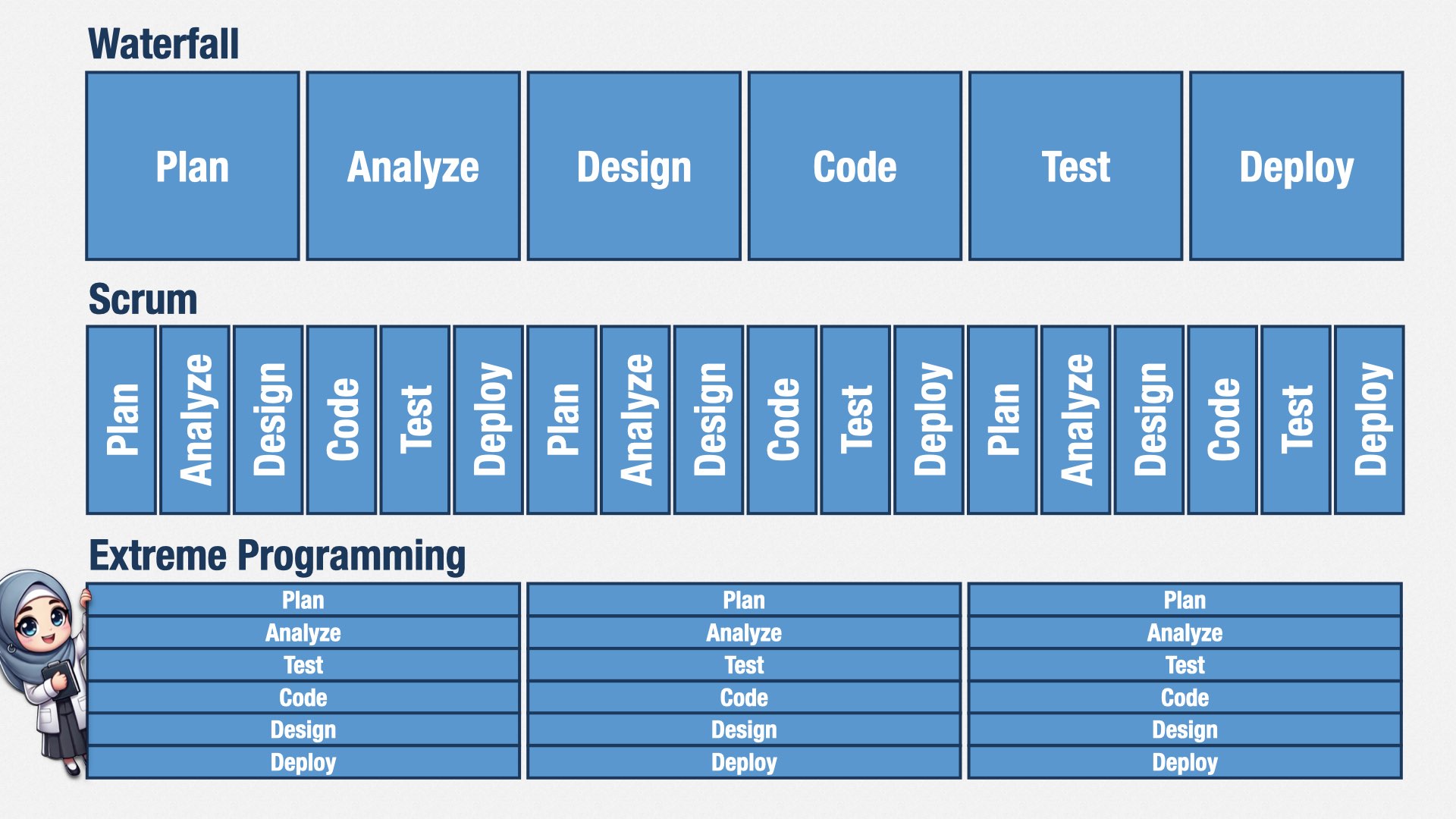
From a tactical perspective, most engineers don’t know how to design software incrementally. Most software development education still comes from a waterfall perspective, which assumes time spent on analysis and design before coding.
If you break up their work into short Sprints, they’re going to create mini waterfalls, where they do a little bit of planning, a little bit of design, a little bit of programming, and a little bit of testing. They won’t have enough time to do the design and test work that they really need to do. They’ll struggle to create a cohesive design, and they’ll struggle with bugs. If you adapt your plans frequently—as you should!—it becomes even harder. Your internal quality will suffer. Muda will rise.
To be successful in an adaptive environment, you need to be able to keep your design and code clean at all times. Extreme Programming practices such as evolutionary design, merciless refactoring, and test-driven development allow you to test, code, and design
simultaneously, so you always have enough time for design and testing, even if you’re using short Sprints.
In other words, before we can have business agility, we need to have technical agility. This is where Extreme Programming shines, and it’s why I’m hiring for XP skills at my company.
There’s also a strategic component to supporting business agility. As our business strategy changes, the amount of investment we put into this product or that product changes. Our ability to respond to those changes depends on how we organize our teams.
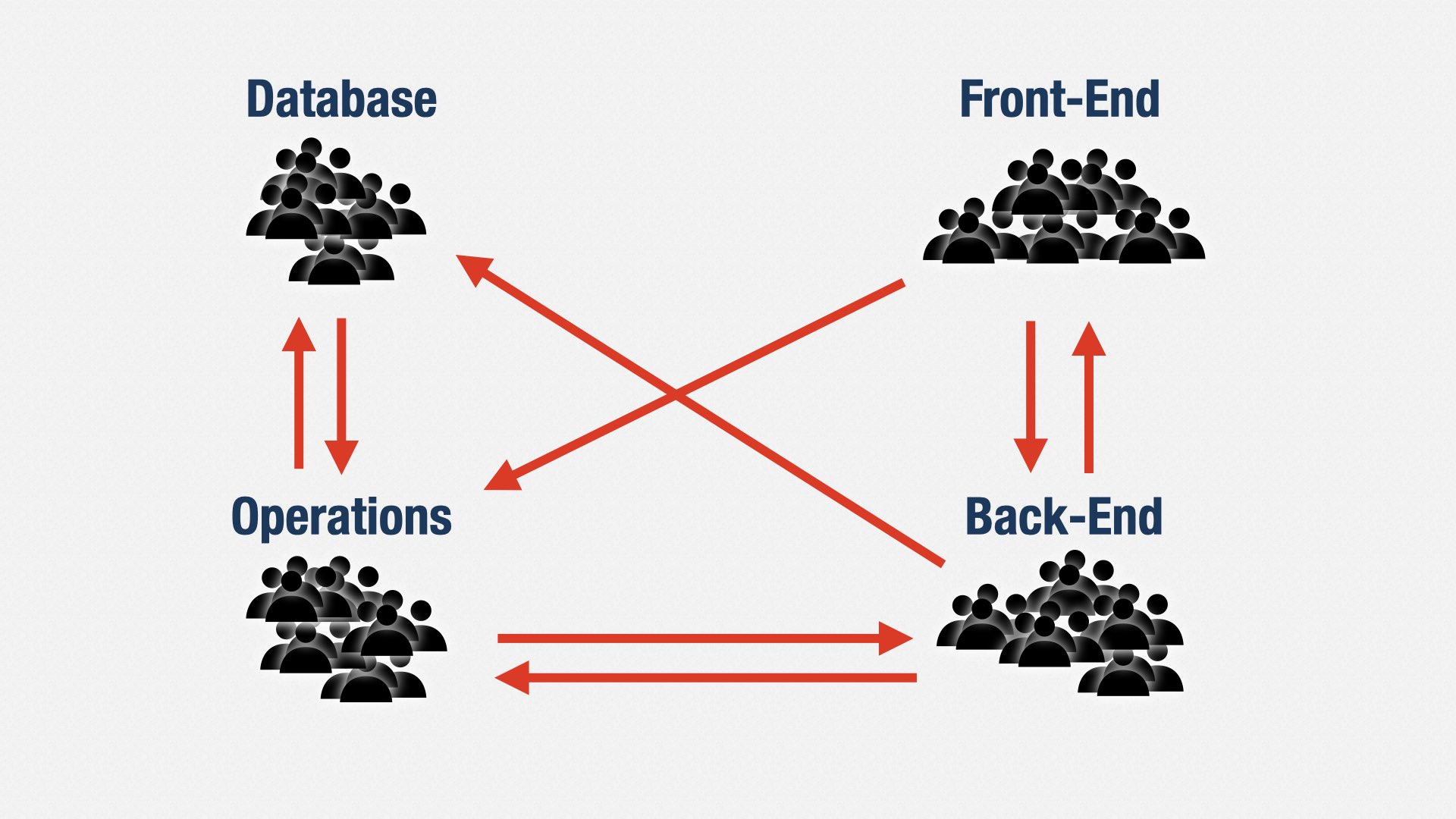
The “classic” way to organize software teams is functionally. A front-end team here, a back-end team there, a database team over there. I think we know the problems this causes by now. In order to deliver any value, we have to coordinate all four teams. It leads to delays and errors. Muda.
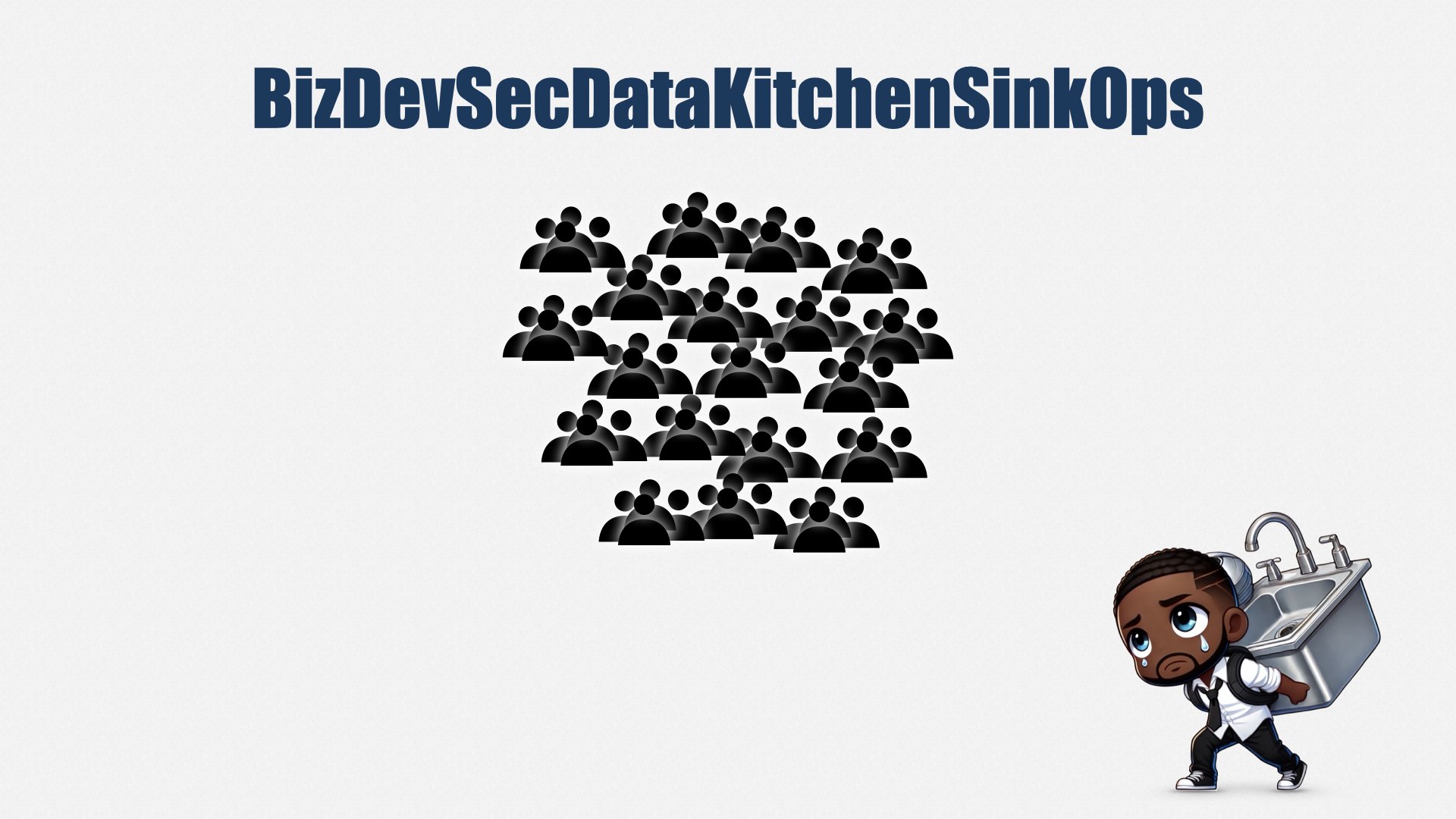
Agile teams are cross-functional. We create teams that can own an entire portion of a product: product and the front-end and the back-end and the database and operations and security. We could call that “BizDevSecDataKitchenSinkOps.”
Well, in theory. In practice, it’s hard to fit that many people into a single team. So we end up having to divide people amongst teams. The most popular book on this subject is called "Team Topologies."
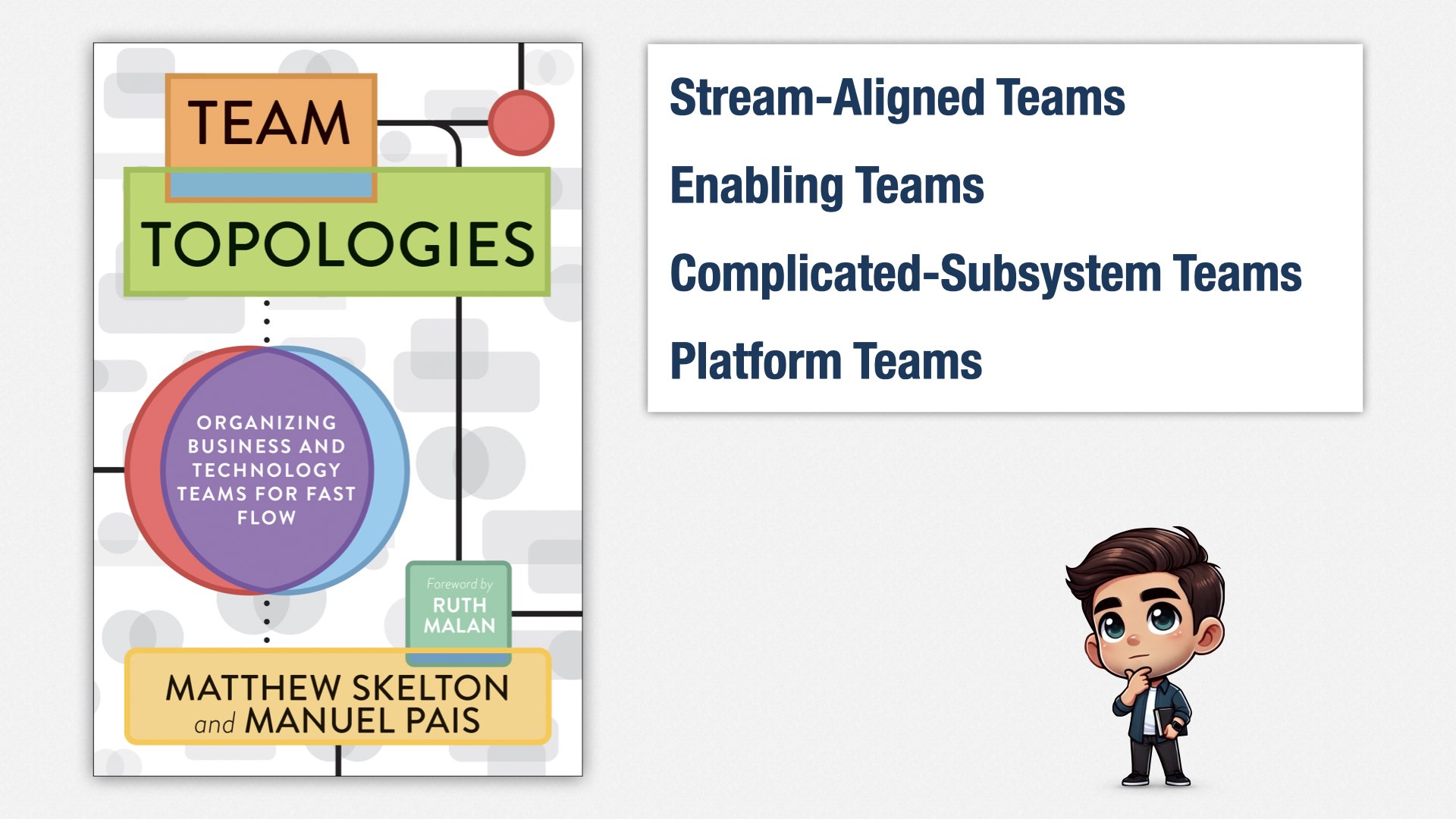
Team Topologies provides ways of organizing teams so you can keep them small—seven or so people in each team—while still keeping them autonomous and focused on delivering value.
We have stream-aligned teams, which is what we really want, and then we have enabling teams, complicated-subsystem teams, and platform teams as a way of working around the fact that we can’t really have what we want with such small teams.
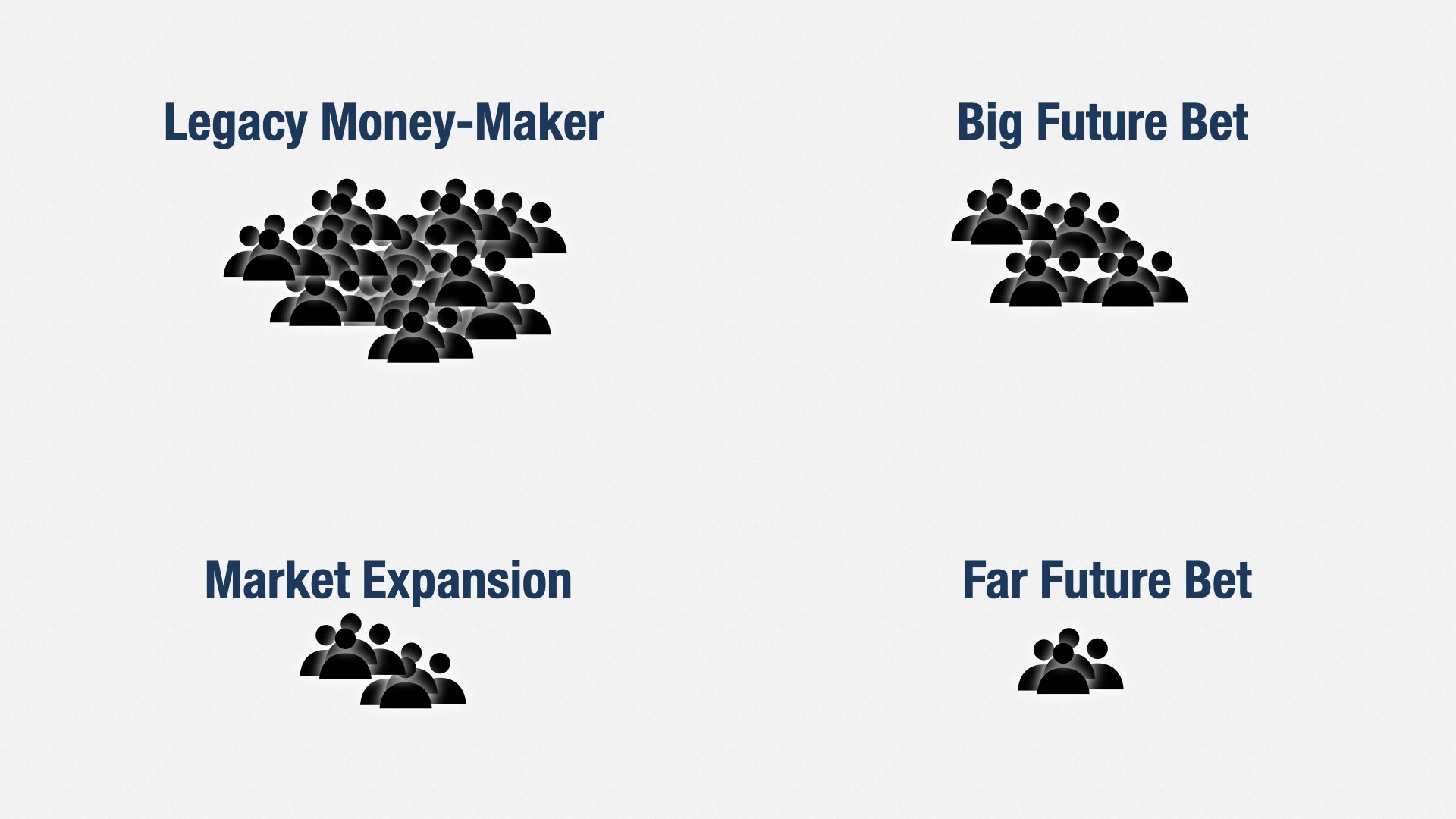
So if we have too many people for one team, we divide them into multiple teams.
For example, let’s say we’re at a company with four products: the legacy money-maker, a big bet on the future, a way of expanding into new markets, and a bet on the far future. We can create a stream-aligned team for each product.
But now we have a problem. Some of these teams are still way too big.
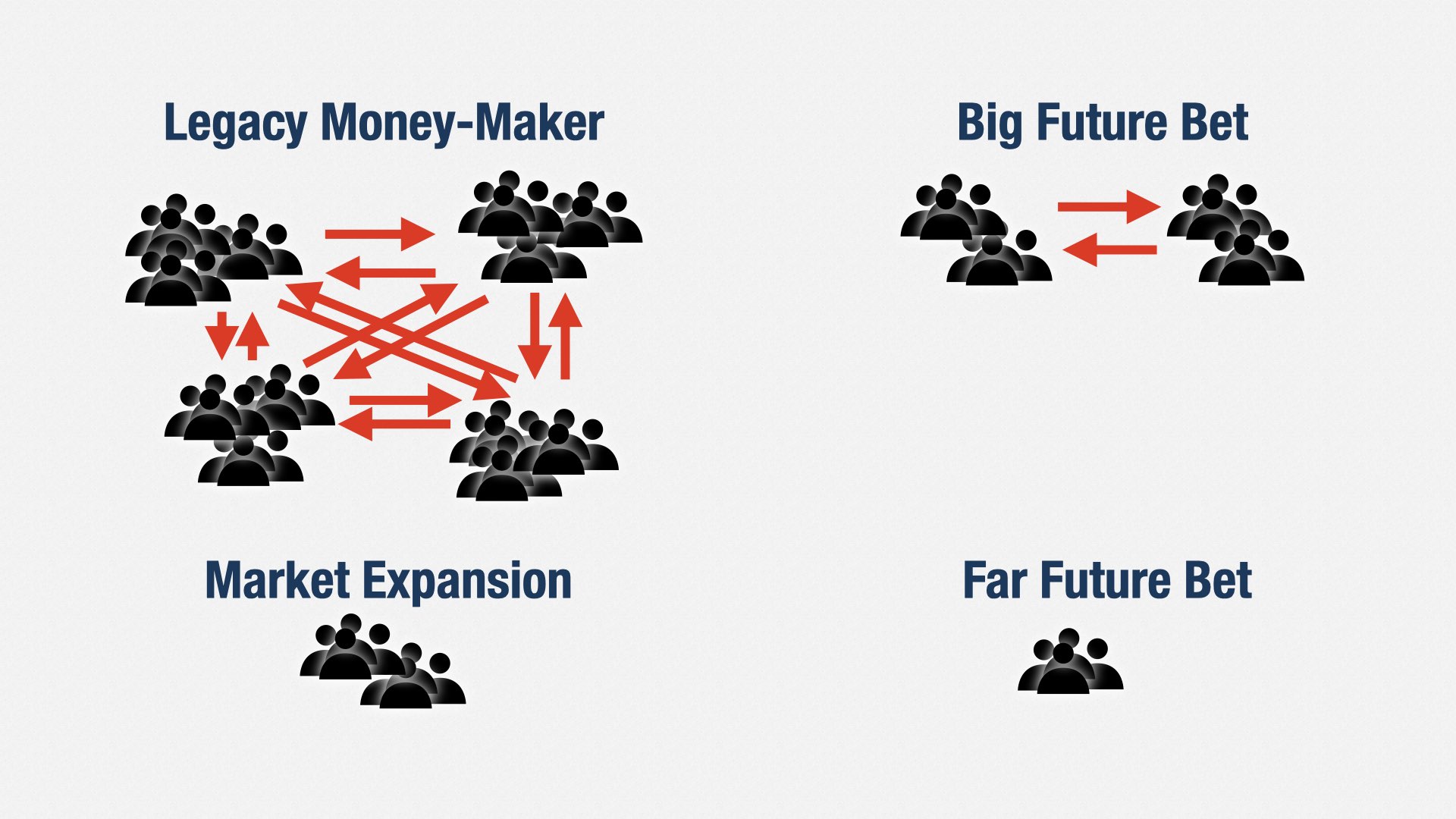
Team Topologies says to split these teams up further. Depending how you design the teams, this can work pretty well. I’ve used this approach many times myself.
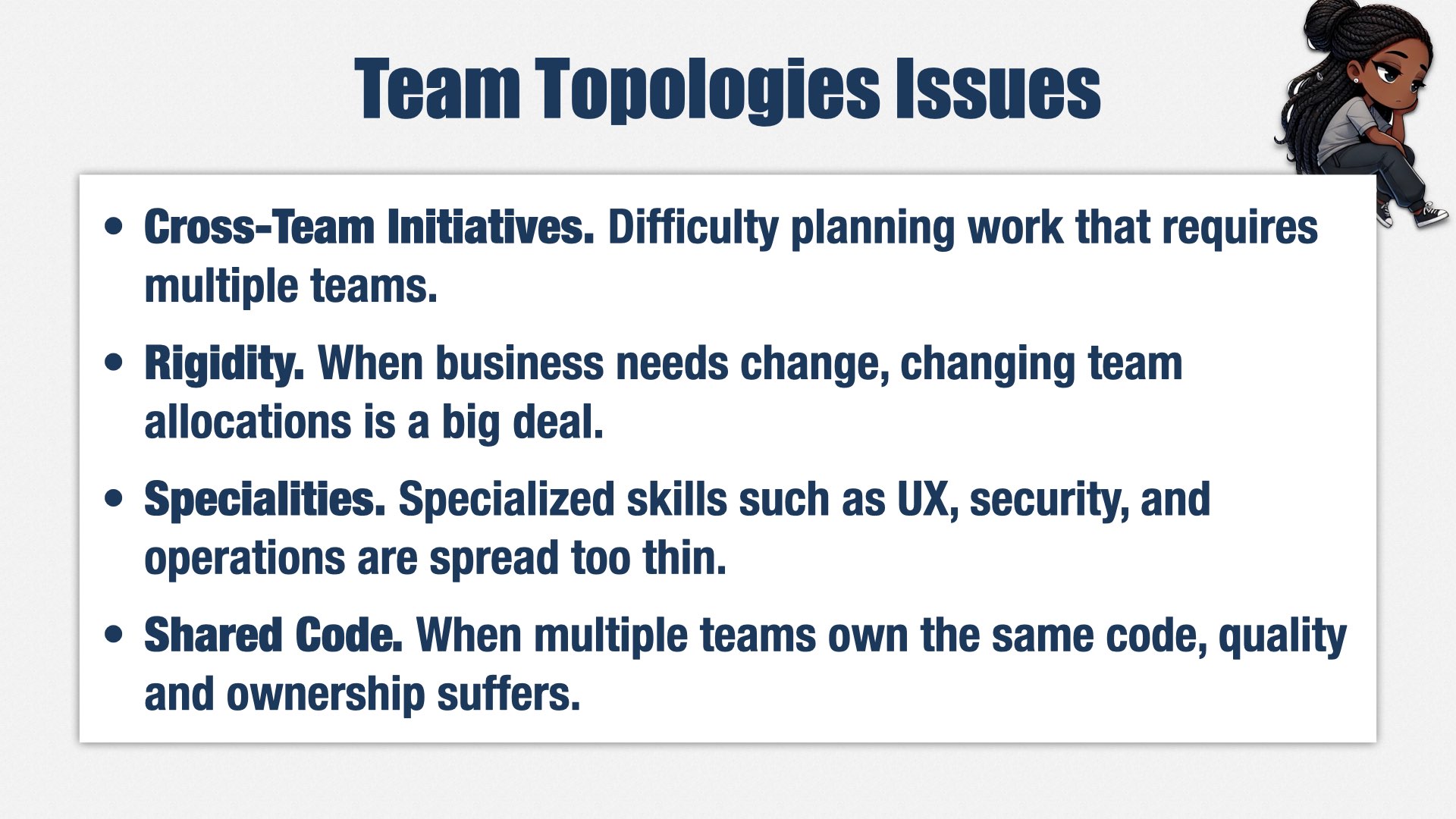
But over time, I’ve found several problems with the Team Topologies approach.
First, everyone is so isolated to their teams, silos form. In my experience, people barely interact across teams, even in the same product. This makes it difficult to succeed at cross-team initiatives, and hard to move people between teams.
Second, teams are rigid. When business needs change, adding and removing people from teams is a problem. Because teams are limited in size, new business needs often require you to reorganize your teams, which is a huge disruption. Often, Engineering resists the reorg, leaving their business partners frustrated, because effort isn’t being directed at their highest priorities.
Third, specialties such as user experience, security, and operations, are spread too thin. You don’t need a full time person on every team, but having people work part time on each team doesn’t work either. It leads to constant task switching, which makes it difficult for people to focus and wastes a lot of time.
And fourth, the teams often aren’t really independent. When you have a legacy codebase, it usually has to be shared across multiple teams, and no team really wants to own it. Quality degrades further as people focus on the code they do own.
We need to build in another direction. We need to build up, not out.
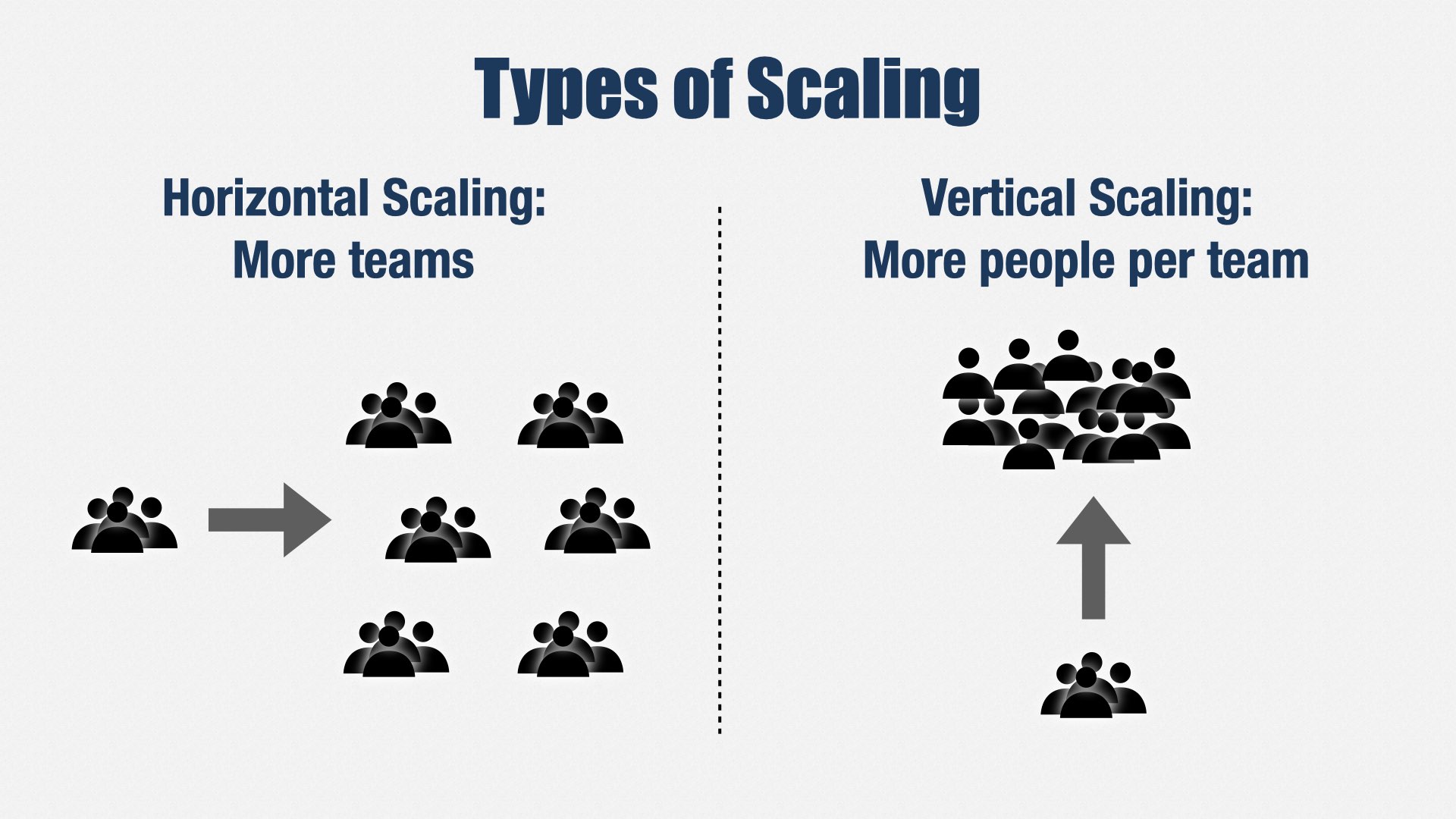
When people thinking about adding a lot of people to Engineering, they usually think about adding more teams, but that’s just one way to scale: horizontal scaling. You can also make teams bigger. That’s vertical scaling.
Vertical scaling allows you to remove the complexities of Team Topologies and...
...return to one value stream per product.
My favorite way to do this is an approach called FaST.
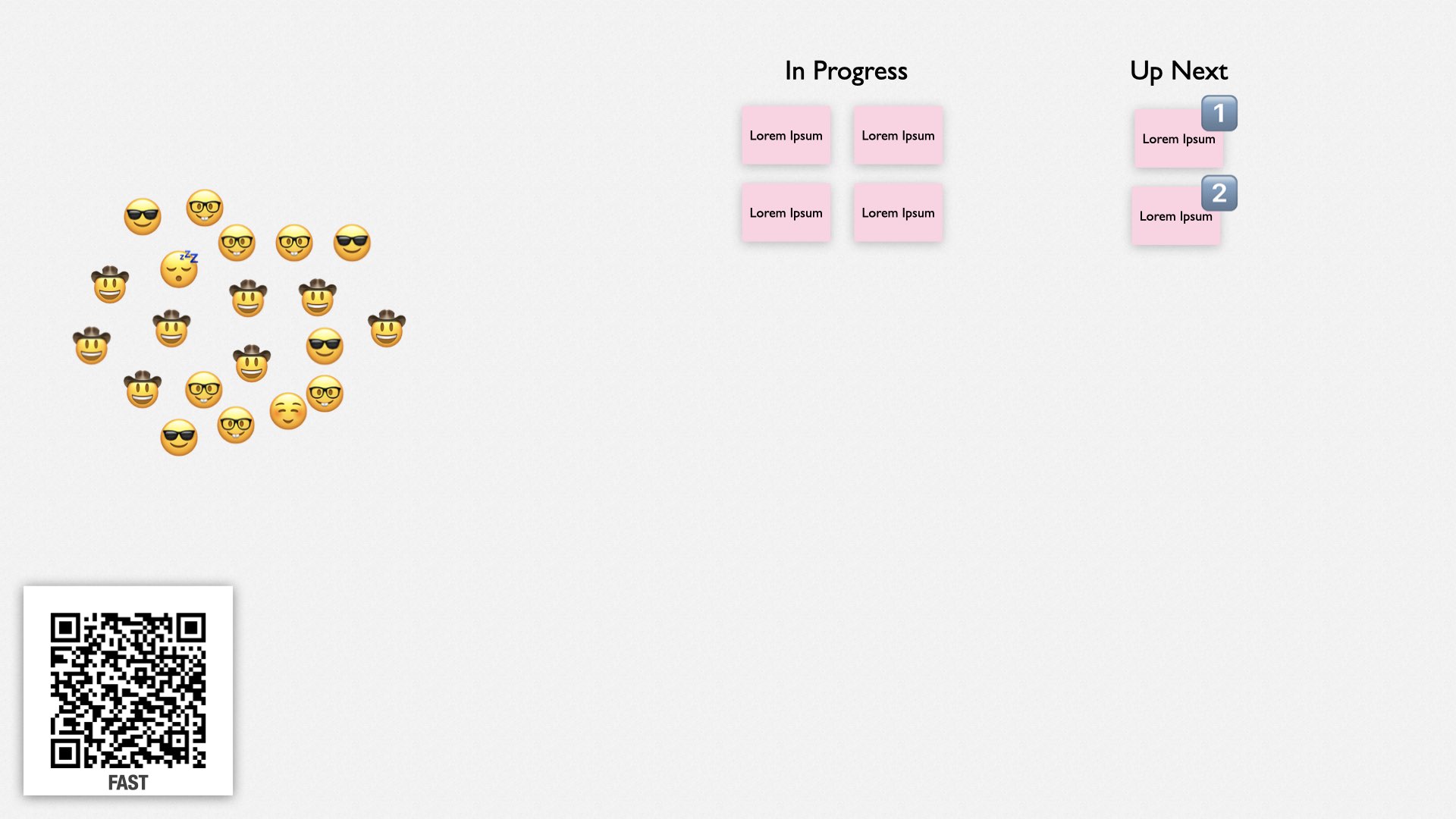
FaST was invented by Quinton Quartel. It stands for “Fluid Scaling Technology.” You can learn more at fastagile.io, and I have several in-depth presentations on my website, which you can find by following this QR code. There’s also a session on FaST at this conference later today! Yoshiki Iida and Takeo Imai will be speaking in room C at 3:15.
Here’s how FaST works.
First, everybody gathers together in a big room. All the teams I’ve used FaST with have been remote, so we use a videoconference and Miro, a collaborative whiteboarding tool.
The meeting starts with announcements, then team leaders from the previous cycle, called stewards, describe what their teams have worked on since the last FaST meeting, two or three days ago.
Next, product leaders describe their business priorities.
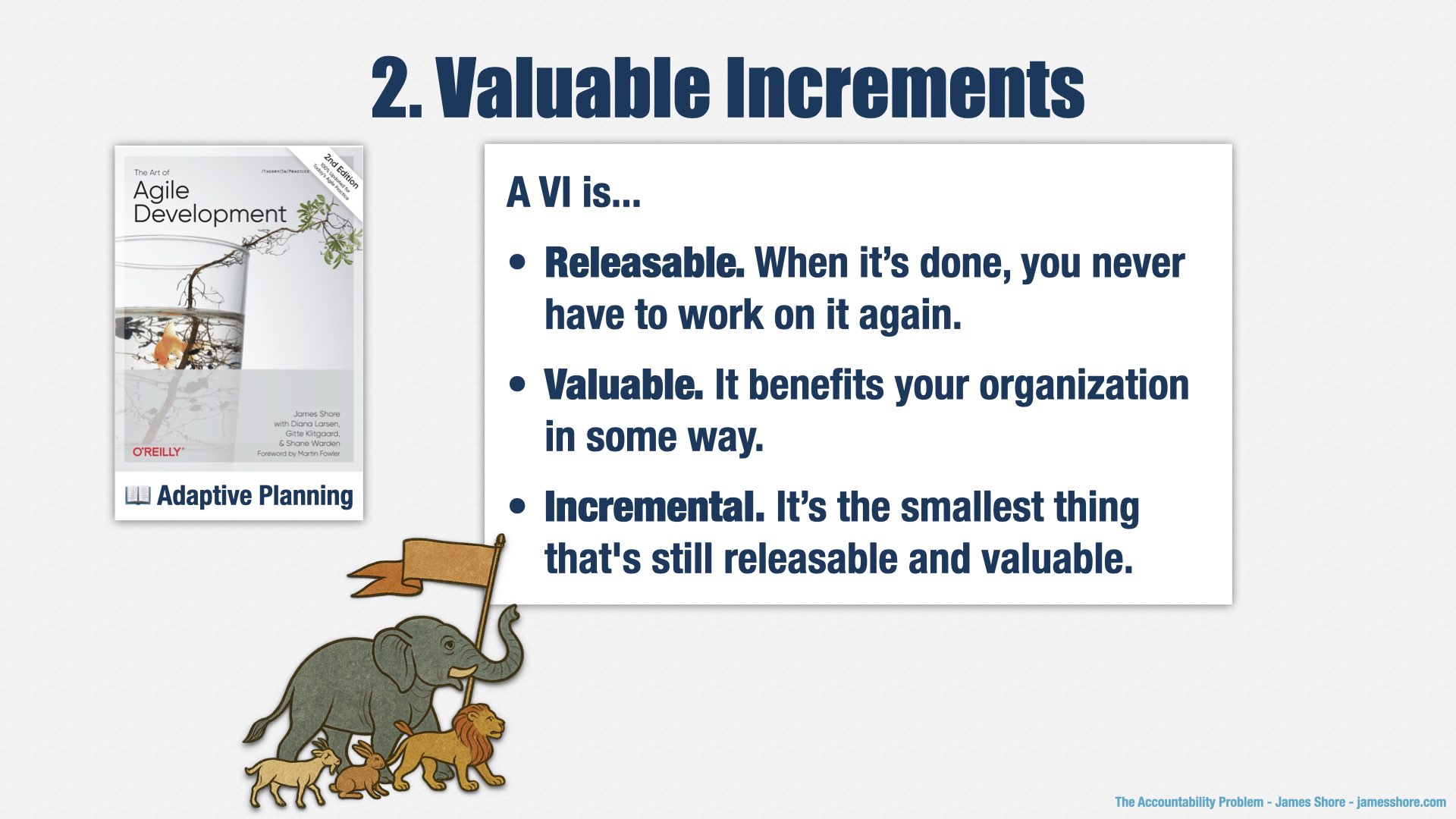
On your whiteboard, you’ll have a set of high-level priorities. My teams work in terms of valuable increments, which are things we can release that bring value to our organization. You can see that some increments are in progress, and some are waiting to be started.
When product leads describe their business priorities, they’re describing how these have changed. Usually it’s just a quick, "no changes." But if something has changed, a product lead will explain what has changed and why.
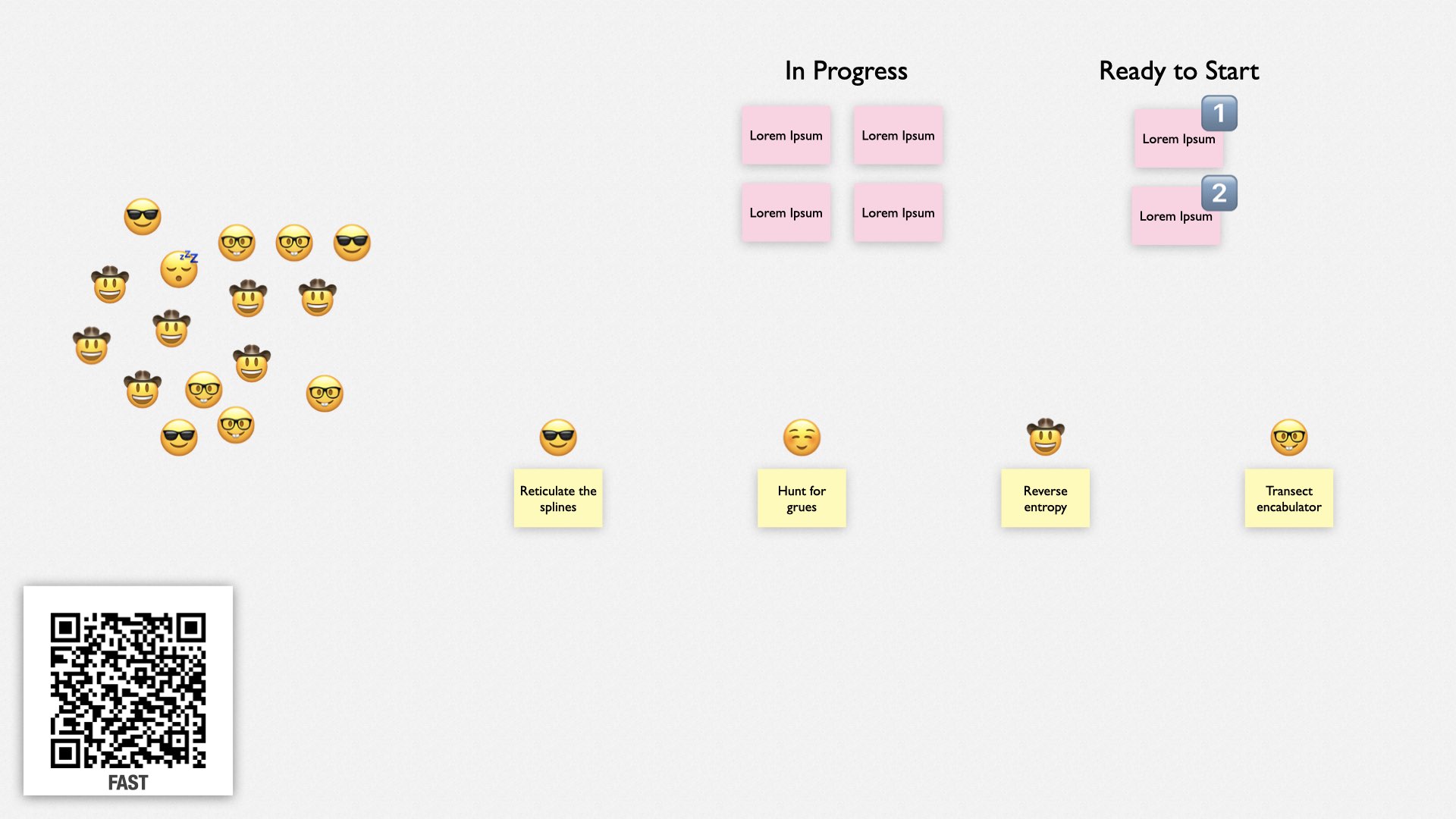
Next, team members volunteer to steward a team. Anybody can steward a team, but most teams are stewarded by engineers. The maximum number of stewards is limited to ensure each team has about 3-5 people on it.
Each steward describes what their team is going to work on. The stewards are expected to work on something that advances the collective’s business priorities, but they use their own judgment on what that is. Most of the time, it will be feature work, but it can also be things like improving the build or cleaning up noisy logs. Usually, they’re a continuation from the previous cycle.
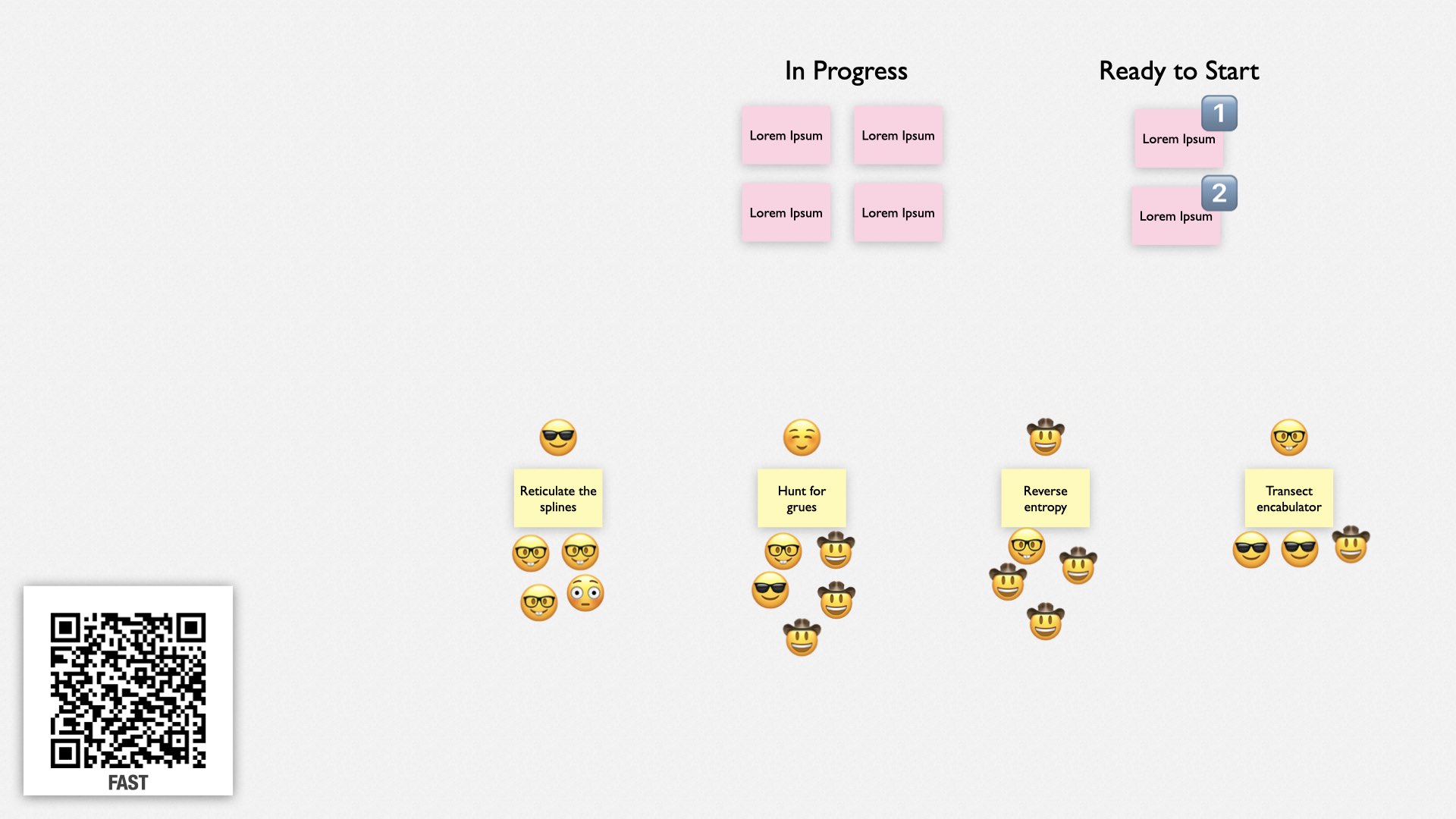
Finally, people self-select onto the teams, based on what they want to work on, what they want to learn, and who they want to work with. Ultimately, they’re expected to do what’s best for the organization. Most of the time, they’ll continue with the same team as the previous cycle.
And that’s the FaST meeting. It takes 10-20 minutes, and it’s really all there is to FaST. It’s a way of having a single large group of people work together collectively by dynamically breaking into teams every few days. It’s simple, it’s fast, and it’s effective.
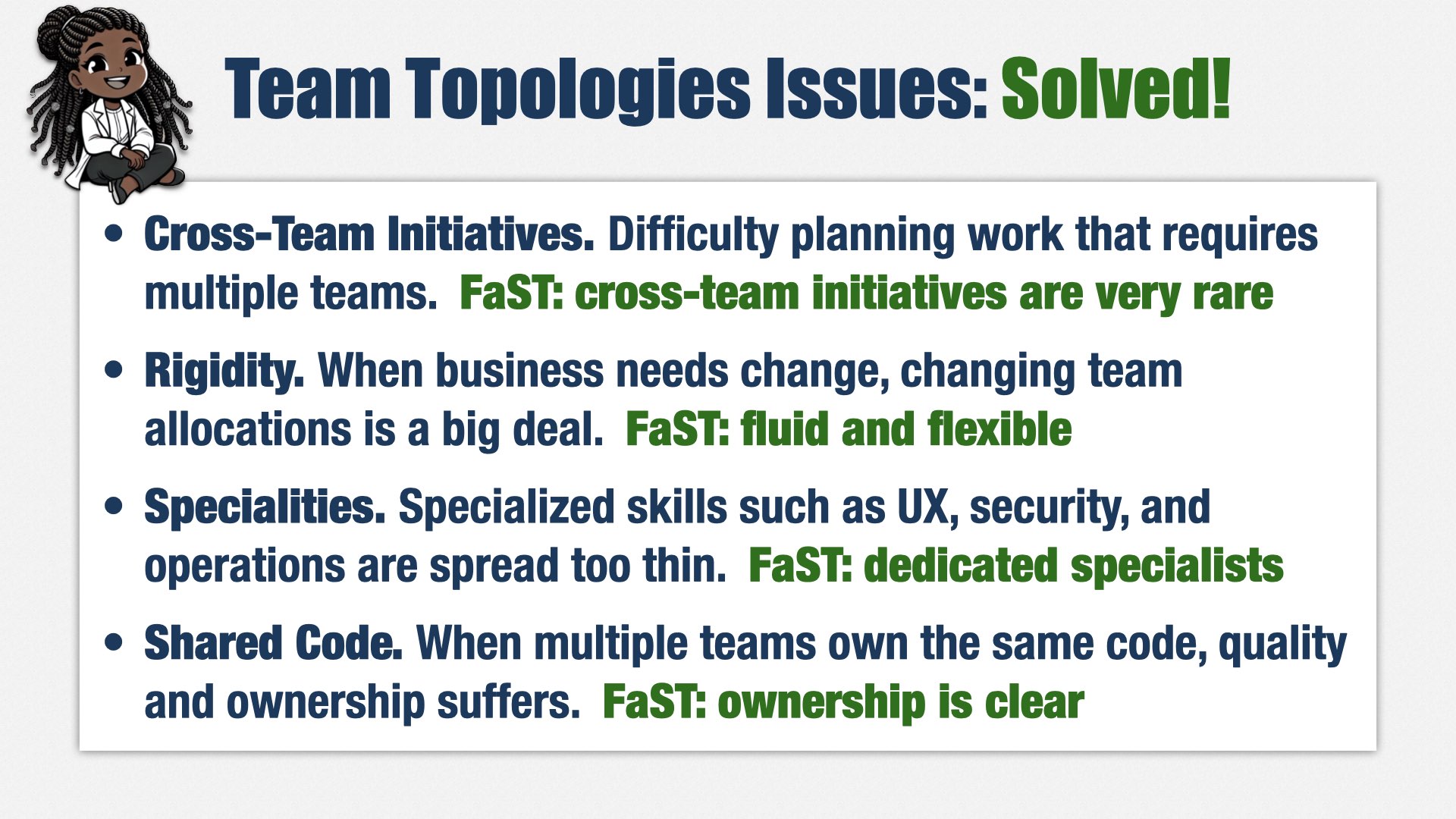
FaST completely solves the issues I’ve seen with Team Topologies. I’ve stopped using Team Topologies in favor of just having large product teams.
First, when you have lots of small teams, it’s hard to plan work that involves multiple teams. With FaST, you have larger teams, so cross-team initiatives are much less likely. We haven’t had any at my company since we started using FaST over a year ago.
Second, Team Topologies has trouble with big business priority changes. That’s not a problem with FaST—the "F" stands for "Fluid," and it’s really true. People dynamically adjust to whatever we need. It’s incredibly responsive, too—if there’s an urgent need, we bring it to the next FaST meeting, which happens twice a week. People form a team around it and go! We just have to be careful to manage priorities and minimize work in progress. I’m constantly reminding the product managers that it’s better to finish work than to start it.
Third, when you have small teams, specialists tend to get spread across multiple teams, leading to a lot of frustration and task switching. That isn’t an issue with FaST because the collectives are large enough that each one can have a dedicated specialist. They self-select into whatever work needs to be done.
And finally, shared code is no longer an issue because because you can combine the teams that share code into a single collective.
FaST isn’t perfect, and there are some real challenges with moving to FaST. If you’re interested in trying it, come talk to me about those challenges, or watch my presentations about it. But I haven’t seen anything better for solving the team organization problems that occur at scale in engineering organizations.
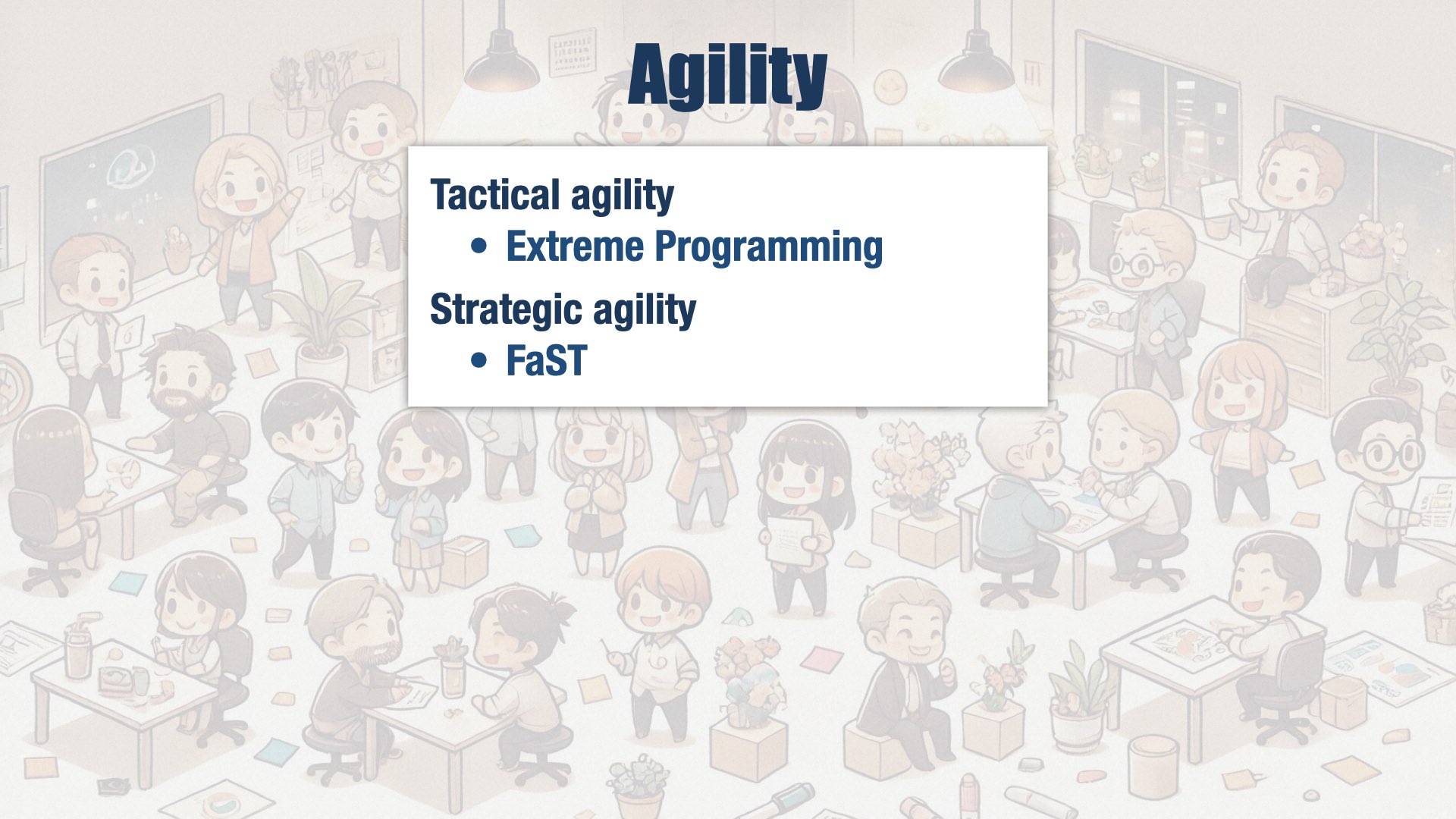
If we were the best product engineering organization in the world, we would seek out opportunities to change our plans. We would work in small pieces and adjust our strategy based on what we learned. To do that, we not only need the business agility we’ve already discussed, we need technical agility. Specifically:
Extreme Programming practices, which allow us to change direction without creating a technical mess.
FaST, which allows teams to shift fluidly in response to changing business needs.
Profitability

Profitability is last on the list for reason. If we take care of our people, if we take care of our internal quality, if we take care of our customers and users, if we take care of our internal stakeholders, and if we are responsive to changes in the market... we will be profitable.
Almost.
We have to remember that the only way we can take care of our people, our customers, our users, and everyone else... is if we stay in business. It’s not enough to build great software. We also have to build it to be sold, to be cost effective, and to be put into production.
There’s a funny paradox about engineering. Great engineering doesn’t seem to be heavily correlated with success. In my career as a consultant, I met a lot of companies that were really struggling from an engineering perspective, but were still very successful from a business perspective. That’s because, no matter how much of a mess they were under the covers, they served the needs of the business.
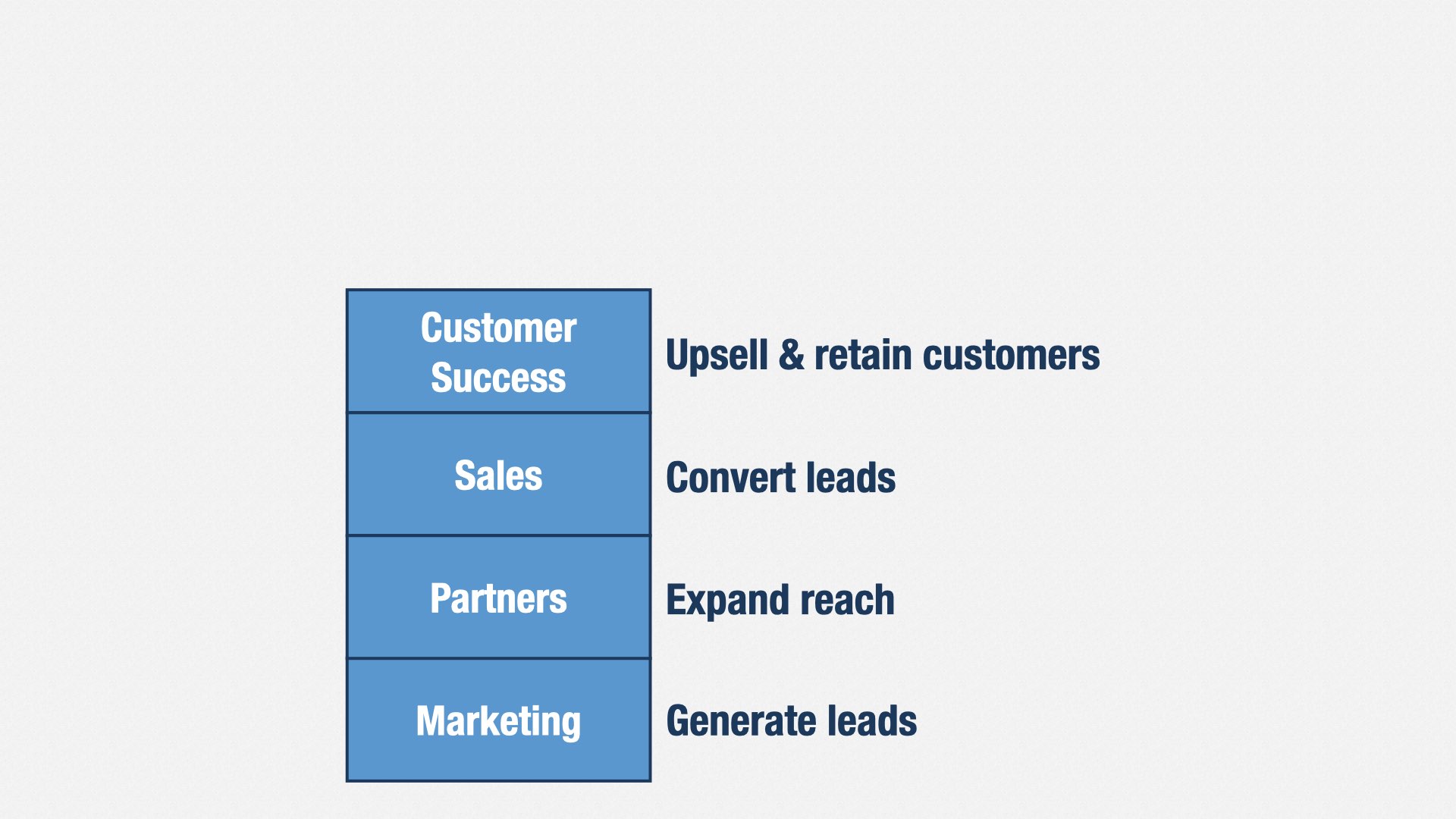
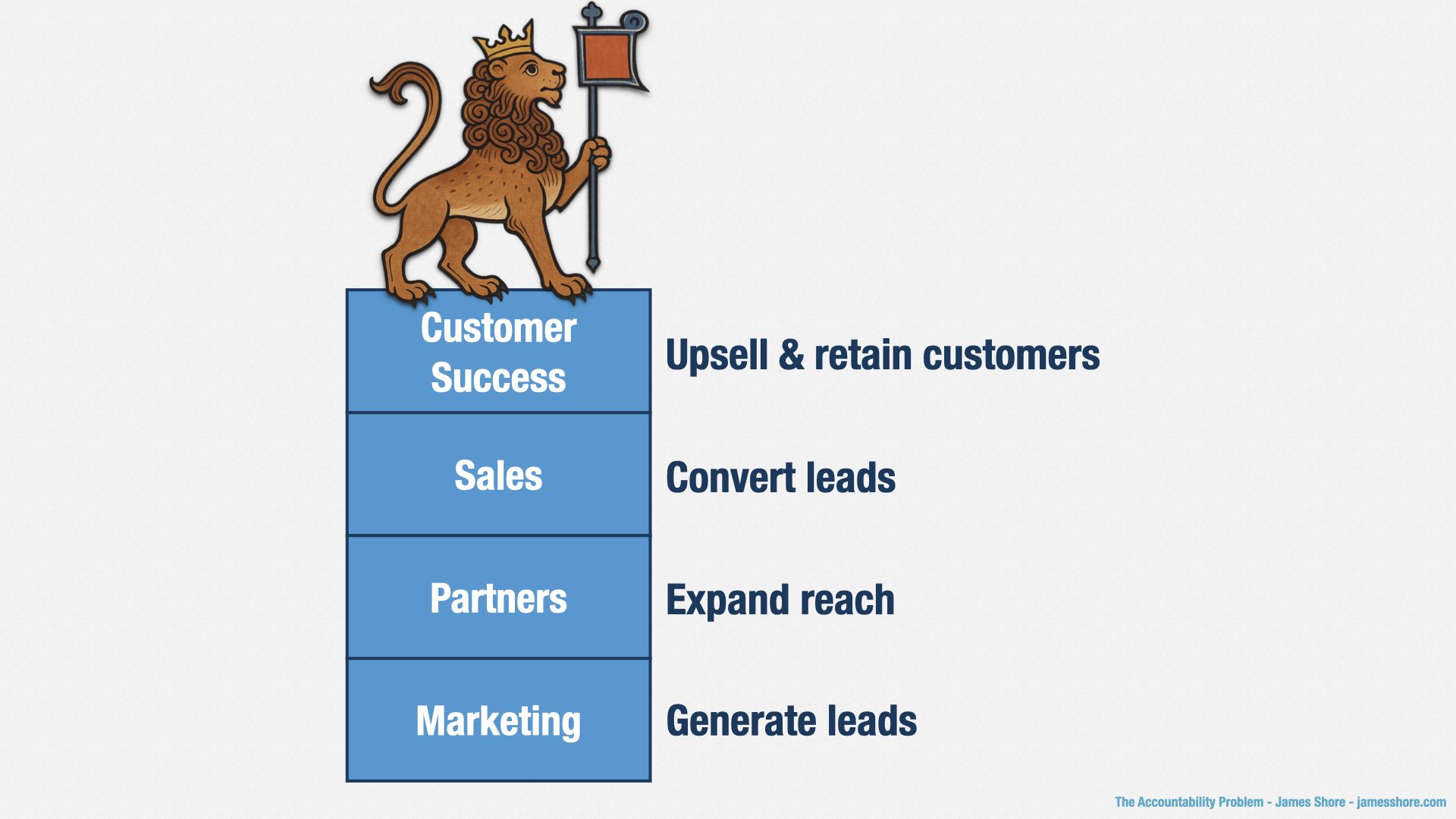
Here are a bunch of departments you might see in a business-to-business product company. Each of them directly contribute to the company’s yearly revenue.
Marketing generates leads—people who might want to buy your software—for your Sales department. They’re judged on the number of qualifying leads they create.
Partners also generates leads, or even sales, from people who are using complementary software. They’re judged on the revenue partners generate.
Sales converts leads into paying customers. They’re judged on the new revenue they generate.
Customer Success takes care of your customers. They’re judged on customer retention and upsell rates.
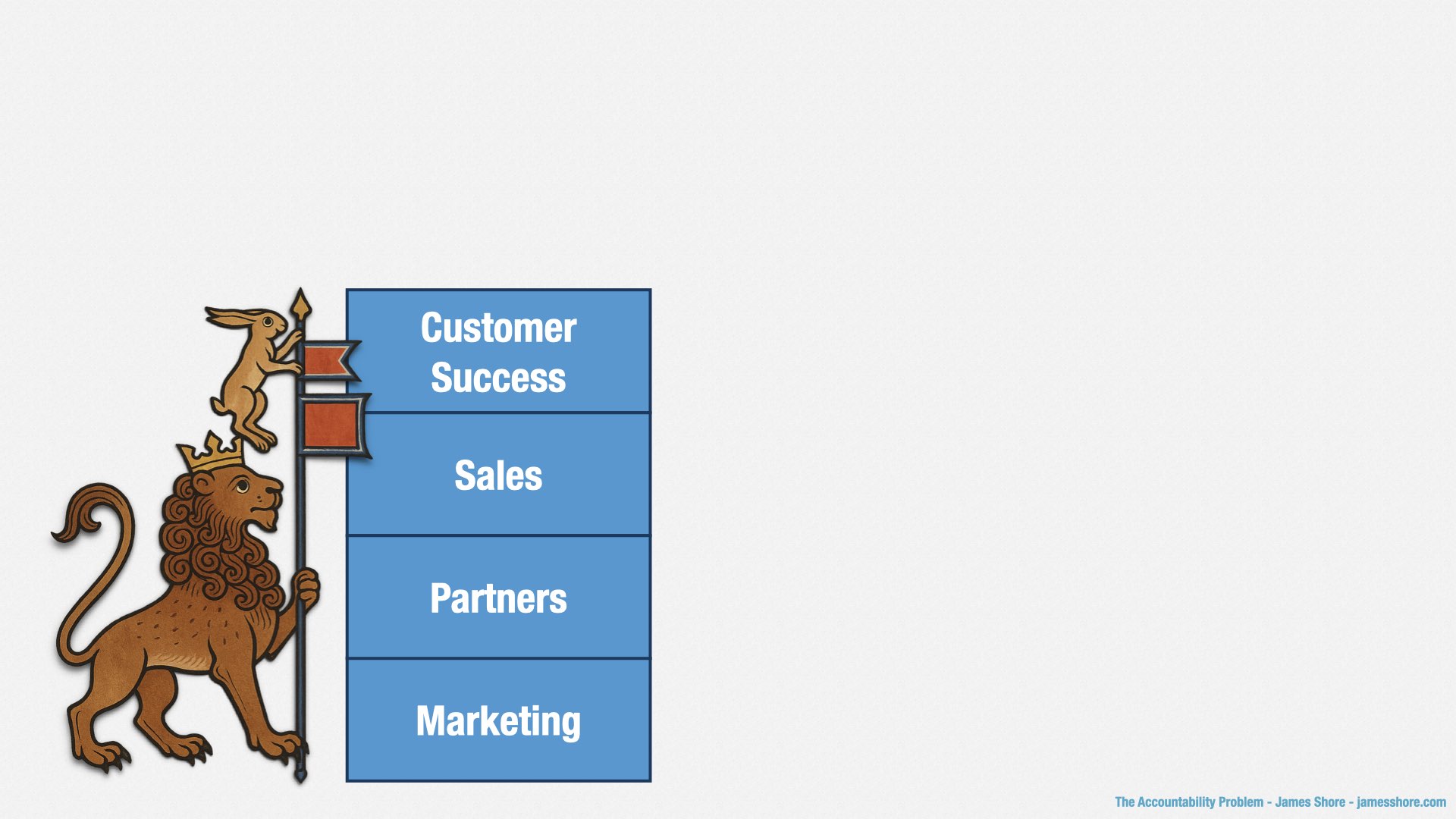
So what does product engineering do?
[beat]
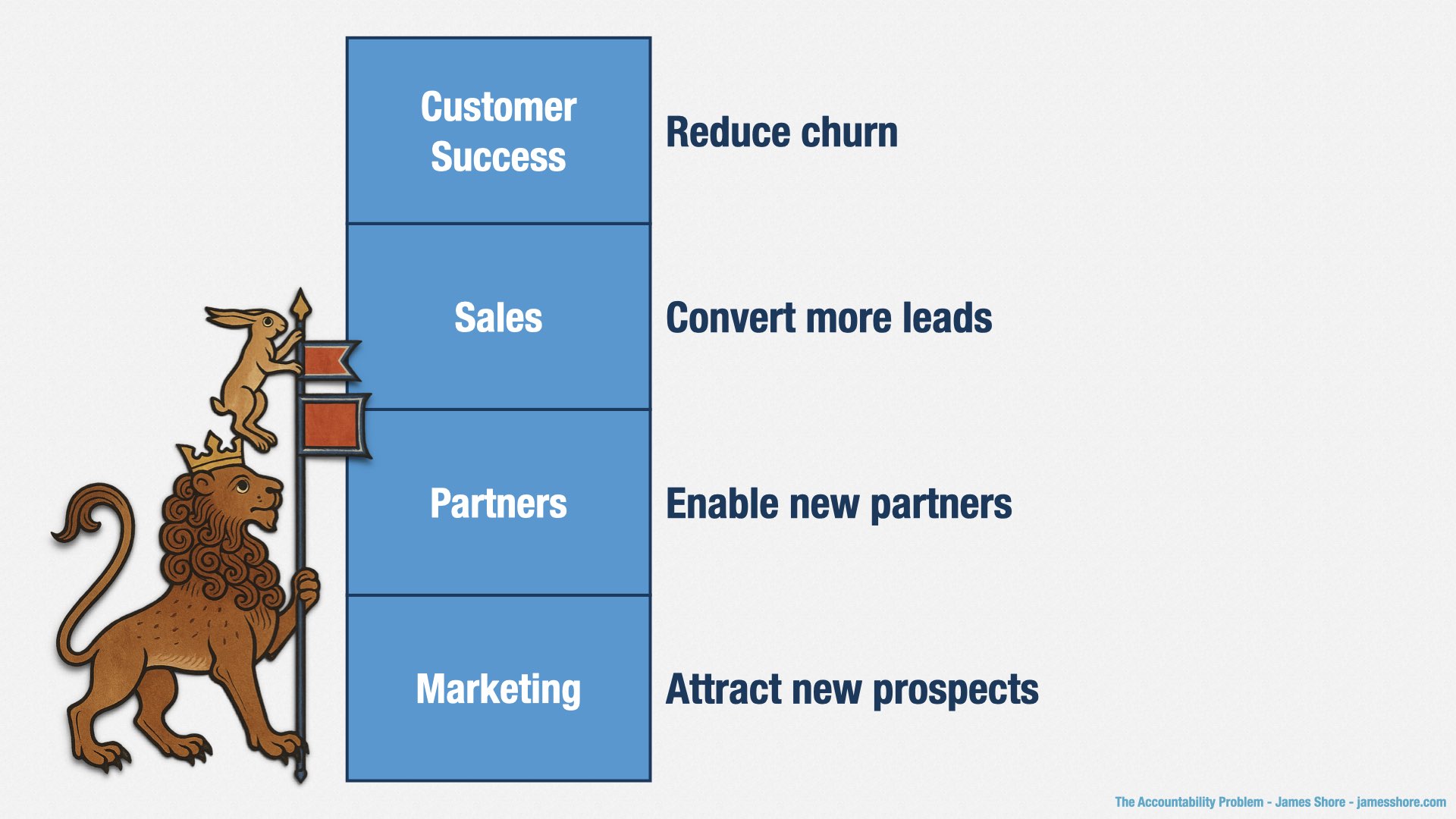
We create new opportunities. Let’s say that the trajectory of your company is to grow its annual revenue by $10mm per year. Our job is to increase that rate of growth, to $12, $15, $20mm per year. Every time we ship a new feature, we should be increasing that rate of growth.
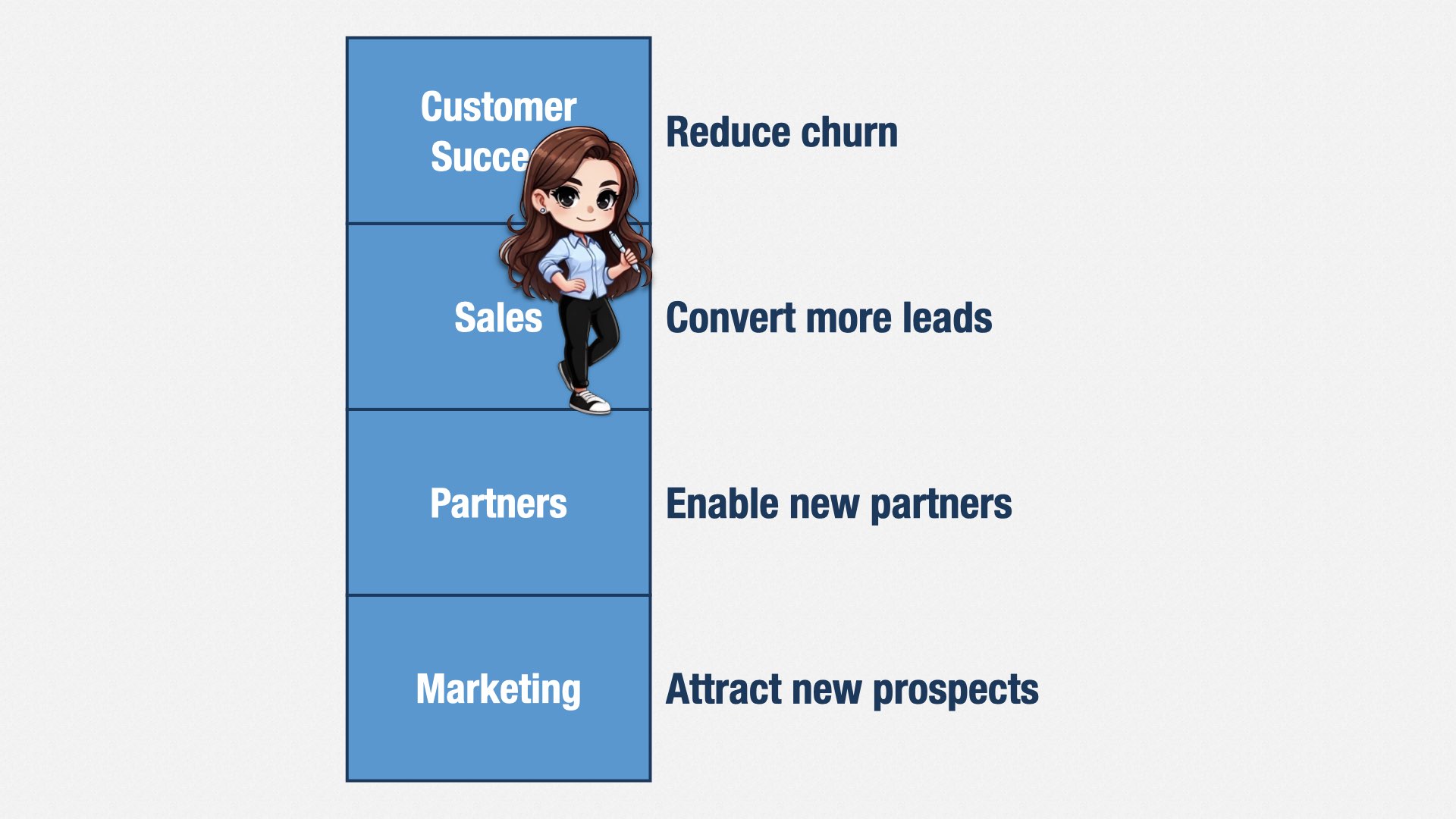
Our features should open up new markets, allowing Marketing to generate more leads.
We should provide useful APIs, allowing Partners to build new relationships.
We should respond to market trends, allowing Sales to convert more leads.
And we should fix the problems that get in customers’ way, reducing churn and increasing upsell.
Every dollar invested into engineering should be reflected in permanent improvements to the value your company creates. It may not be dollars or yen; it may be helping to cure malaria or fighting climate change. But however you define value, the purpose of product engineering is to change that trajectory for the better.
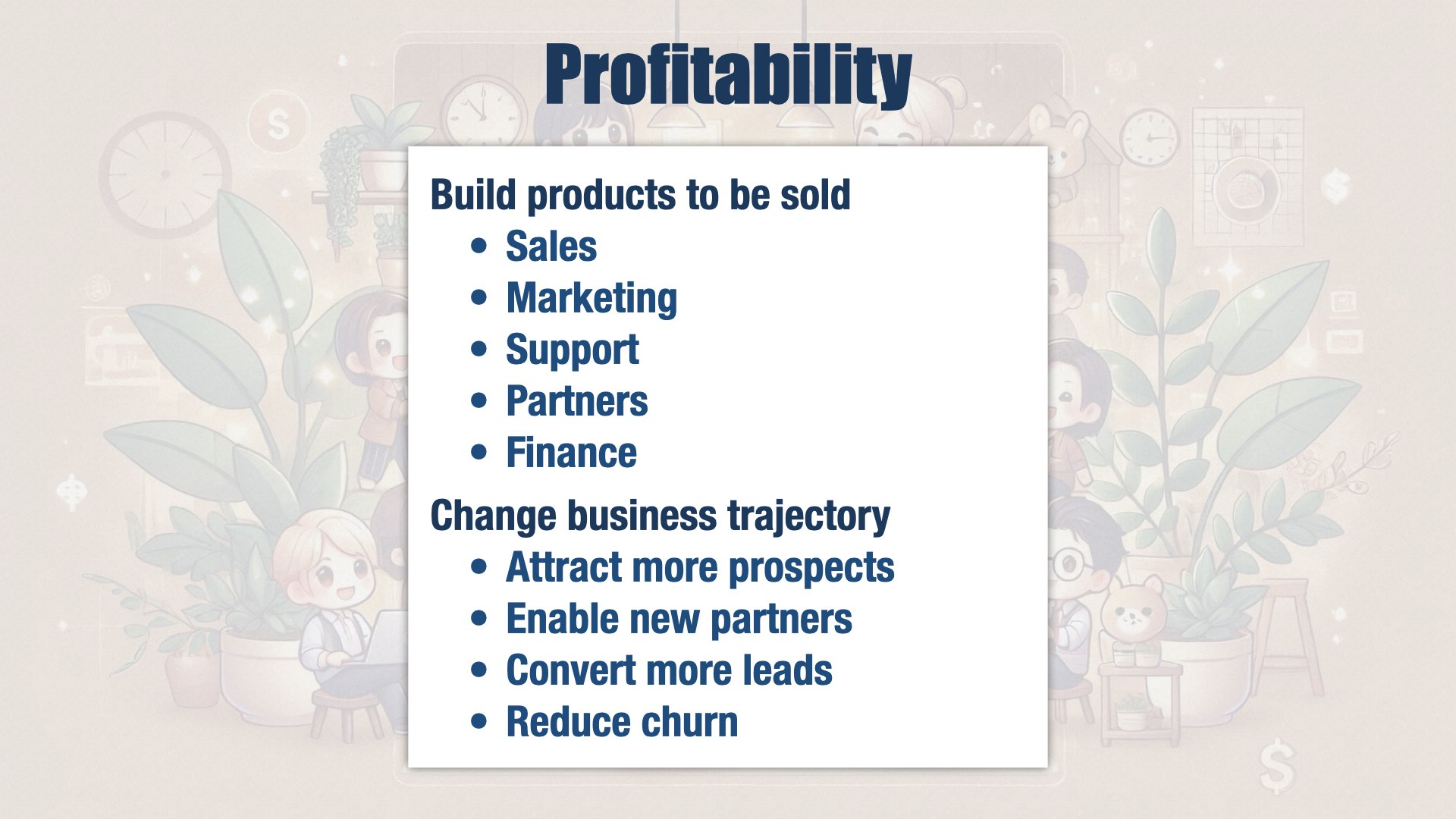
If we were the best product engineering organization in the world, we would build our products to be sold. We would work closely with our internal stakeholders to ensure our products were ready for the real world of sales, marketing, content, support, partners, accounting, and every other aspect of our business. We would plan for observability and operability, for outages and data security. We would build software that changes the trajectory of our business.
And we would do it by having the best people in the business; having such high internal quality that changes were easy and bugs were rare; focusing our efforts on the changes that would make the most difference for our users and customers; having the trust of our internal stakeholders; and seeking out new opportunities and adapting our strategy.
Are we the best product engineering organization in the world? No. We’re not. But we would like to be. And we’re never going to stop improving.
I hope these ideas will help your companies continue to improve as well. Thank you for listening.